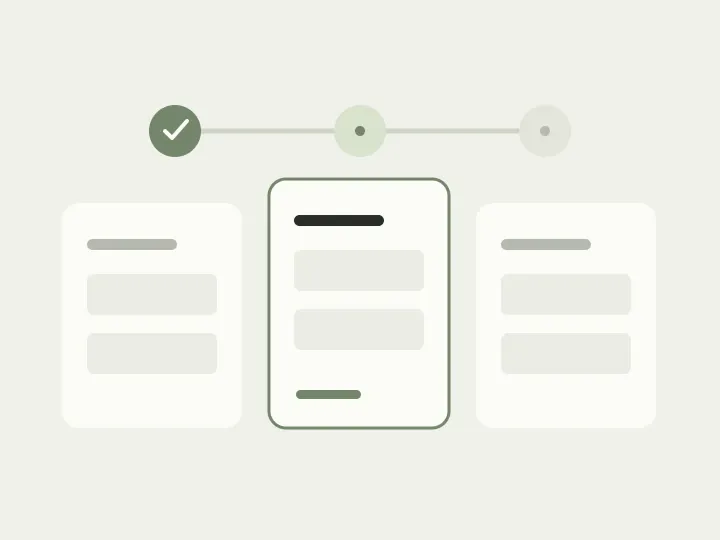
The first screen of a large application goes well. The company name is known, the email is handy and several fields are already complete. Then the form asks for a contract number held by a colleague, followed by details of a branch that has not opened yet. You could work on the other questions for now, but “Next” will not let you through.
Splitting the form into steps made the screen shorter, not the work easier. The person still needs to obtain the answers, only now the app insists on its own order. Let’s take a sample organisation onboarding request and arrange it so that one missing document does not undermine the work already done.
Where will each answer come from?
Before drawing steps, examine the questions themselves. An employee may know the company name but have no access to the contract. They can enter a contact email immediately, while a supporting file must come from another department. Although these details belong to one application in the database, they will arrive at different times and from different people.
This also helps expose unnecessary work. Perhaps the organisation’s details are already in its profile and only need checking. Perhaps some questions apply only to companies with branches and can be omitted for everyone else. Removing fields needs agreement from those responsible for the process, but there is now a concrete reason to talk: why make someone find information again when the service already knows it, or when it does not apply to them?
Give each part of the work a meaningful name
Now divide the application into “Organisation”, “Contacts”, “Documents” and “Review”. These names explain what needs doing and where to return. A generic “Part 3” would force people to remember its contents by number, especially after a break.
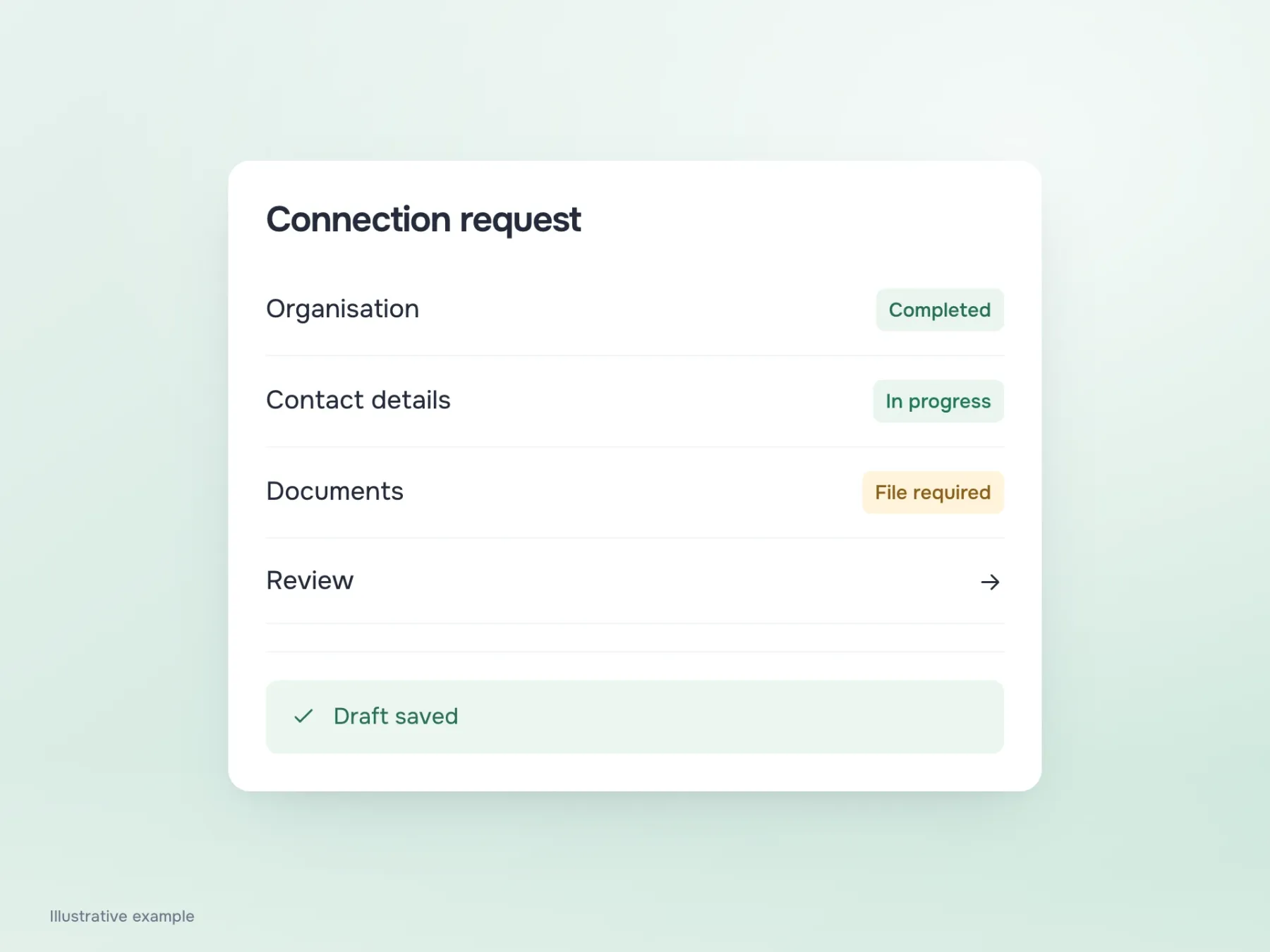
If sections do not depend on each other, let the person move between them. While a colleague finds the contract, the employee can fill in contacts. Honest section states help: organisation complete, contacts in progress, documents need a file. They say more about the application than an attractive “70% complete”. A percentage based on field count does not show how much effort remains: obtaining one document can take longer than answering ten short questions.
Is it safe to close the tab?
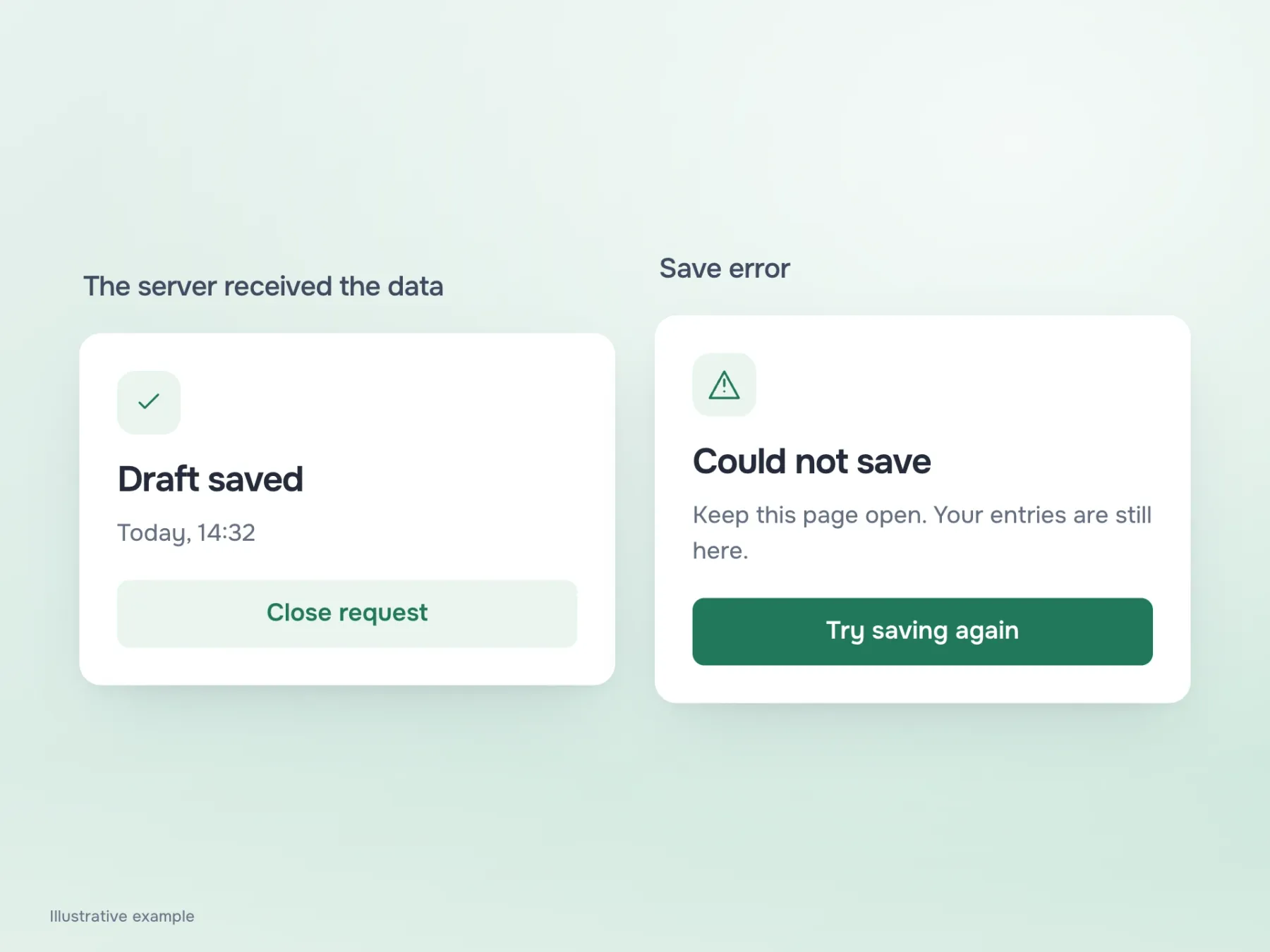
At some point, the person will need to step away. Having spent time on the application, they want to know whether their work is saved. “Draft saved” only removes that worry if the server has actually accepted the data. Showing it immediately after typing is risky: the network may be down, and the employee could close the tab believing everything is fine.
If saving fails, say so directly and offer a retry. The entered details may still be on screen, but that is not the same as a saved draft. After a successful save, show the time and provide a clear route back to the application. The next day, the person should find it among their requests and continue, rather than remember which link brought them to the form yesterday.
Review without filling it all in again
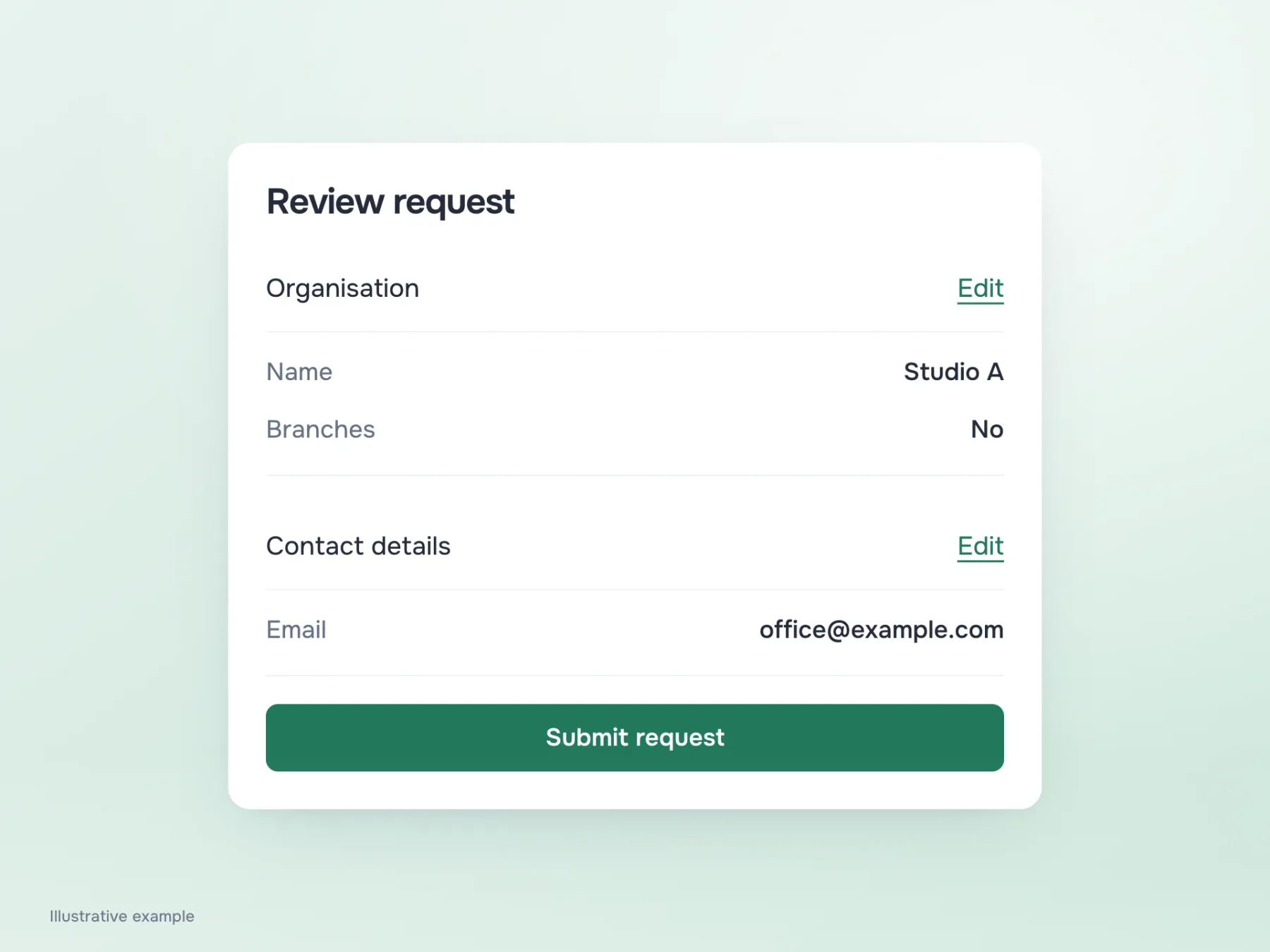
Suppose the contract has finally arrived and every section is complete. On the review screen, gather the answers into the same groups the person has already seen. They will recognise the structure and can check the details calmly. Each group needs a route back to editing that does not force them through the entire journey afterwards.
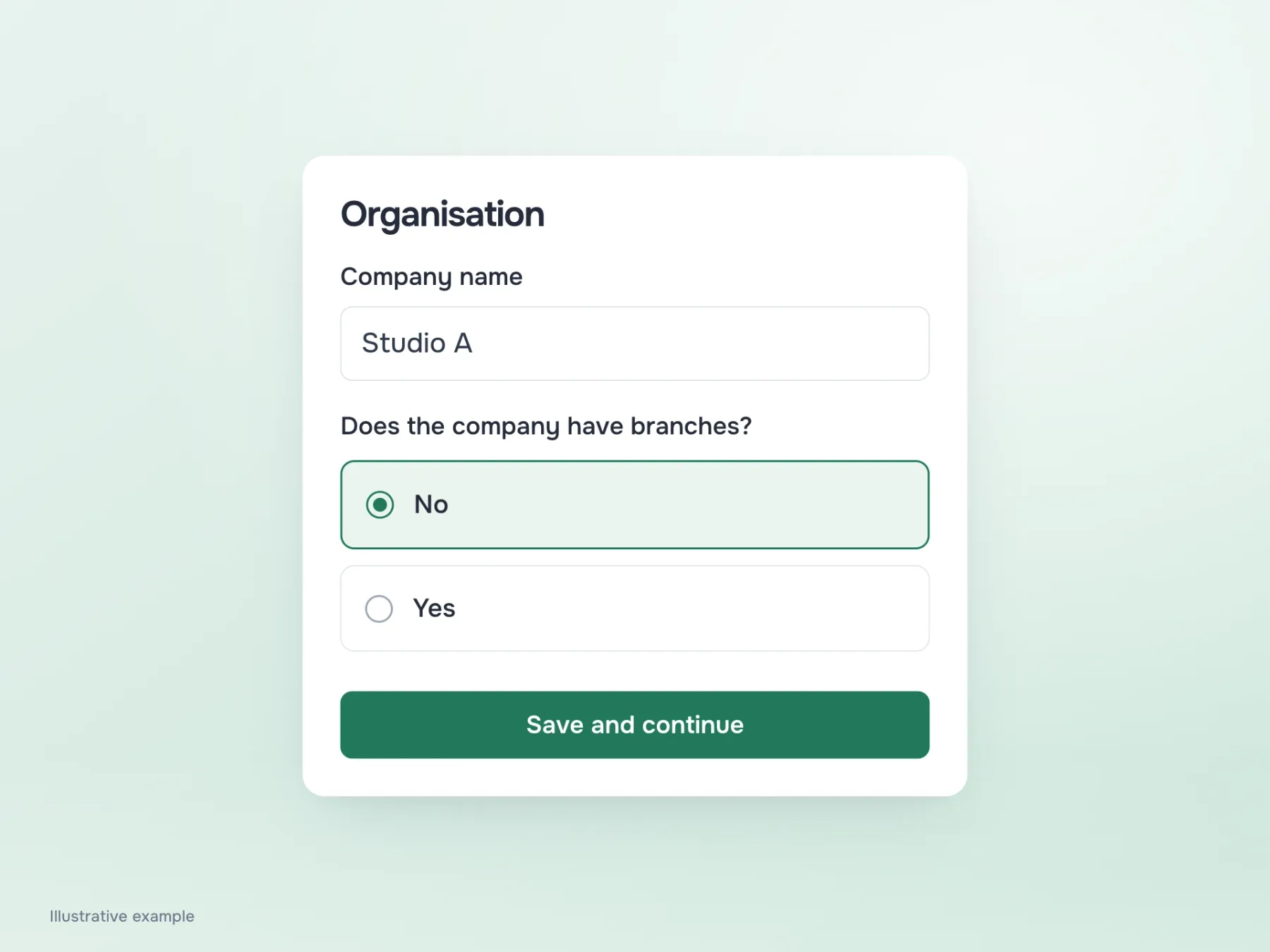
Test a form like this with a break halfway through. Answer some questions, save, return, change an early answer and see what happens to dependent fields. For example, changing the answer about branches should not make already entered details disappear without a trace. These turns reveal whether the form can be trusted with a long task. When people know what is saved and where to continue, even a large application no longer demands a whole free evening without interruptions.