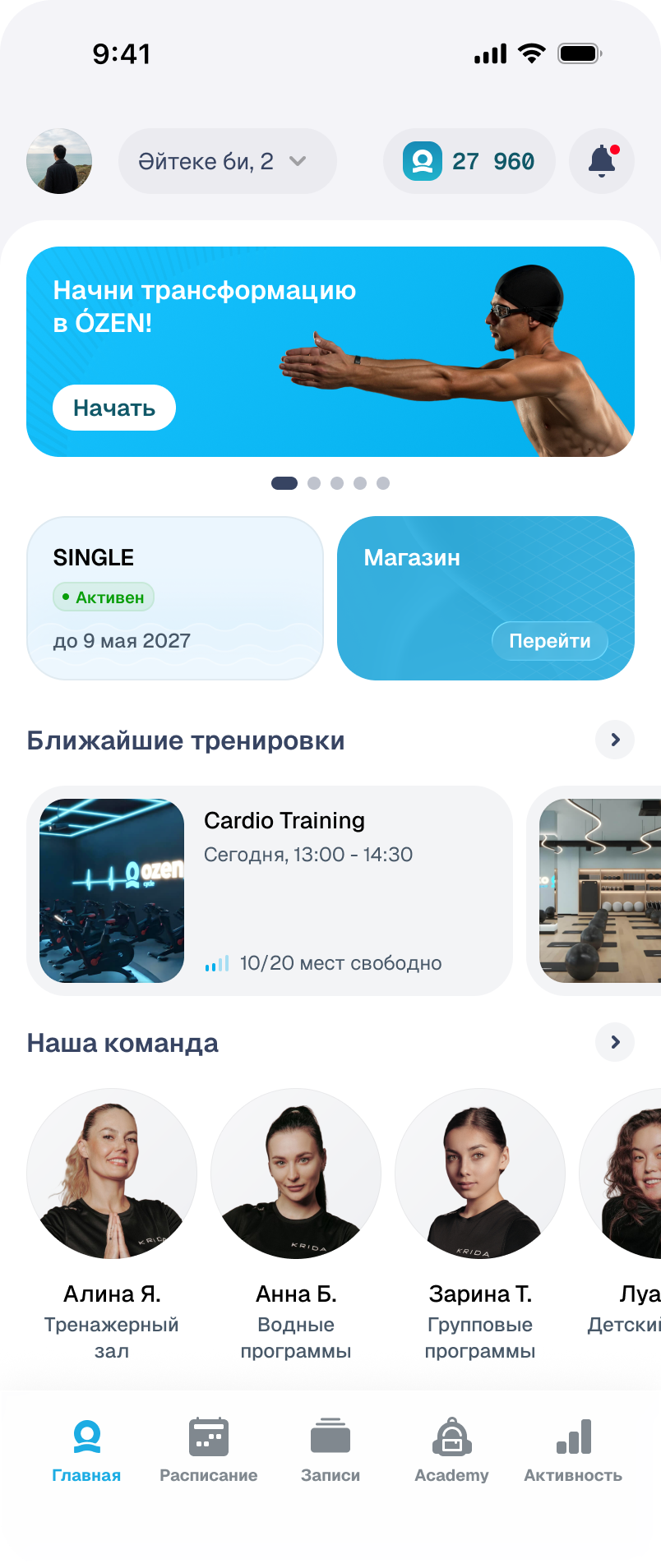
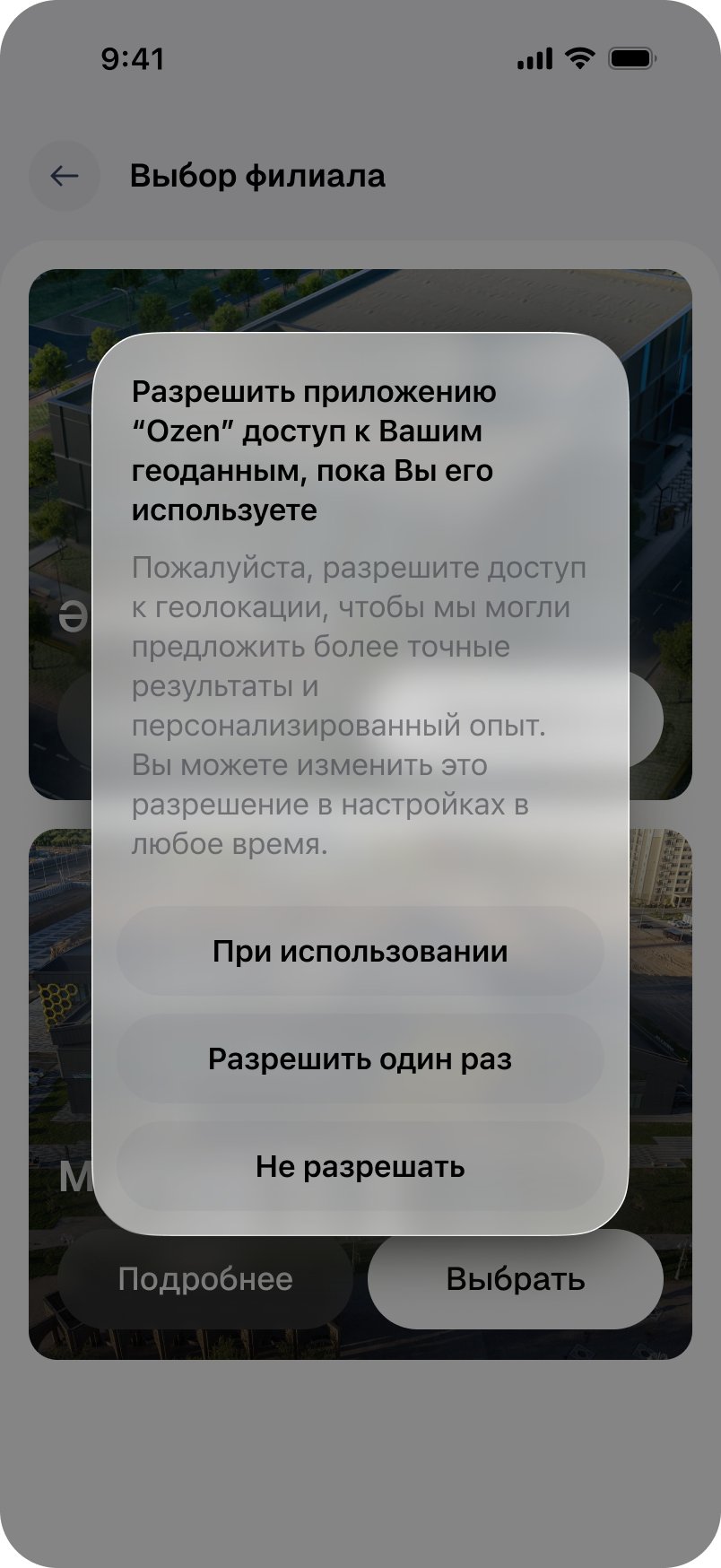
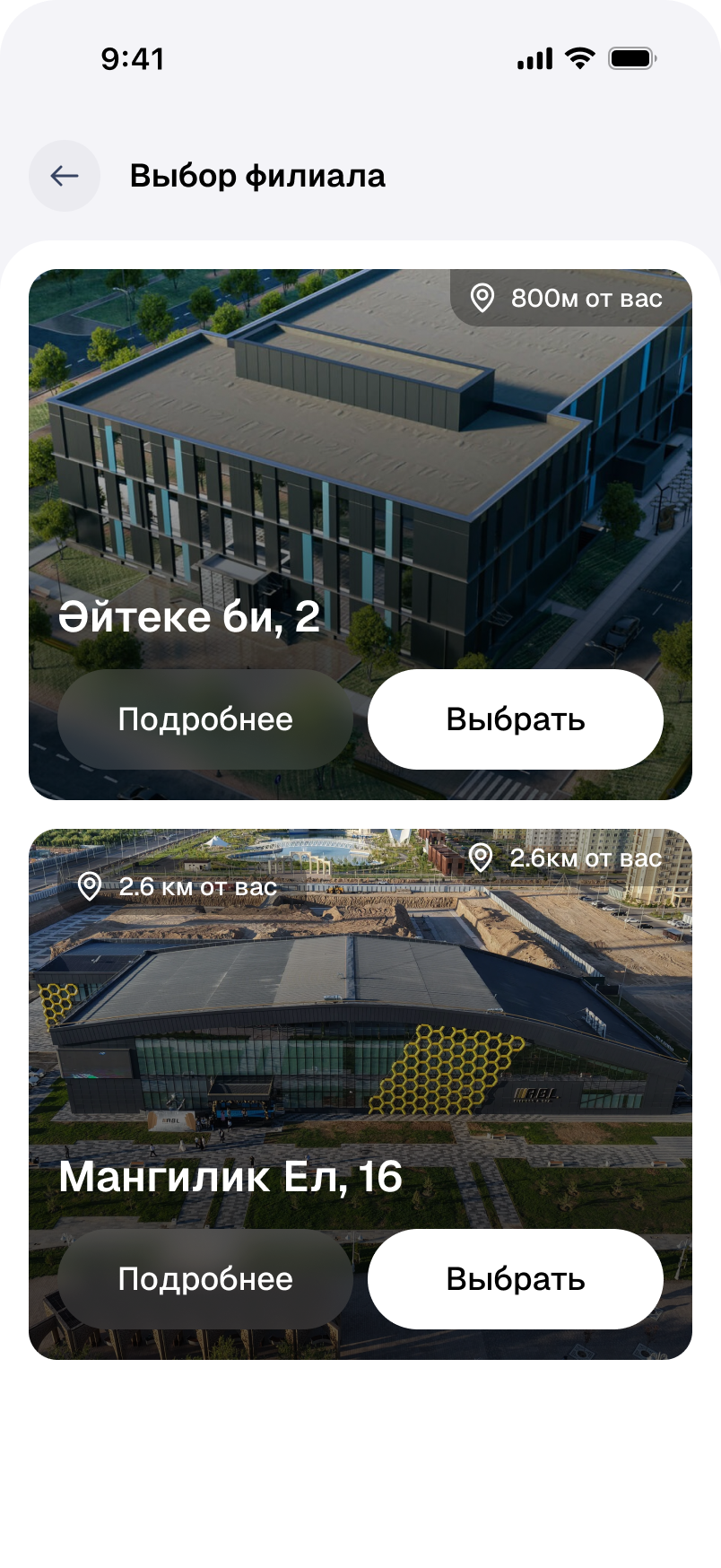
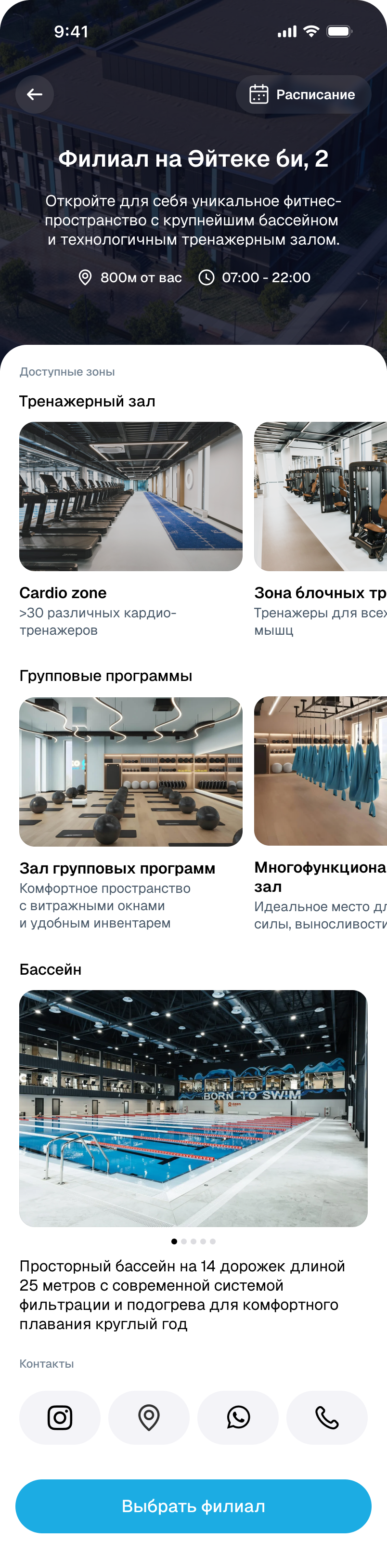
First, find your club.
Distance helps compare branches, while the details show training areas, the pool and opening hours. The location permission request also offers a way to decline.
Find the time. Understand the intensity.
A free hour does not guarantee a suitable workout. The schedule offers a choice of day and training area, while class details explain the intensity. Details open over the list, keeping the options close to the decision.
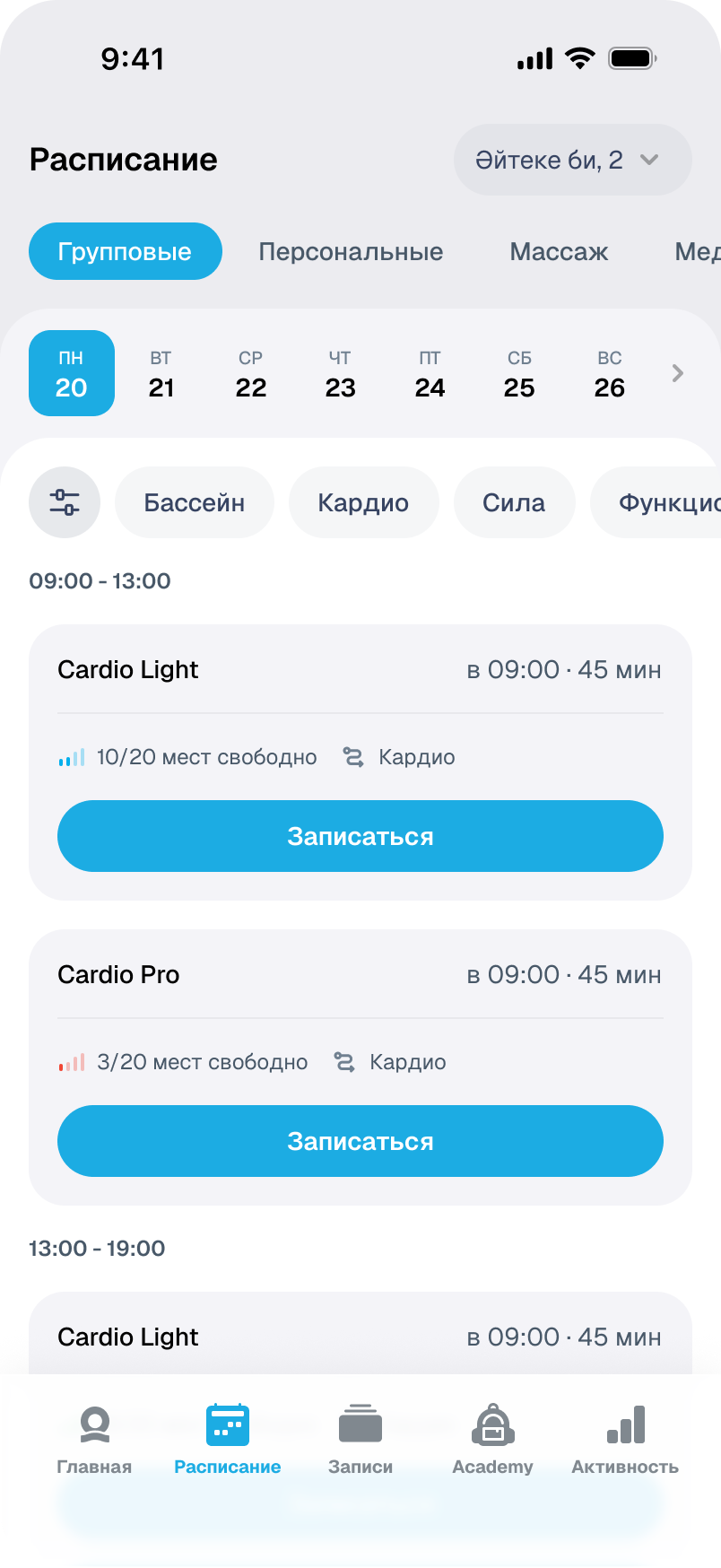
Duration and available places are visible in the list, so some unsuitable options can be ruled out before opening a card.
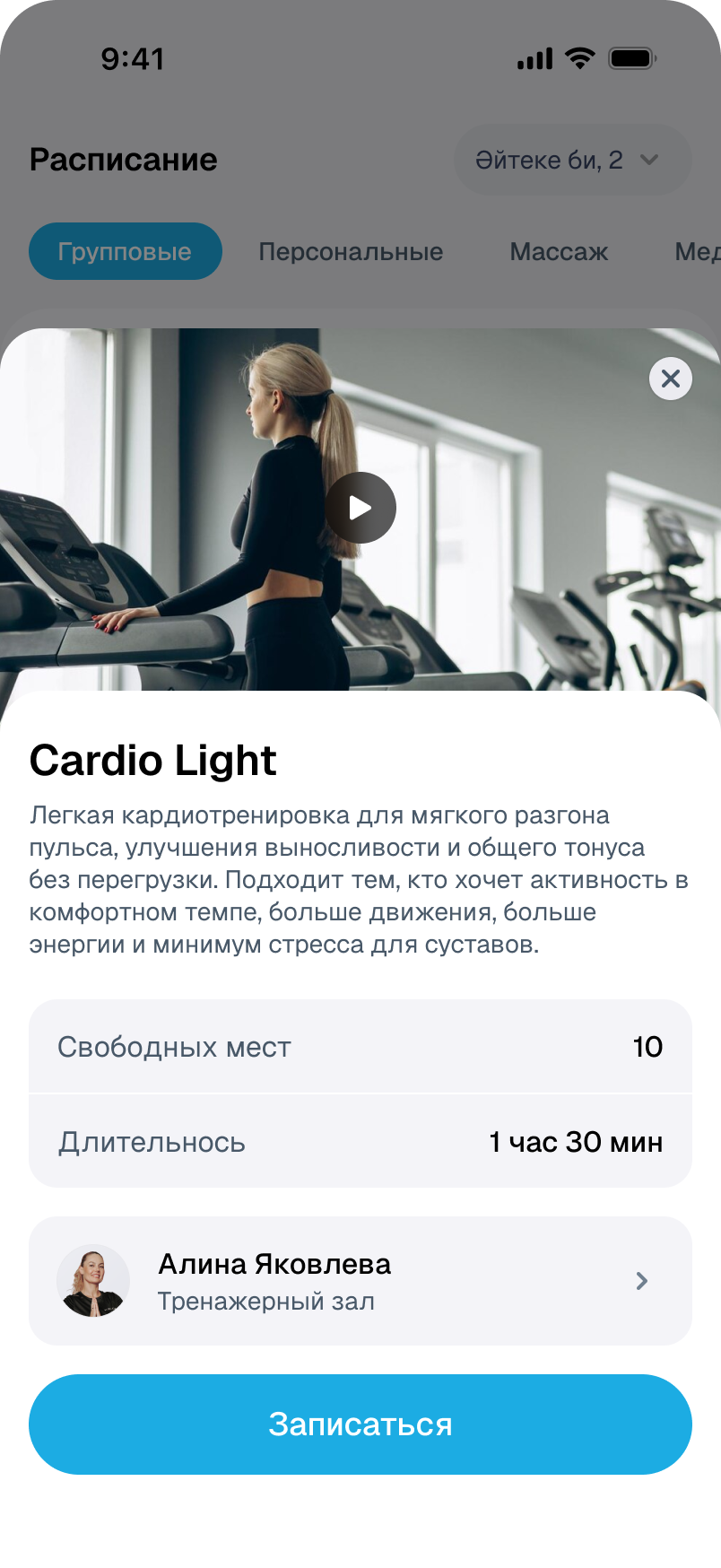
A class needs more than a time and a name: its intensity, trainer and booking availability matter too.
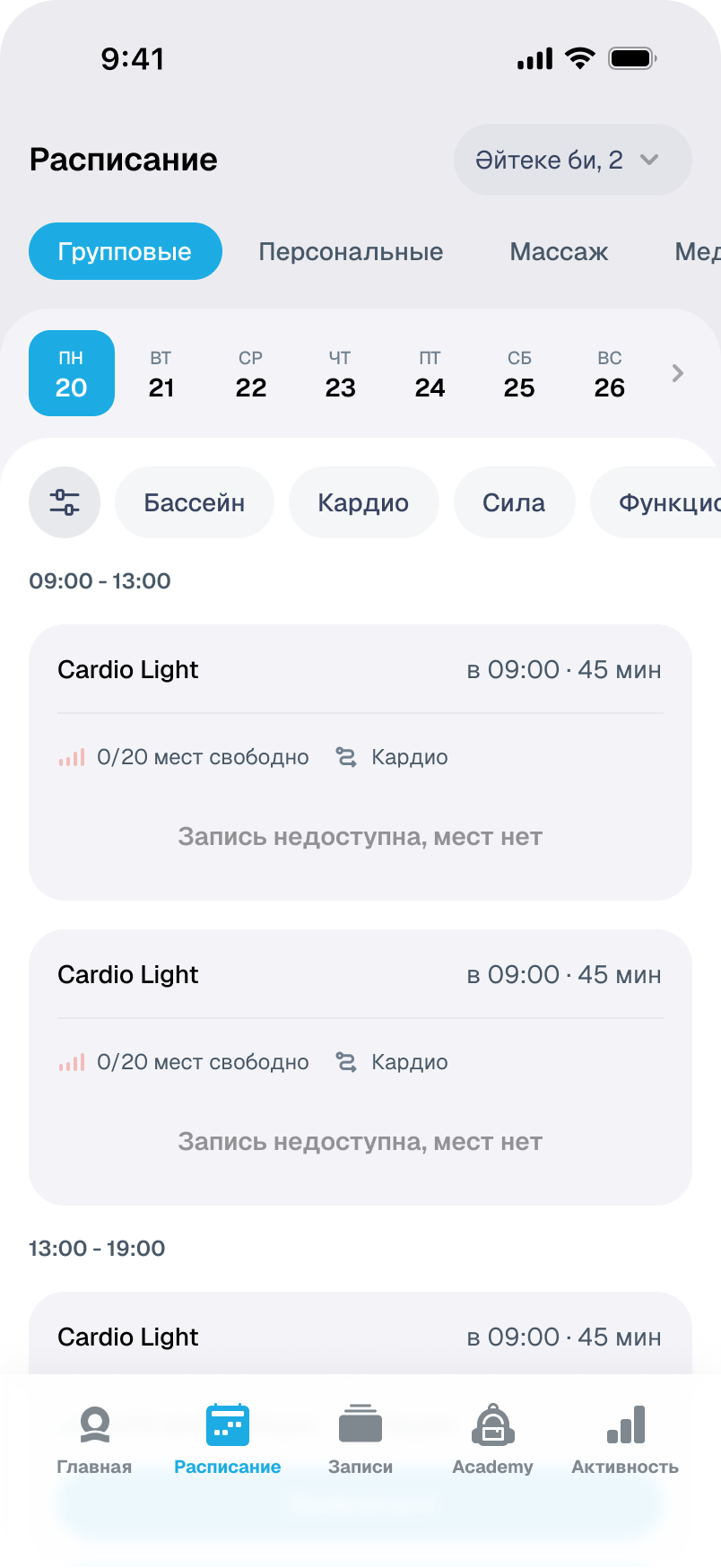
No places left: the reason stays in the class card, where the booking action would be.
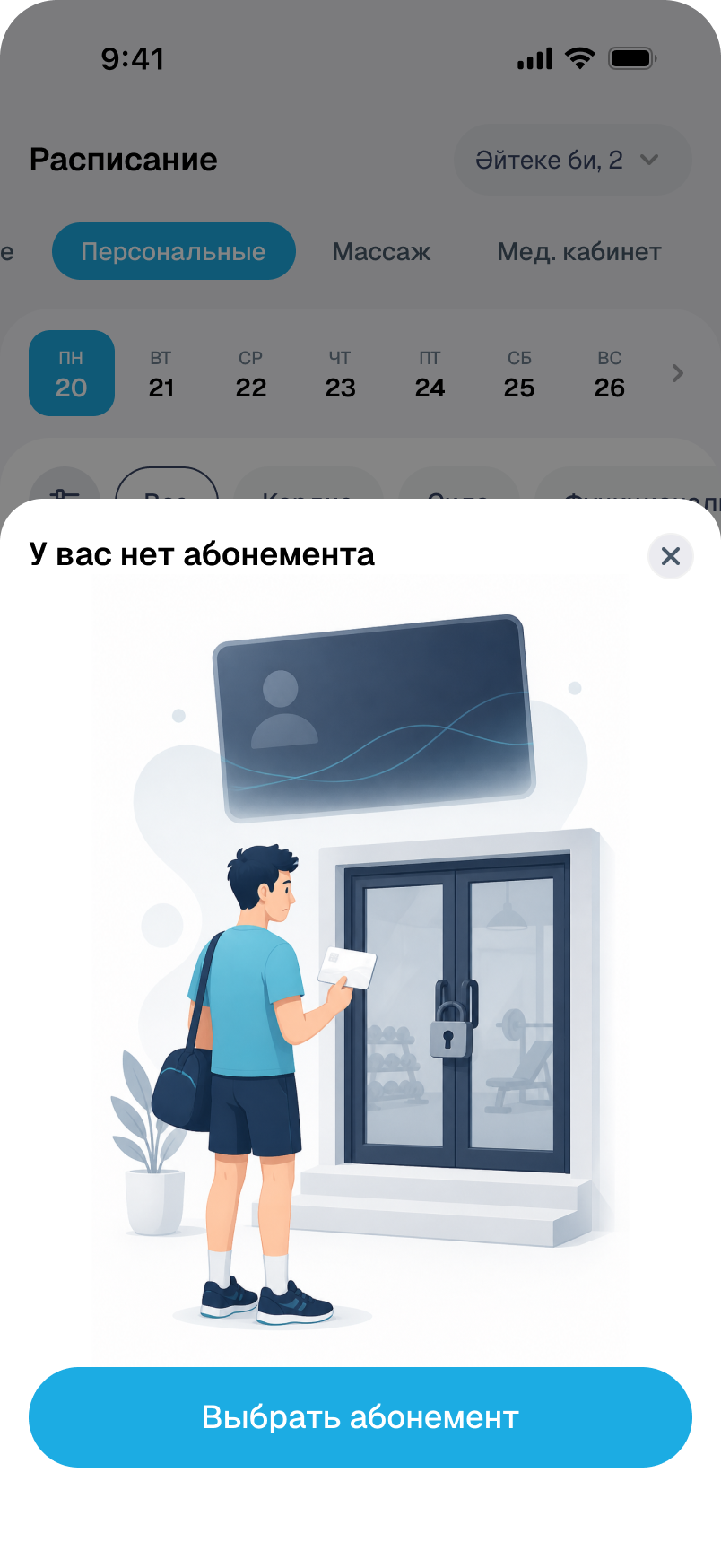
No membership: a separate message offers a way to choose one. This is a different barrier from a class being full.
Booking is not the end of preparation.
Before confirming, people need to check the class and branch. After booking, the questions change: where to go, what to bring and when to arrive. The Cardio Light review and yoga reminder show how the interface supports these two tasks.
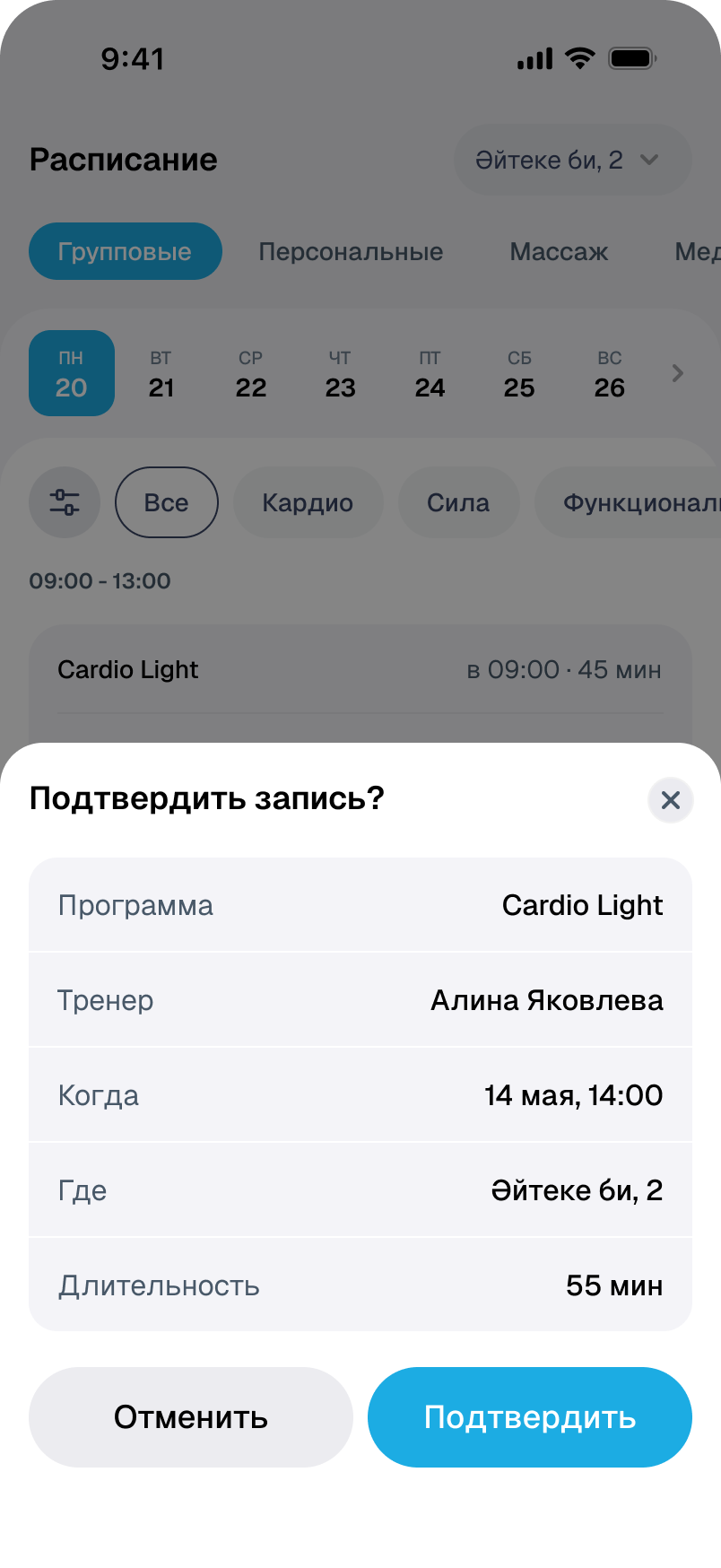
Programme, trainer, date, address and duration are brought together before the final decision. Cancellation remains available alongside them.
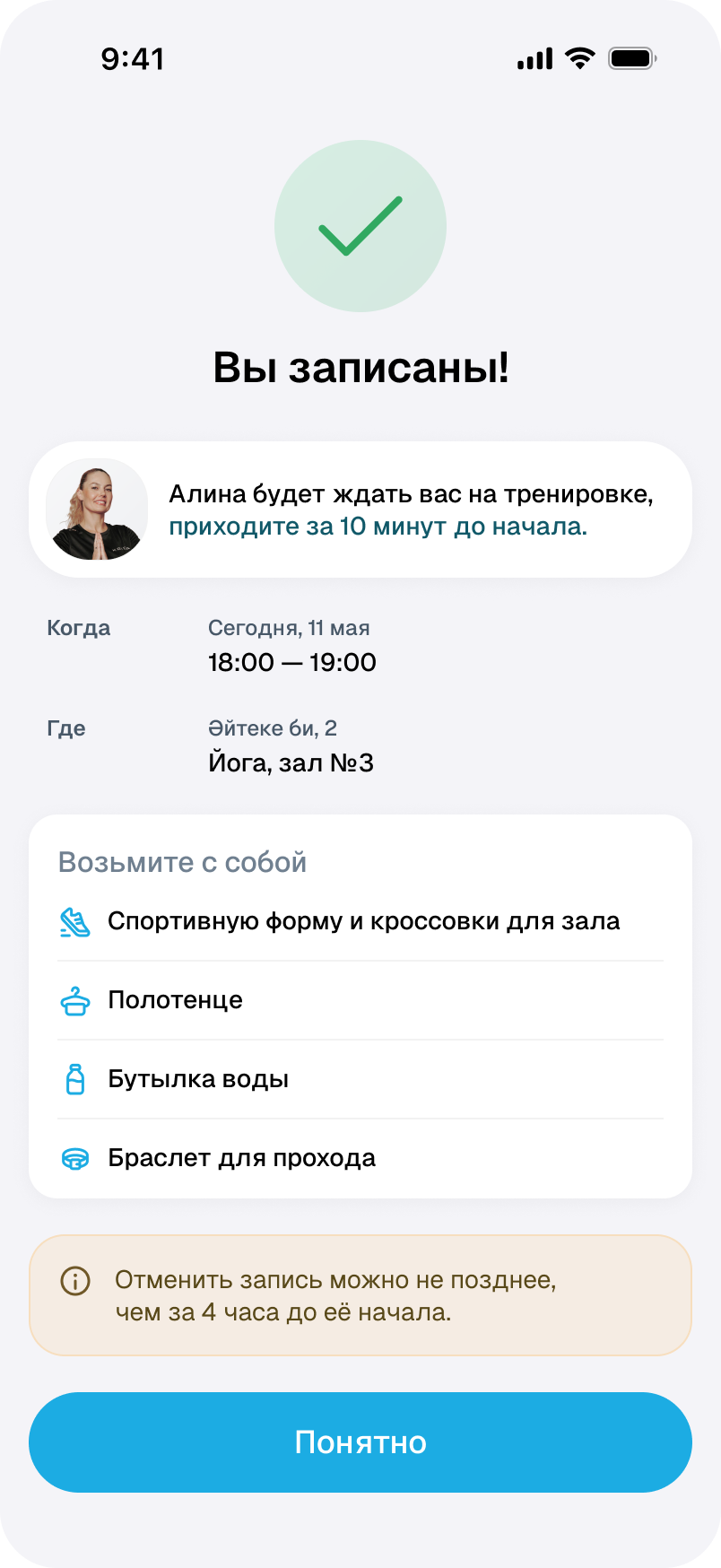
The yoga confirmation continues preparing people for the visit: the room, arrival time, equipment and cancellation terms are together.
Plans change.
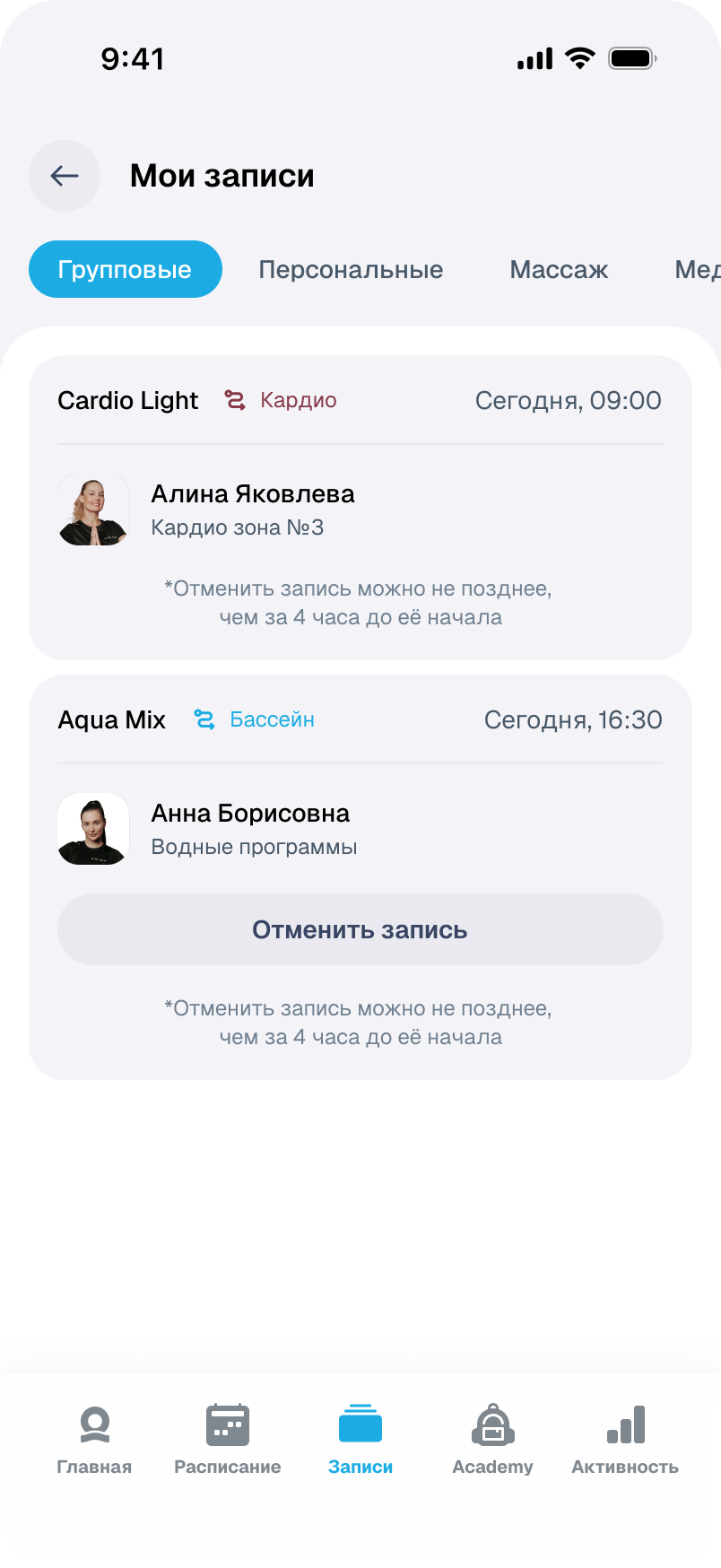
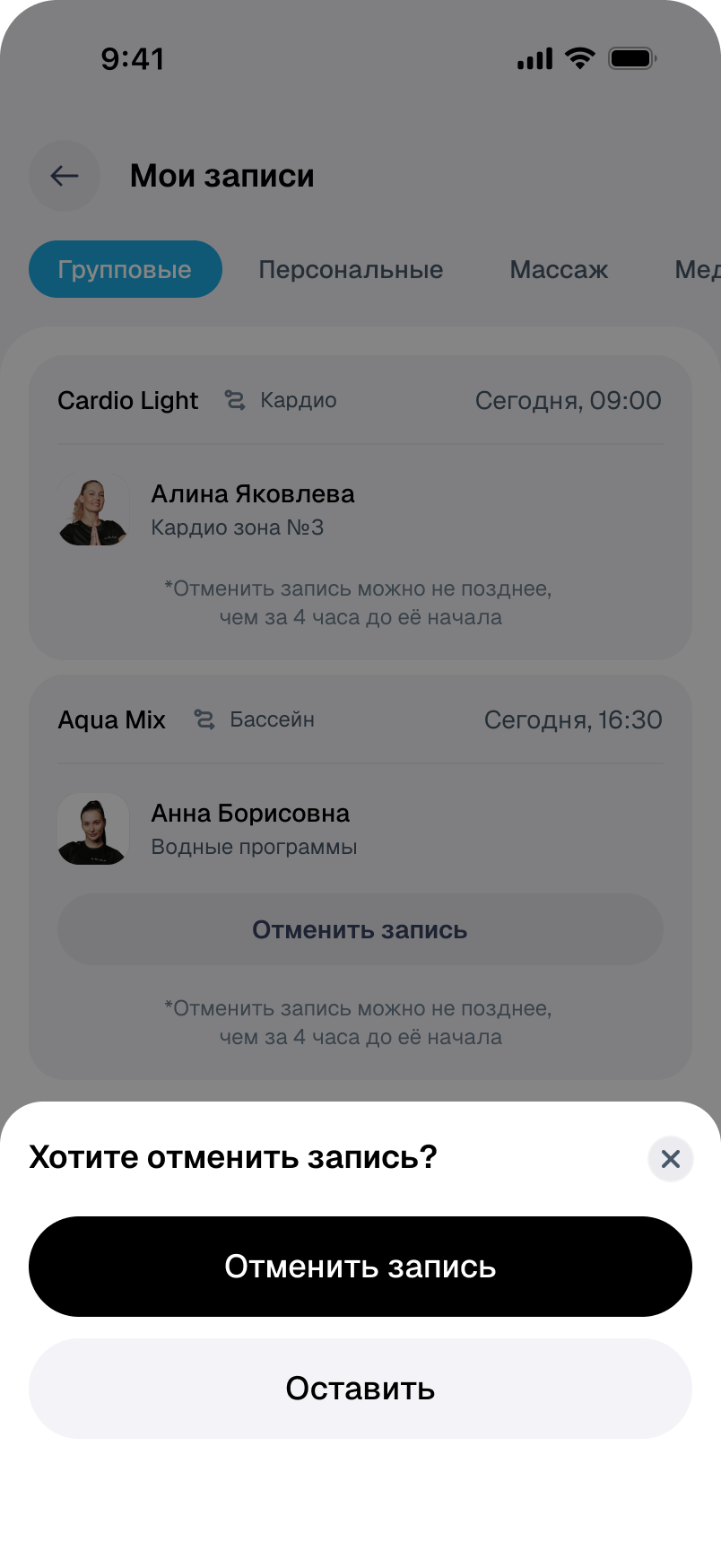
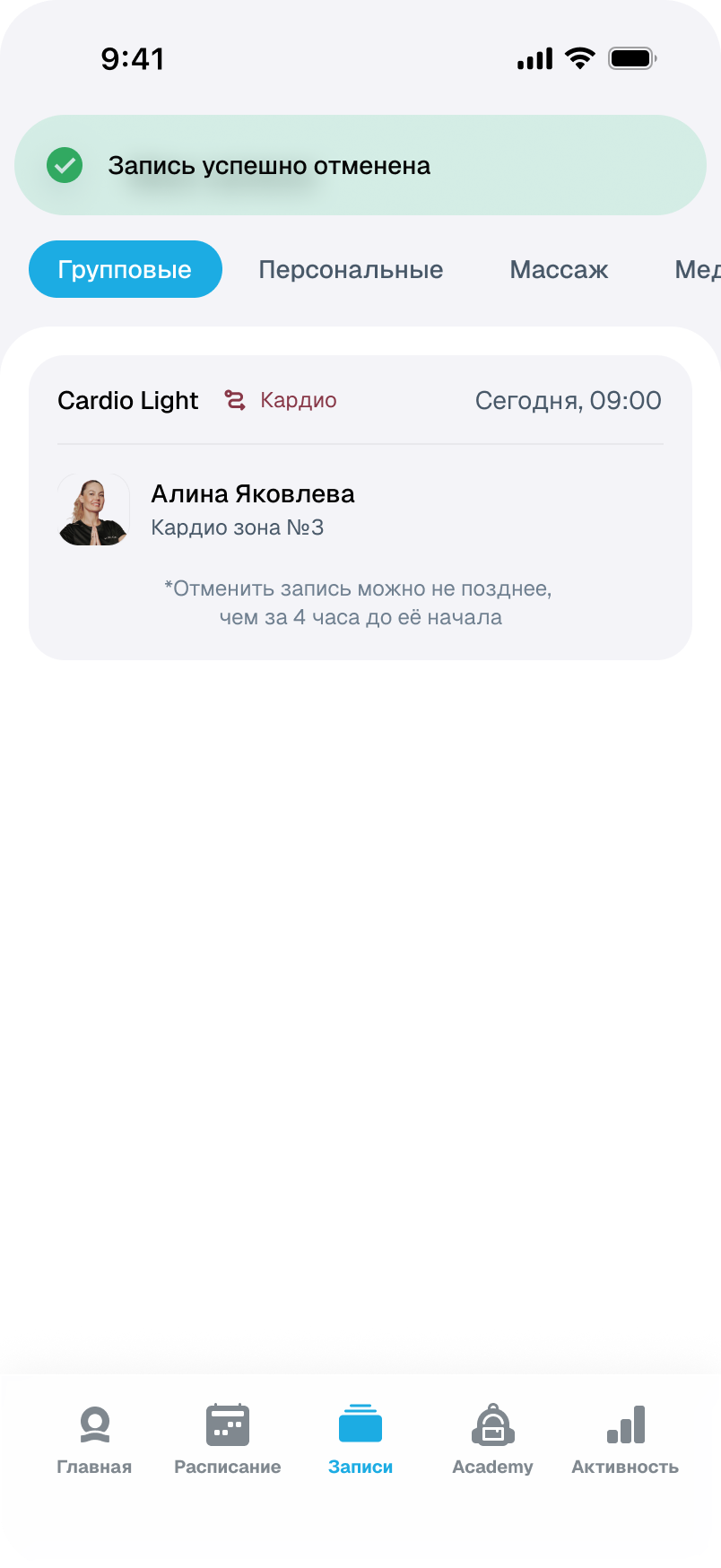
Bookings show whether cancellation is available or restricted. A separate confirmation offers a way to keep the class; after cancellation, the list updates.

What else does my membership include?
Gym visits are only part of the service. Guest passes, introductory workouts, fitness tests and freezes have their own remaining allowances. The structure stays consistent as the status changes, and renewal becomes the main action near expiry.
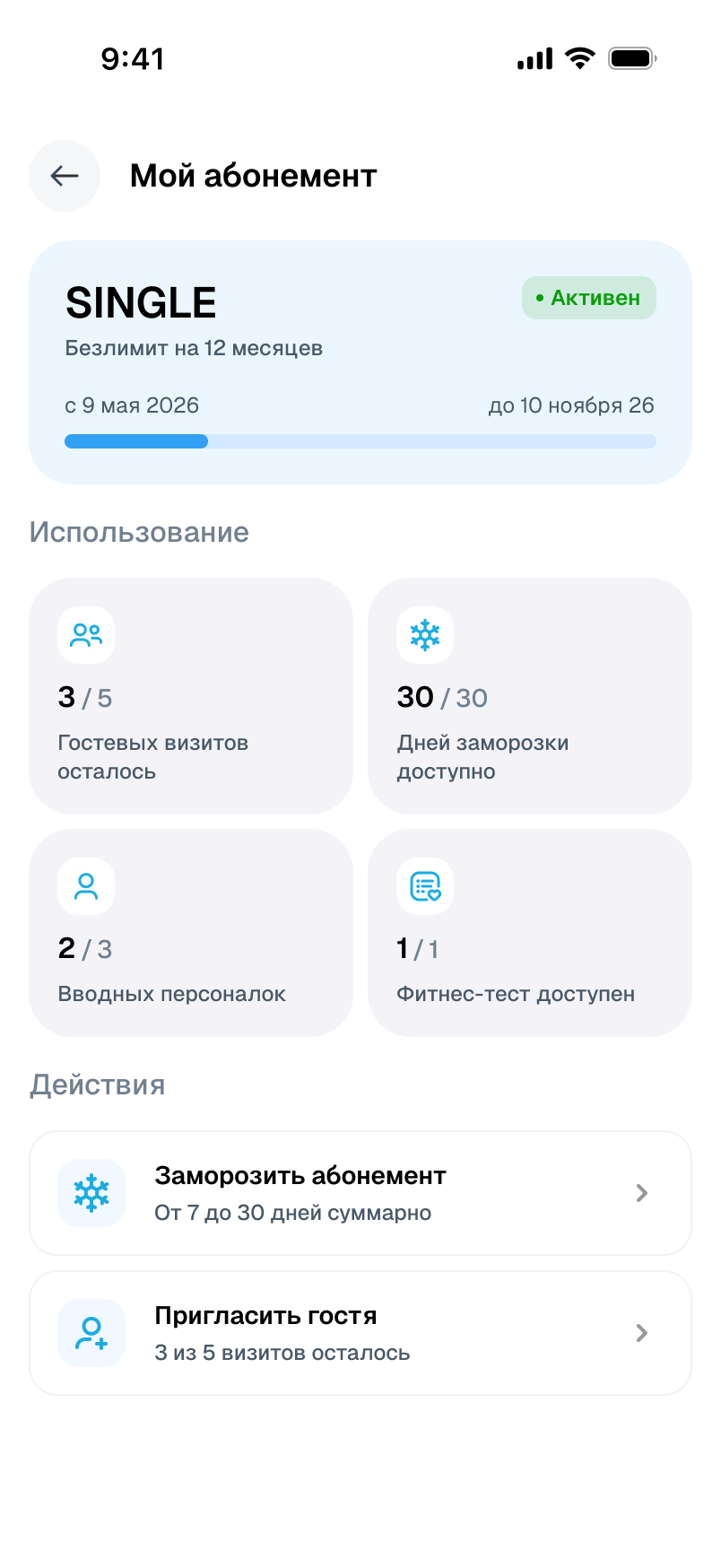
An active membership shows available services and management actions on one page.
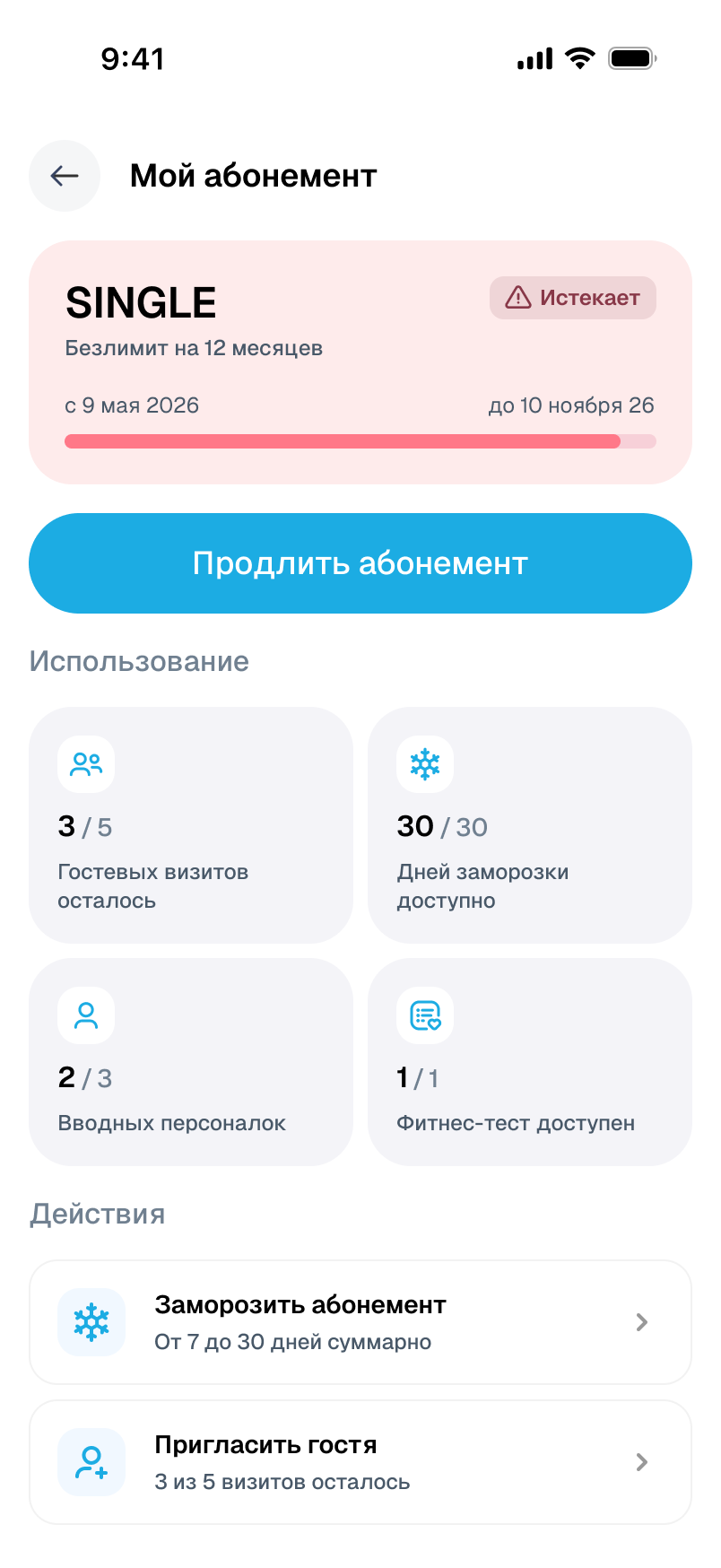
Approaching expiry shifts the emphasis: the warning is paired with renewal, while service details stay in their familiar places.
A break needs planning too.
Holidays or other commitments interrupt a routine. The start and length of a pause are chosen separately. A frozen membership has a clear status, a date summary and a route back to training.
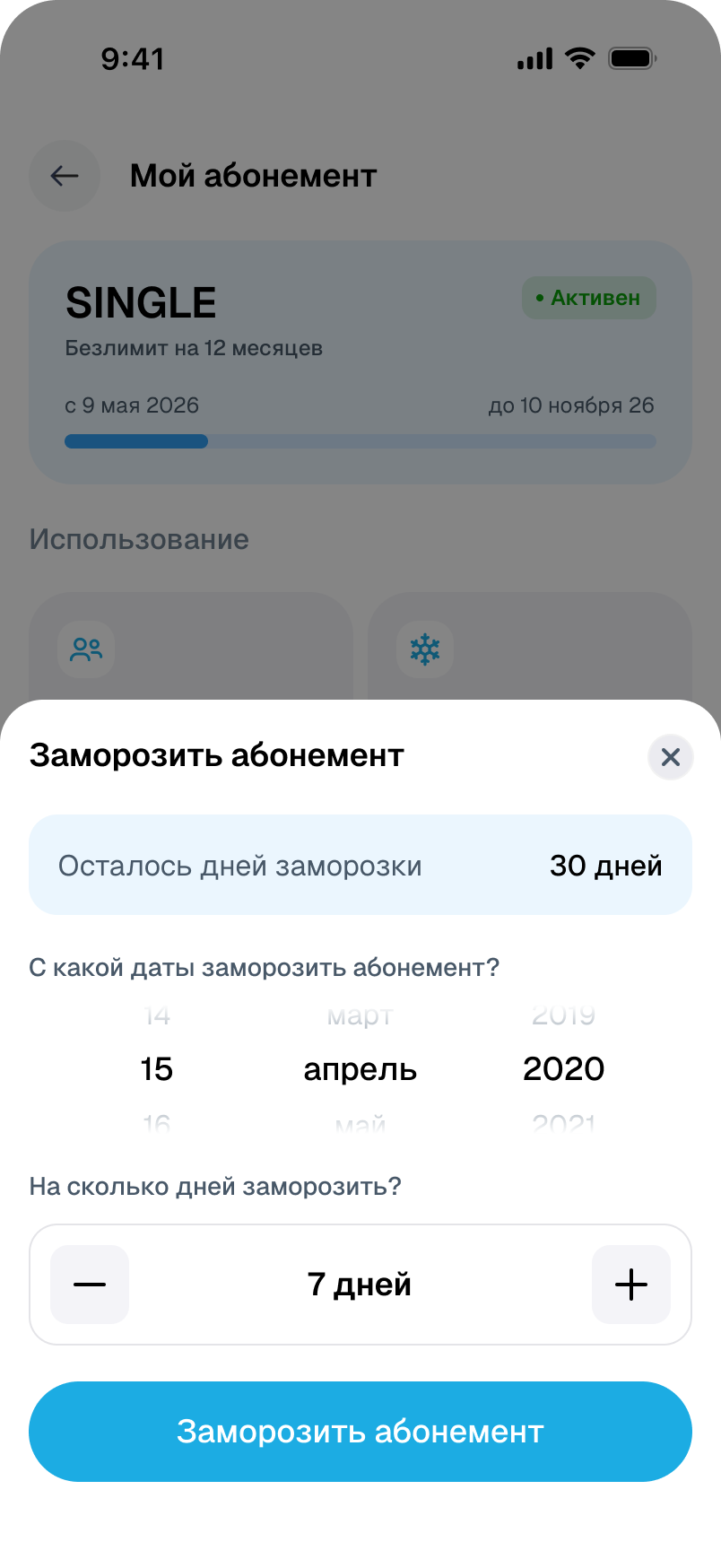
The remaining day allowance is visible before the decision; the start date and duration share one panel.
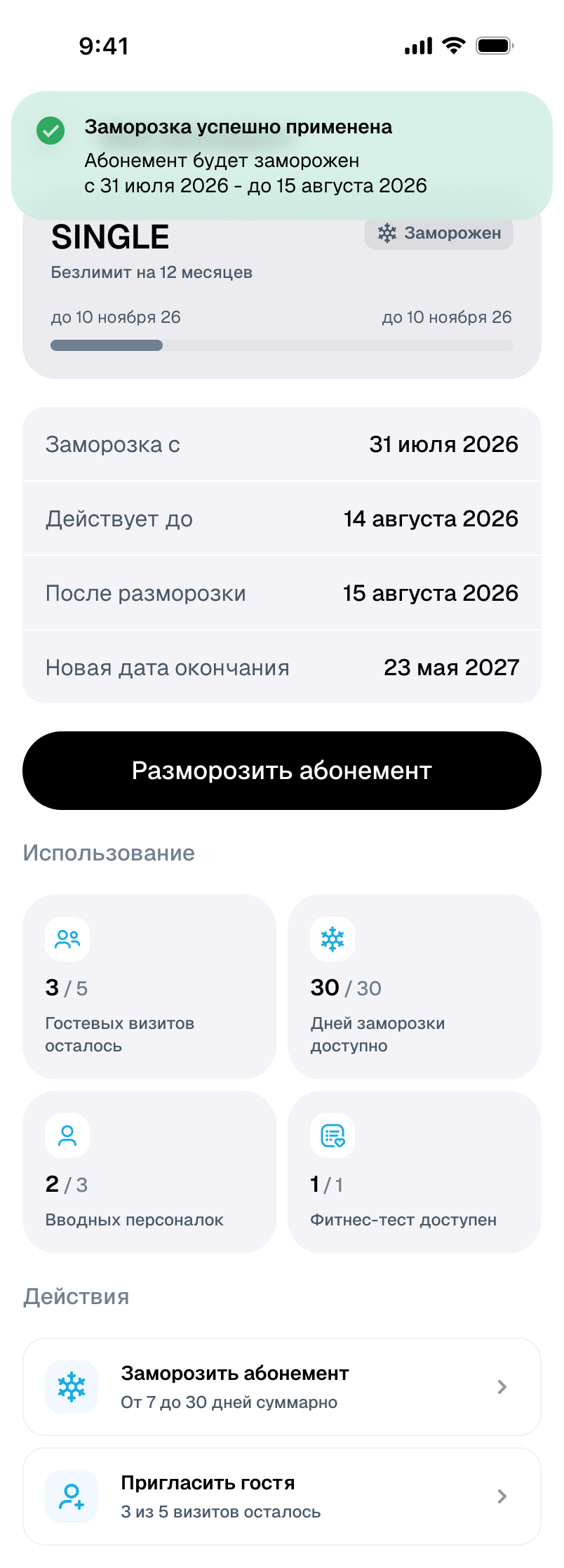
Pause and return dates have their own summary. The membership can be resumed here without finding another section.
Different services need different choices.
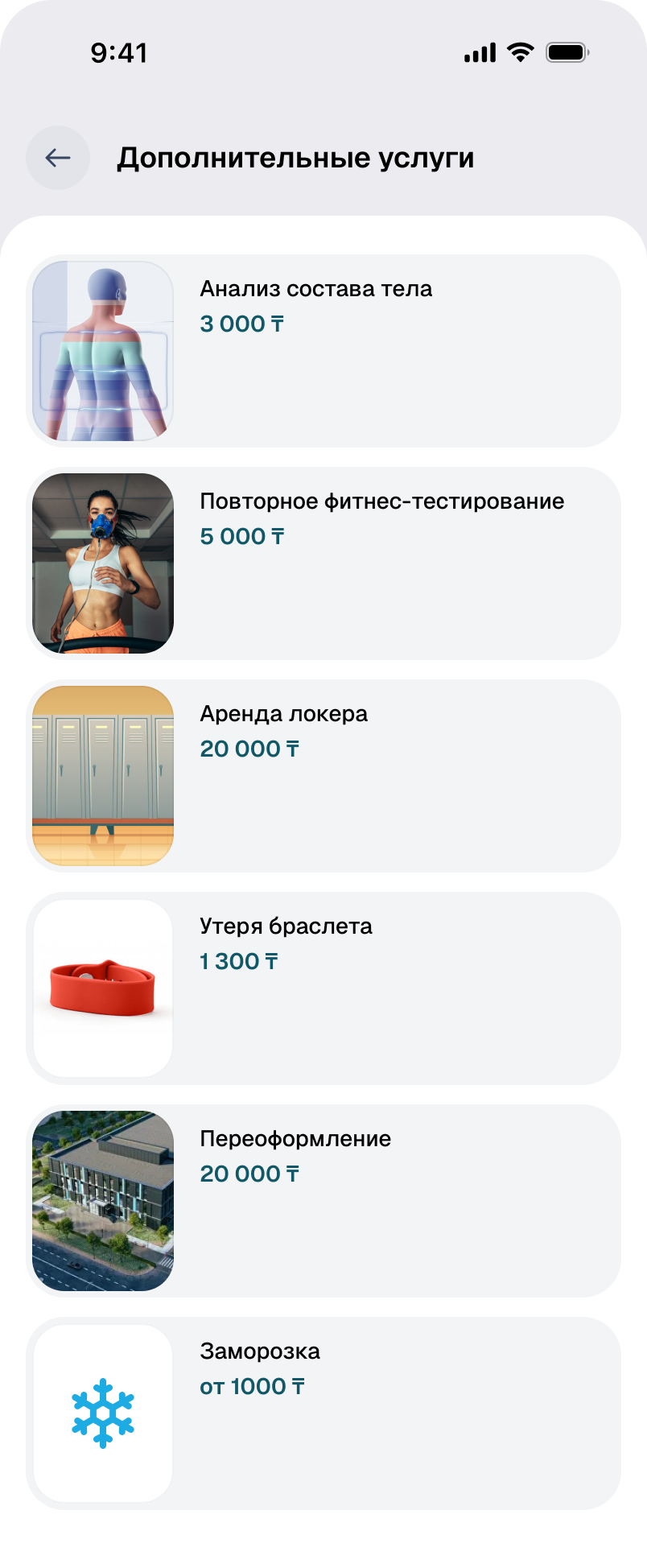
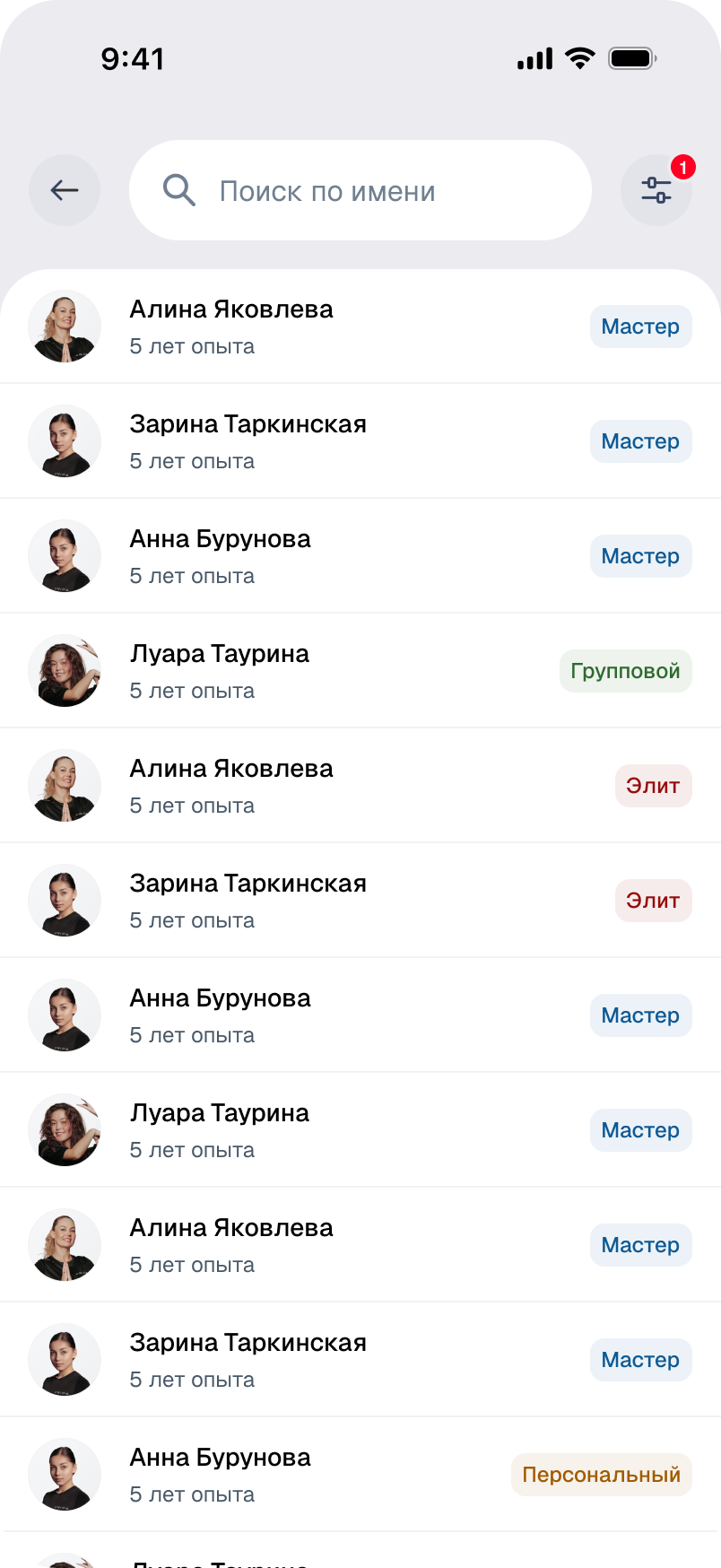
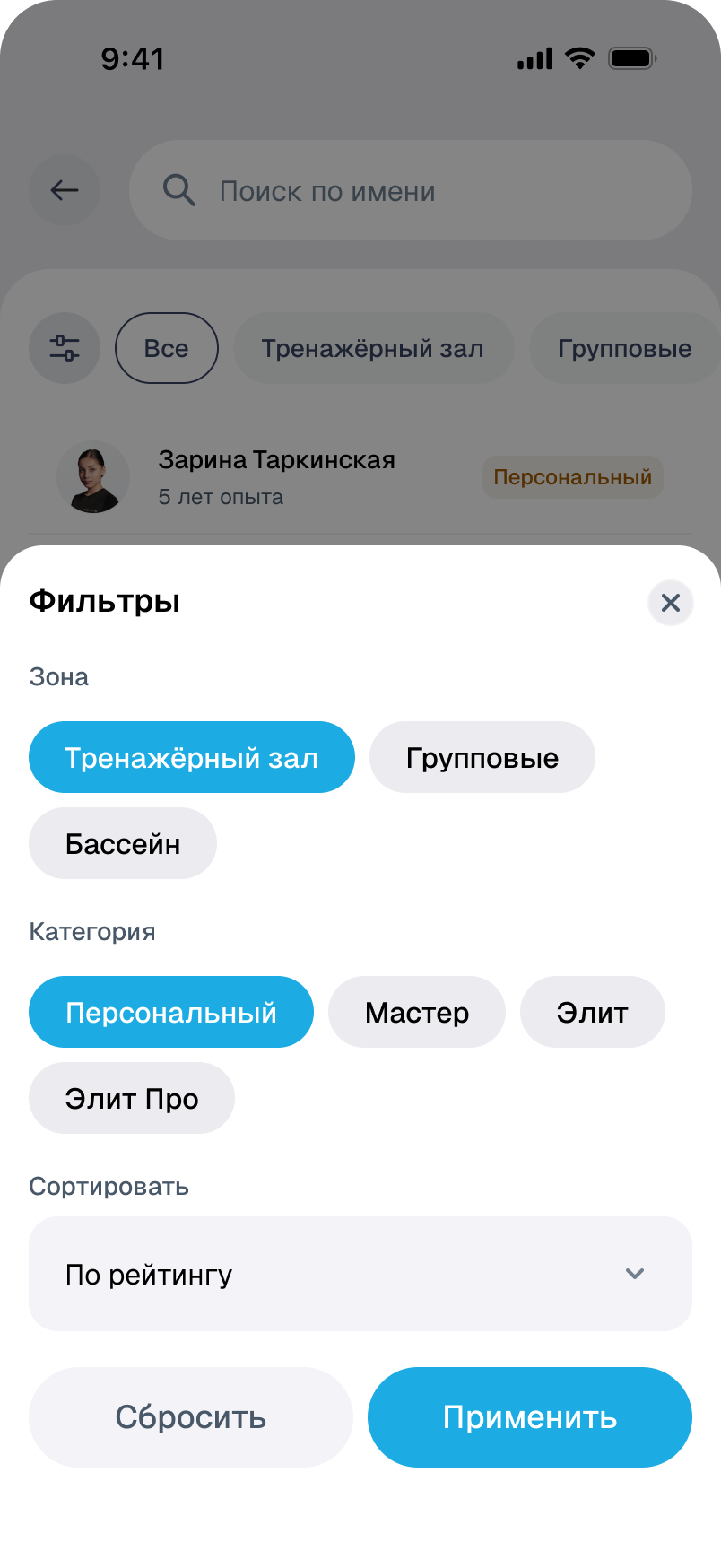
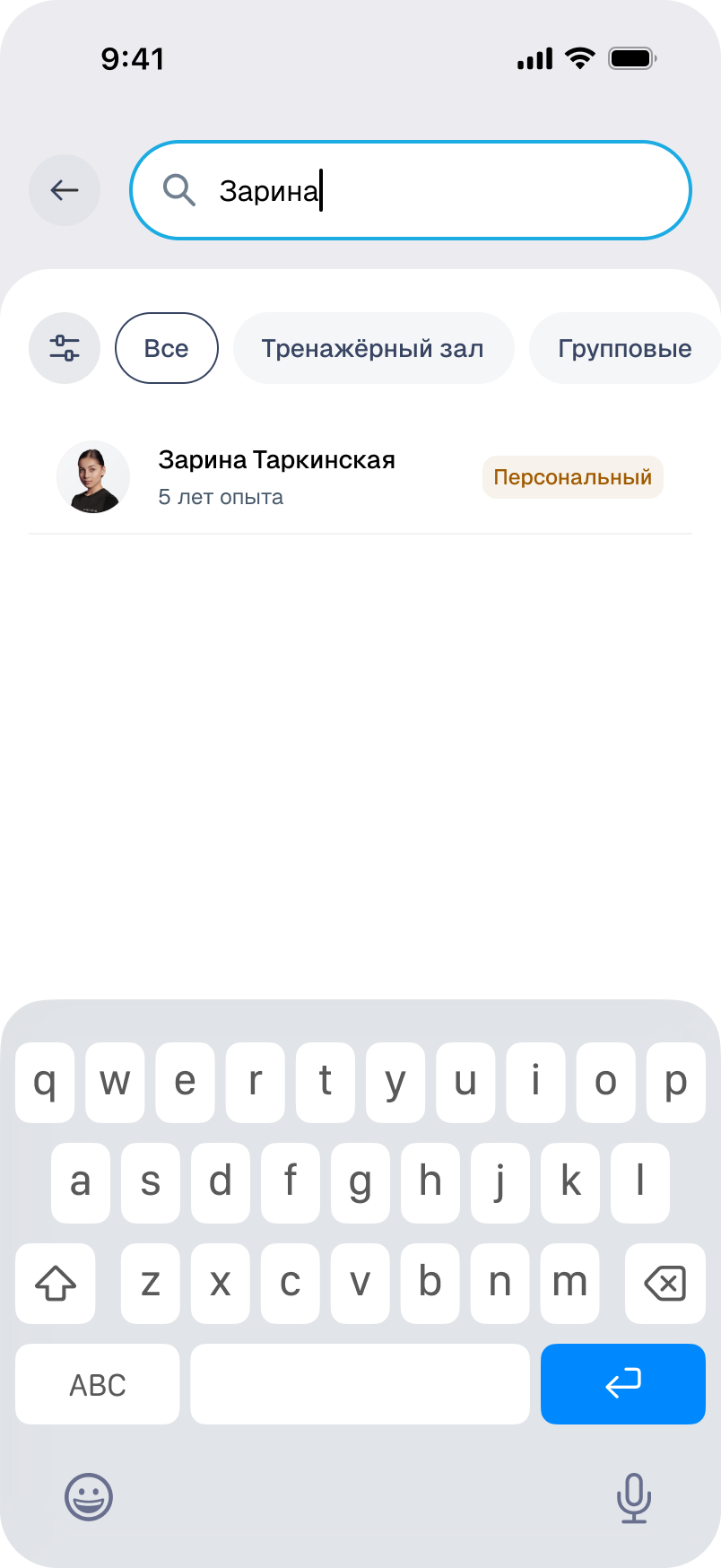
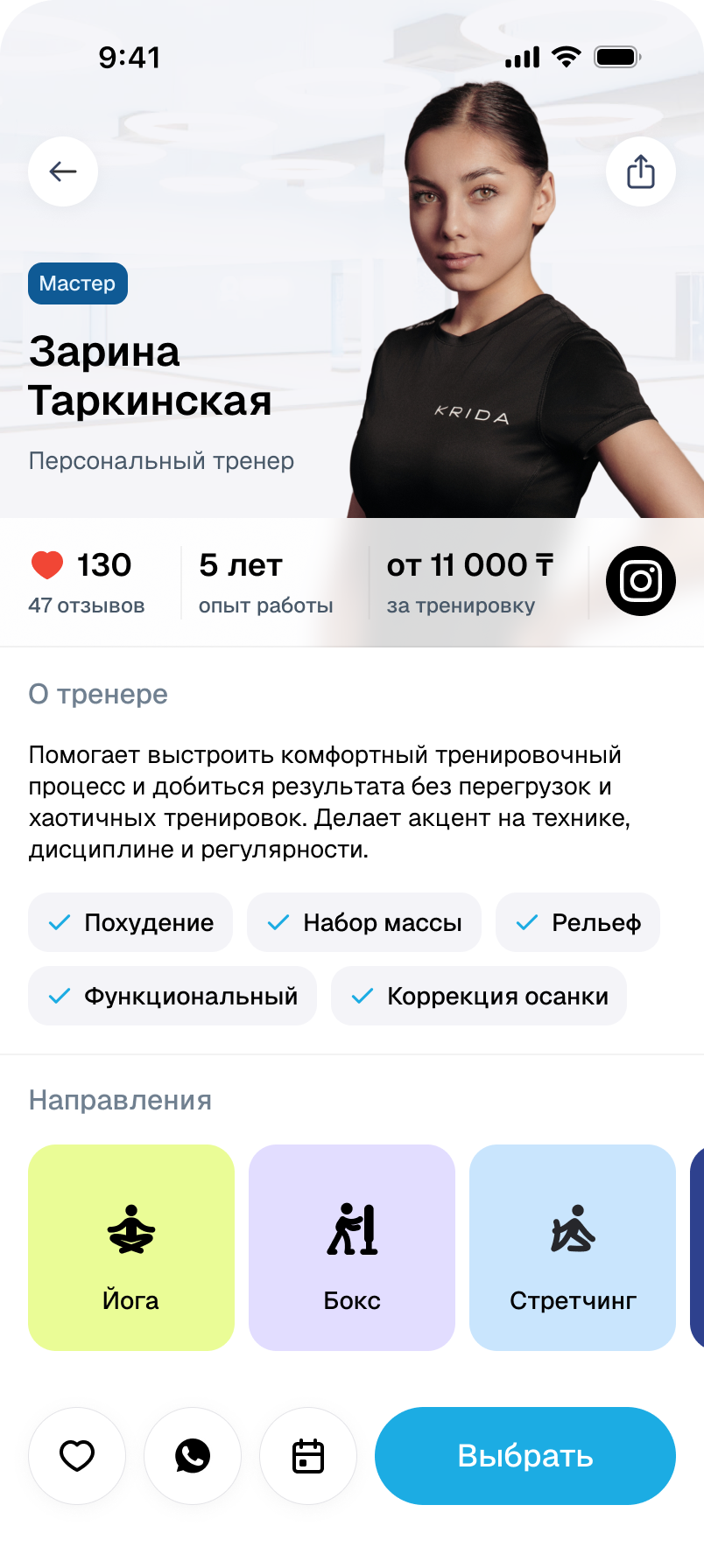
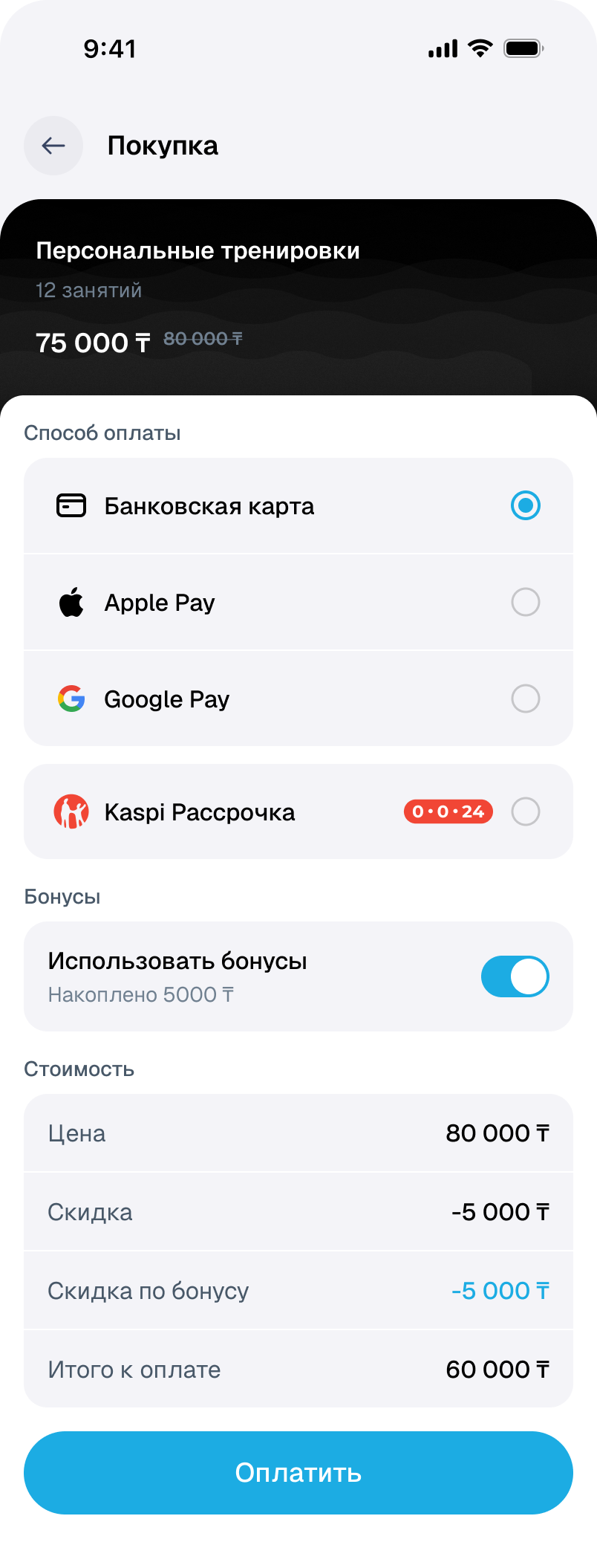
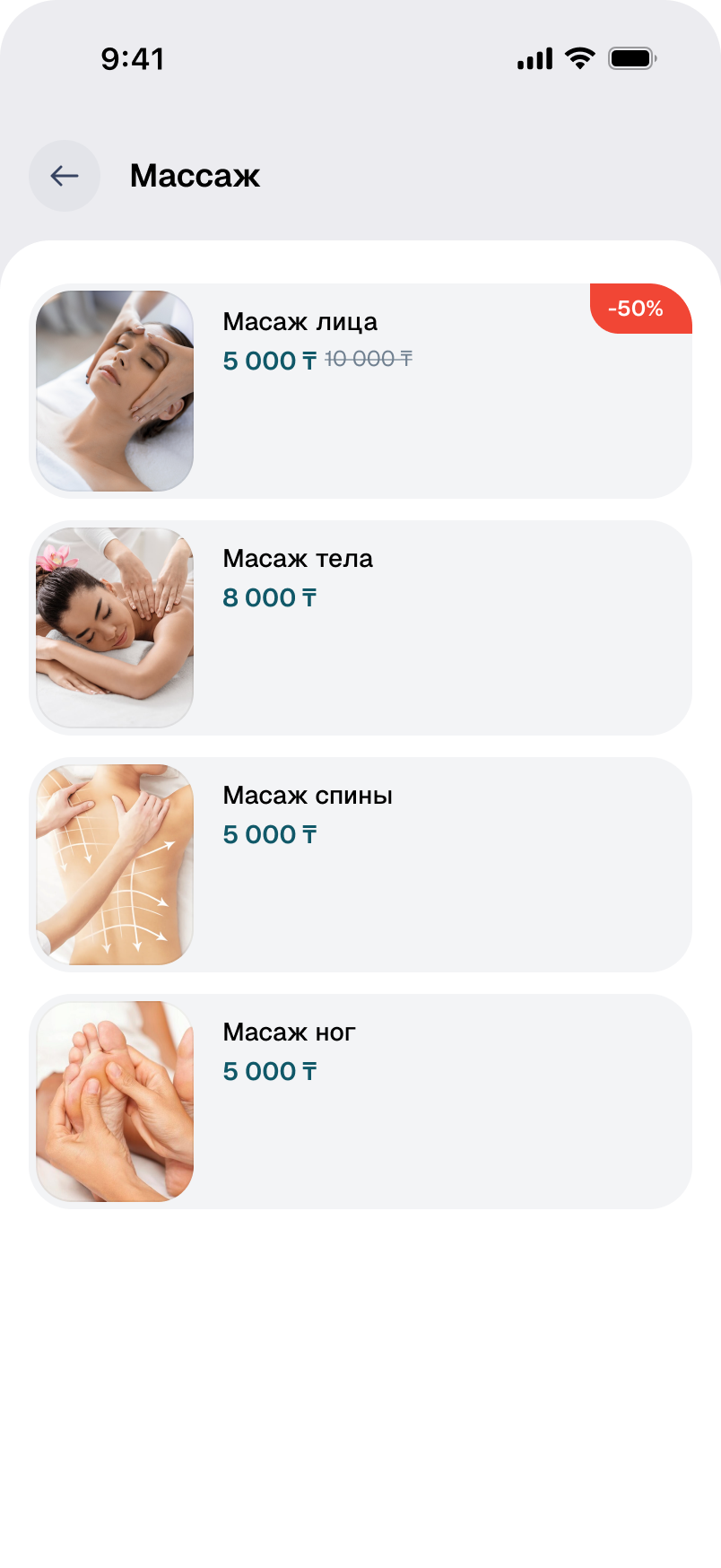
Personal training depends on the format and trainer category. Massage depends on the treatment and session package. The catalogue brings these purchases together while keeping their specific terms.
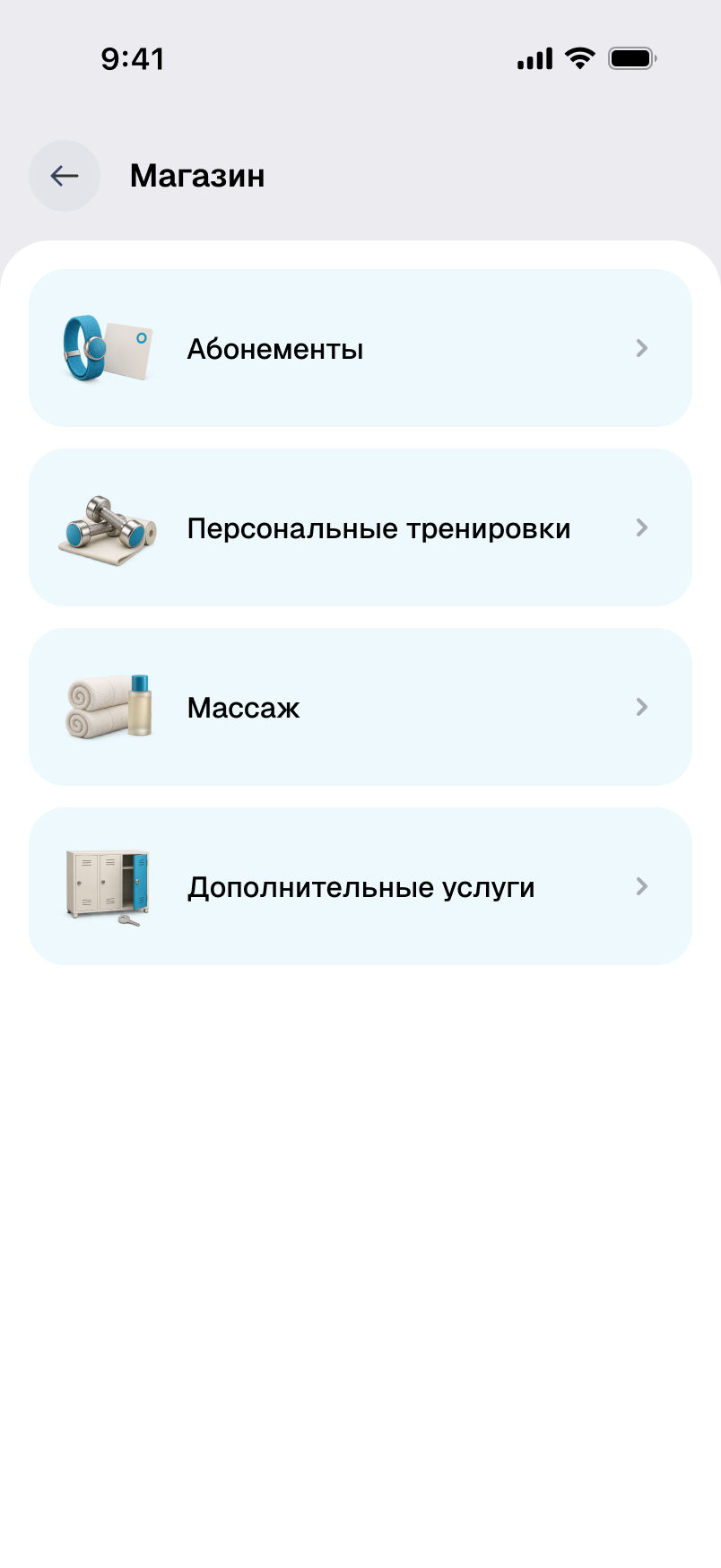
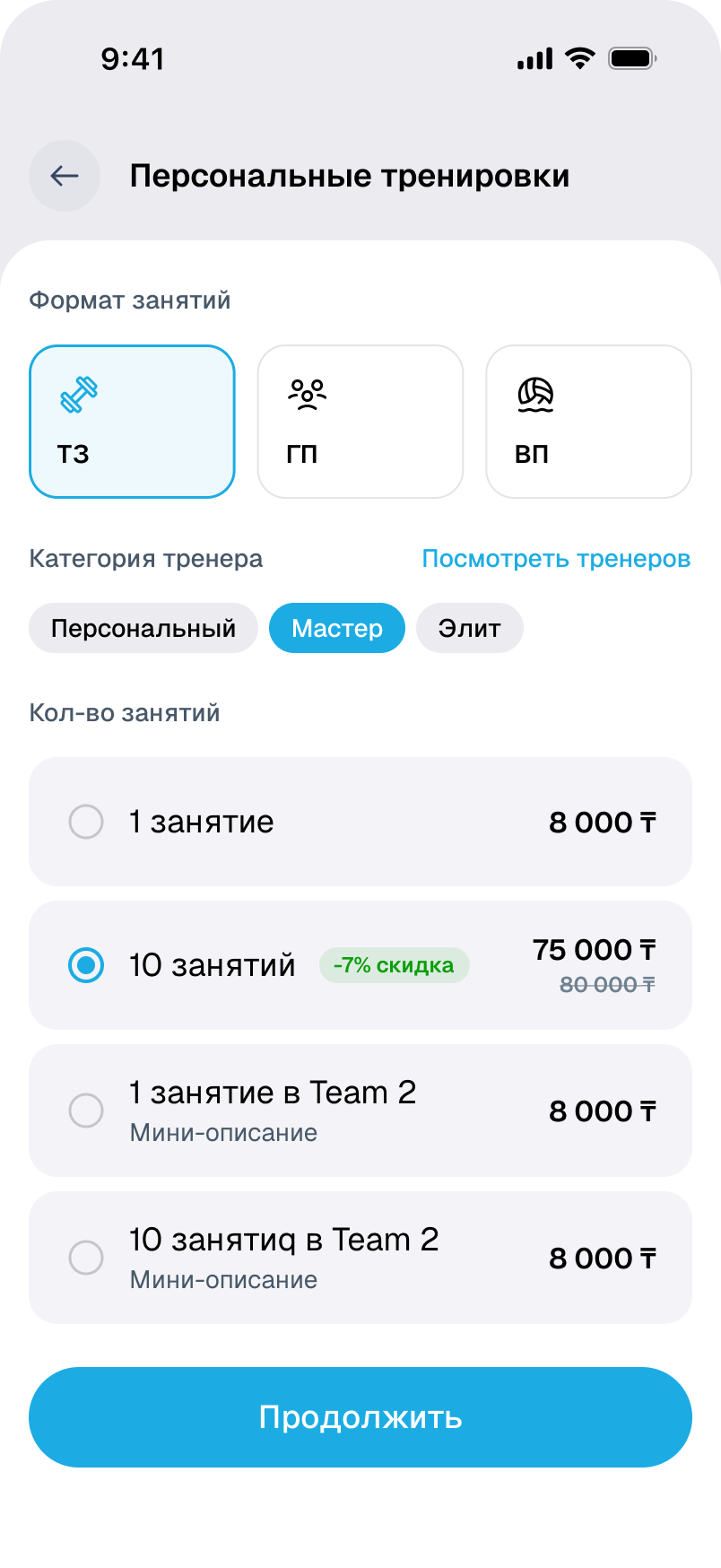
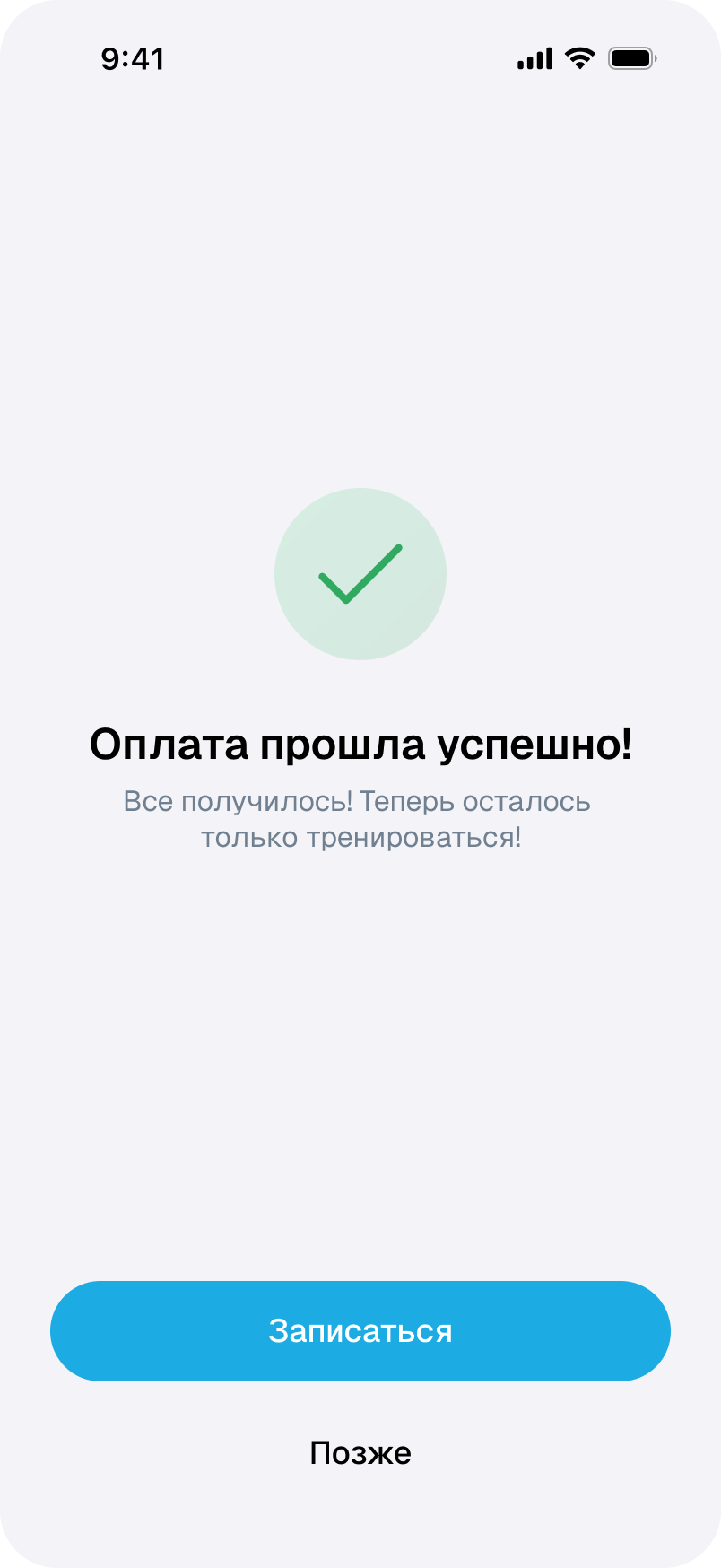
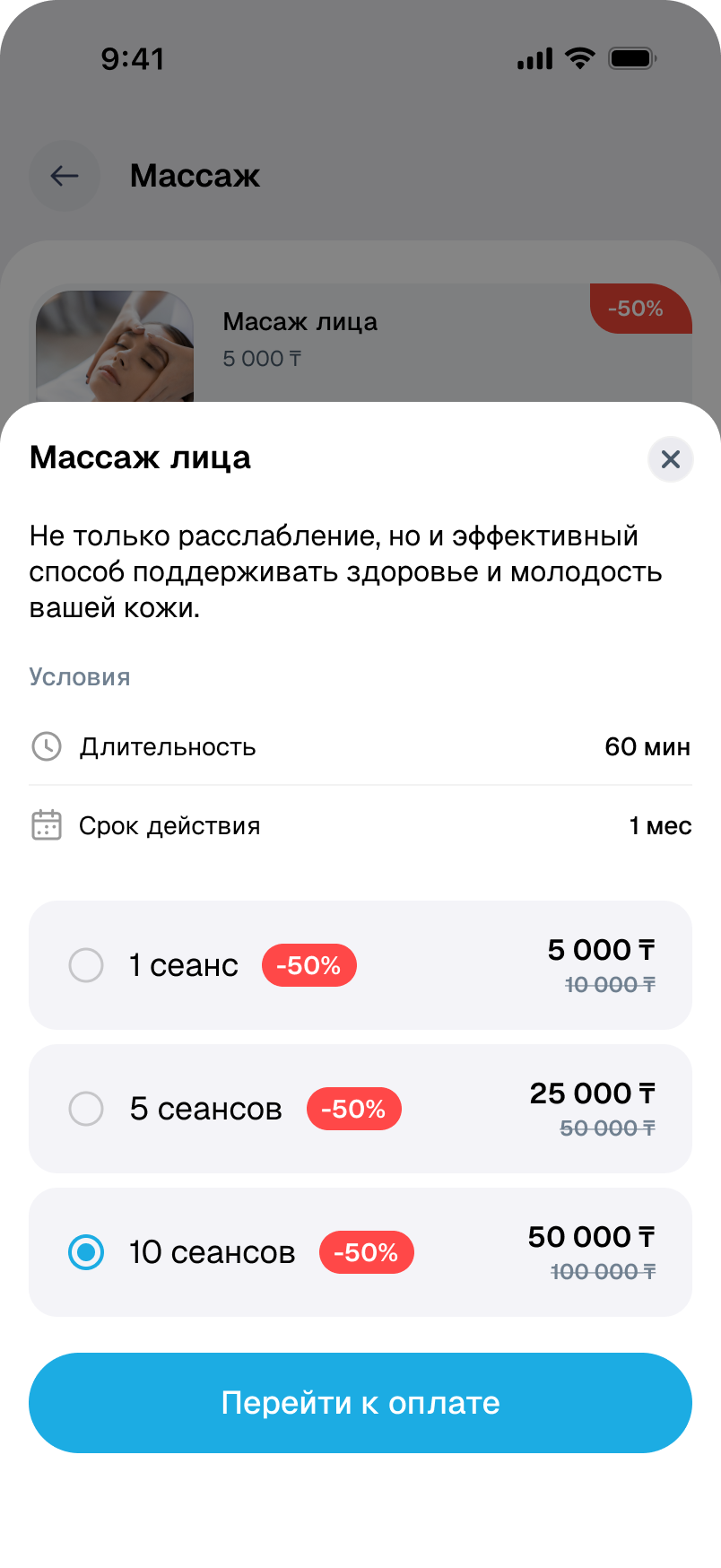
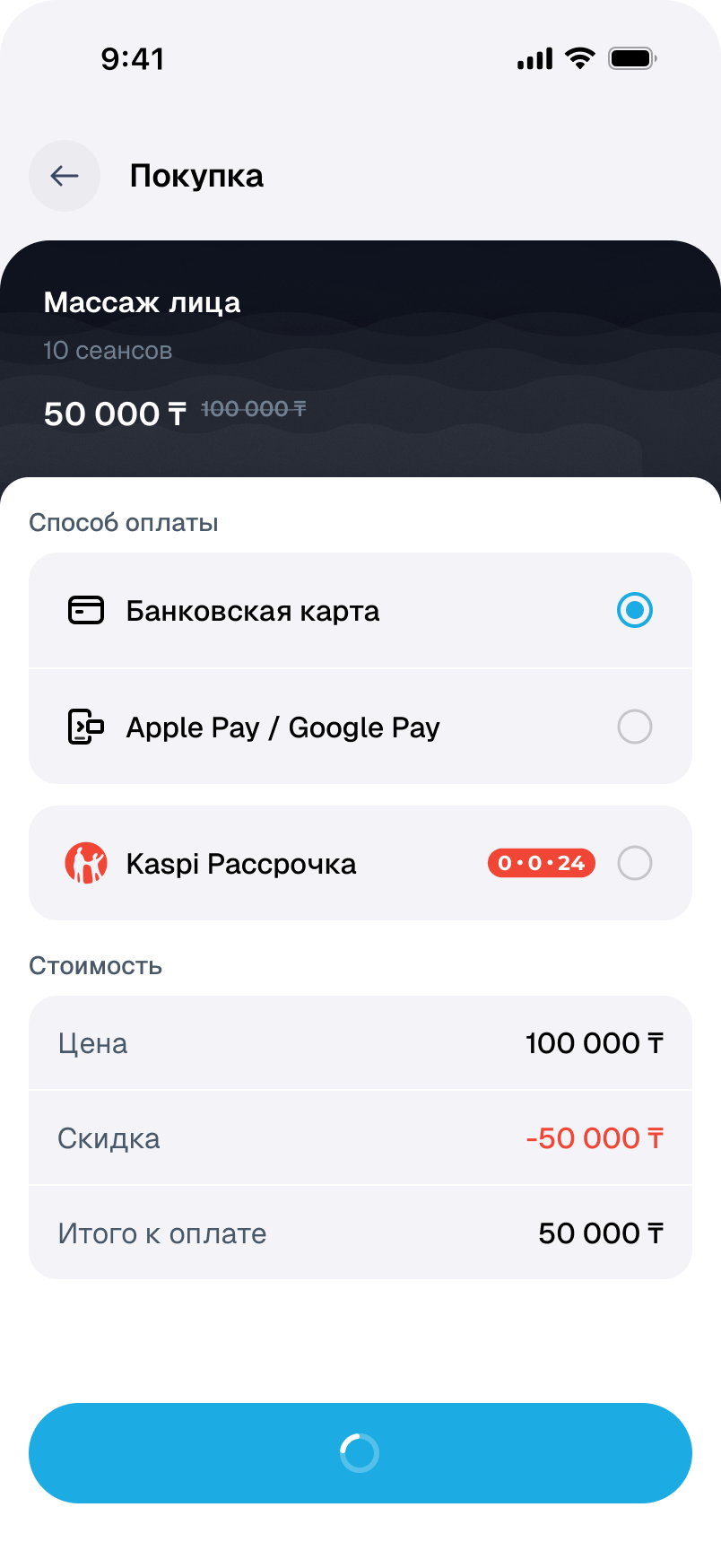
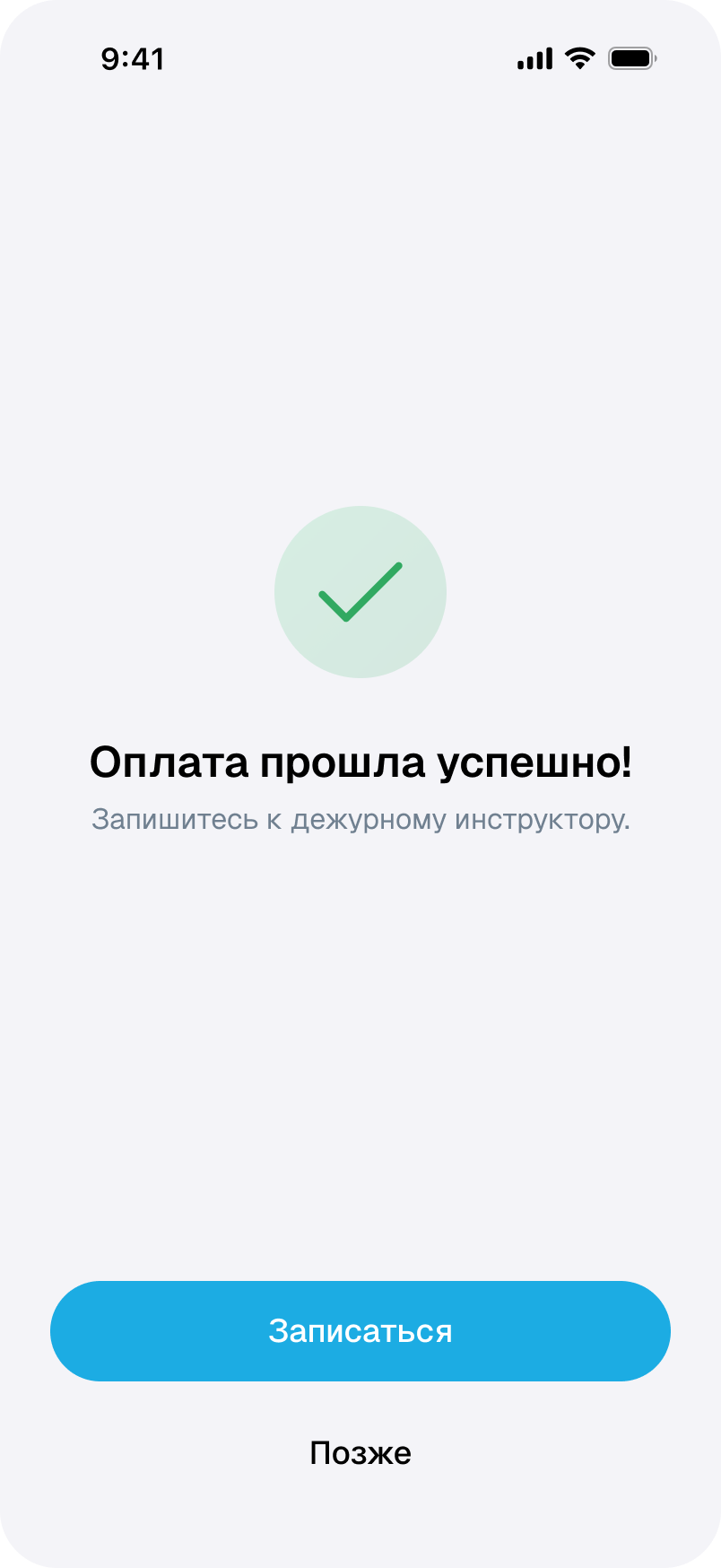
Payment does not finish the task.
For body analysis, people first need to understand what the service includes and how long it is valid. After payment, the app explains the next step: booking with the instructor on duty.
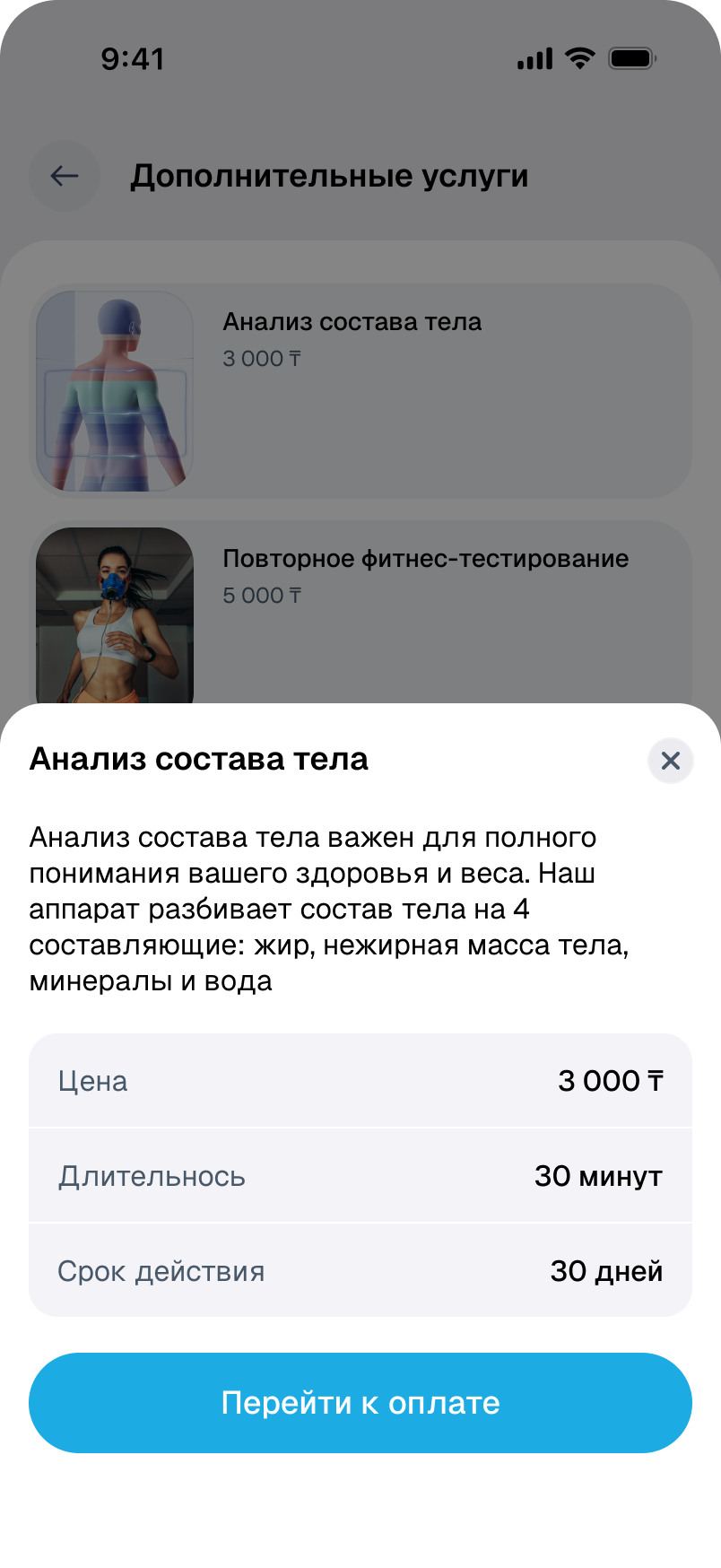
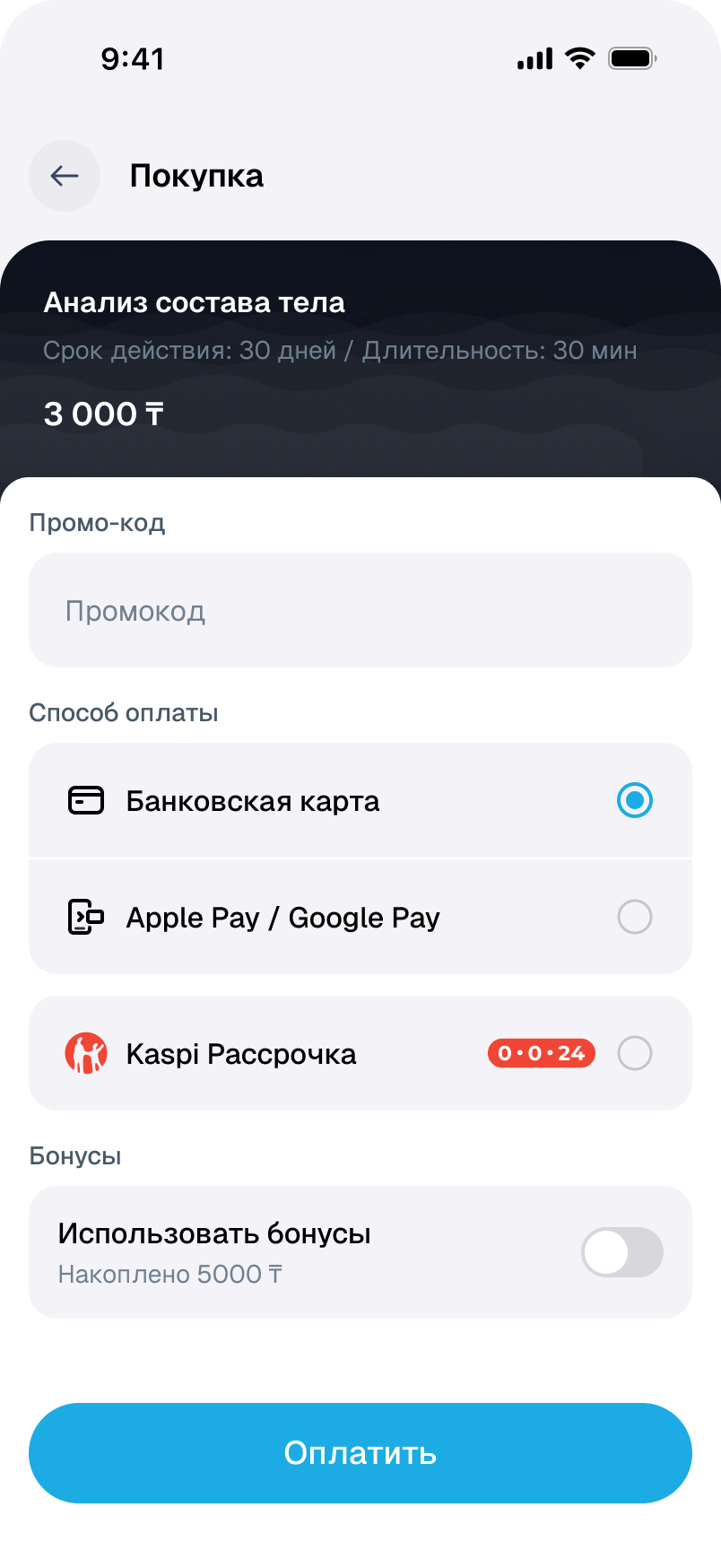
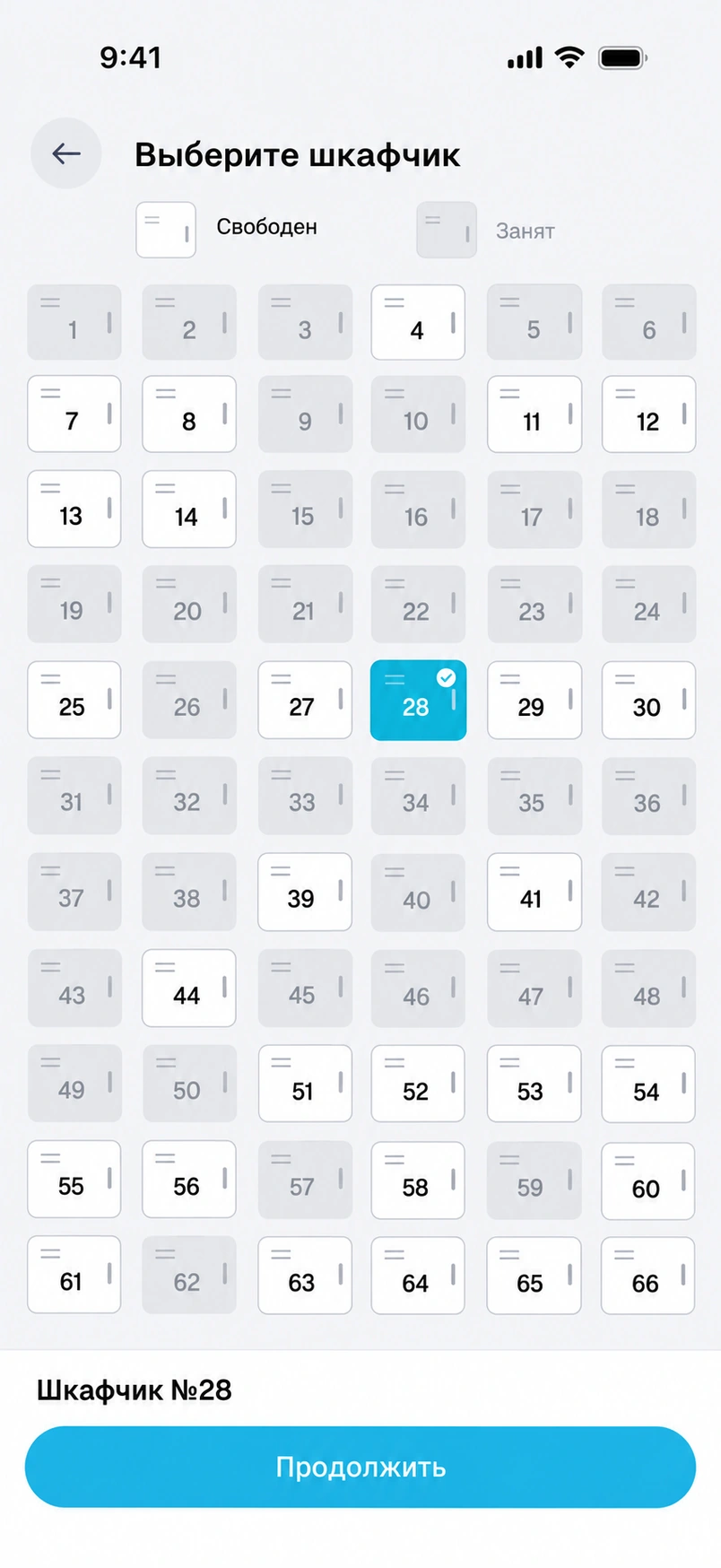
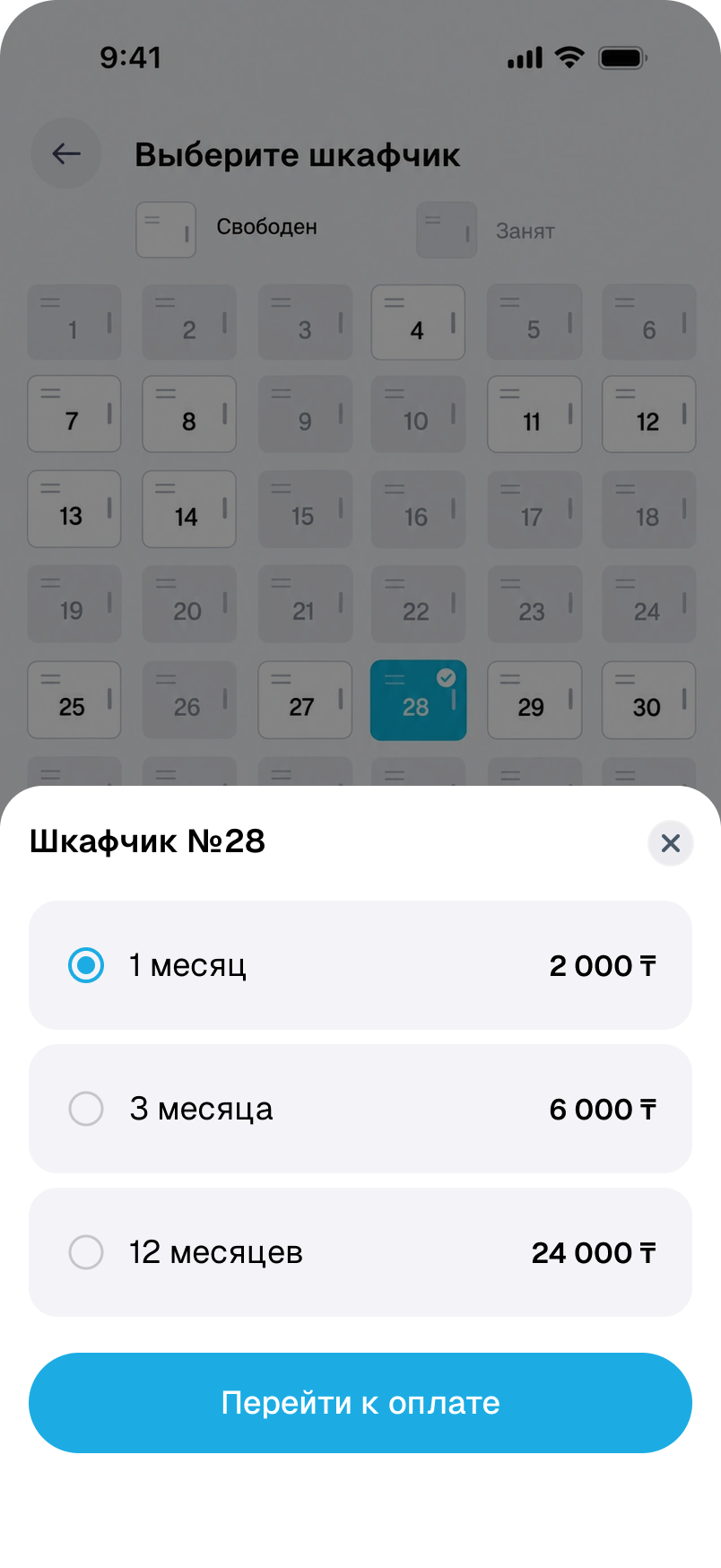
A locker for the time you need.
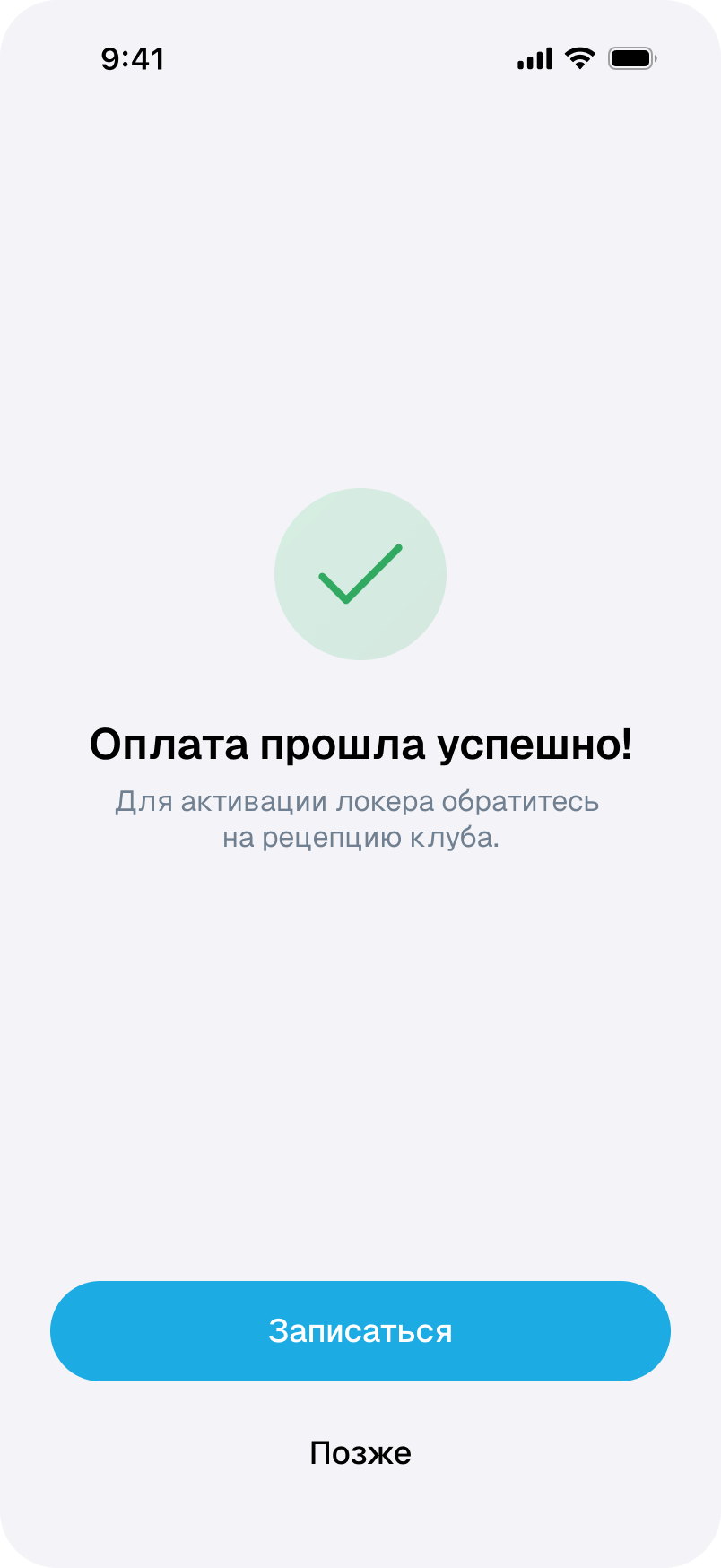
The locker number comes first, then the rental period. After payment, activation at reception remains a separate step.
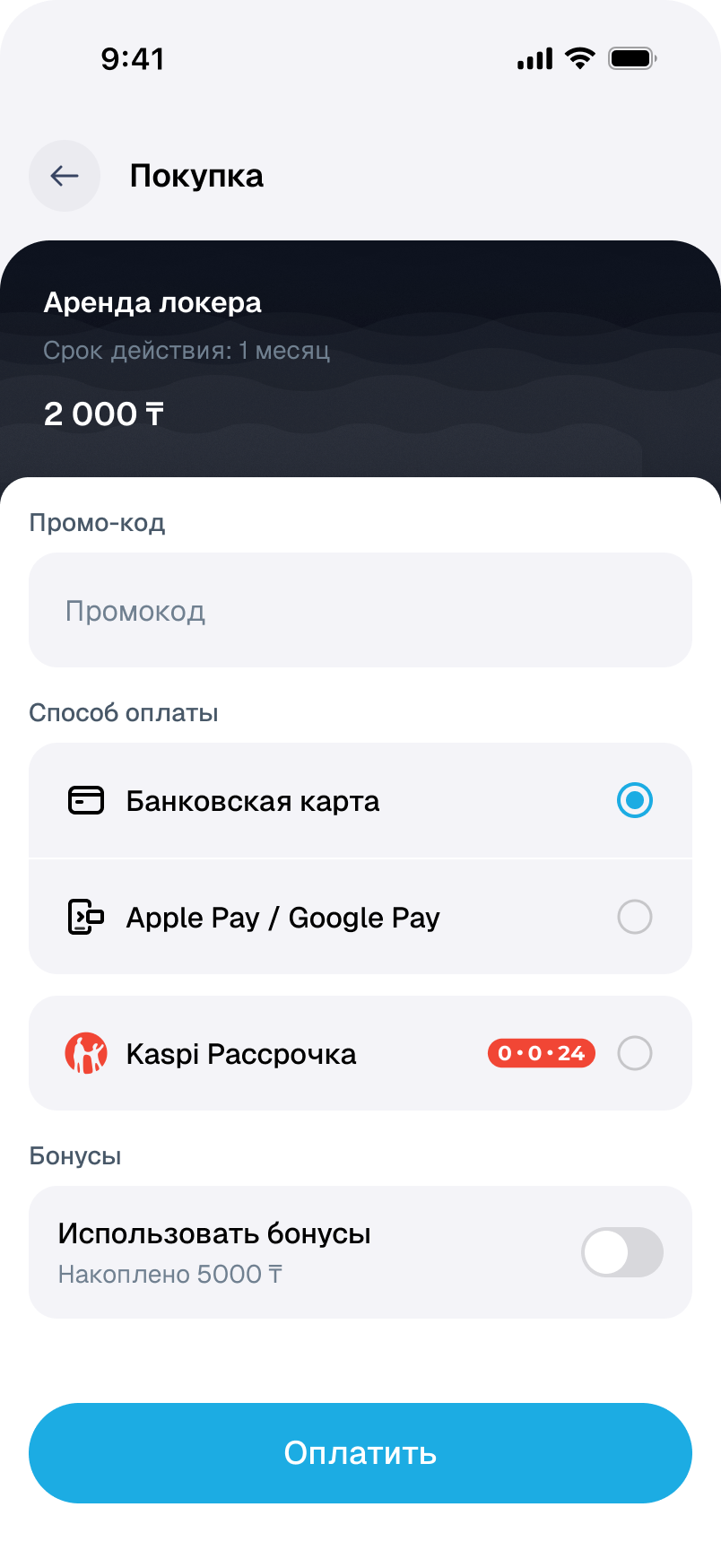
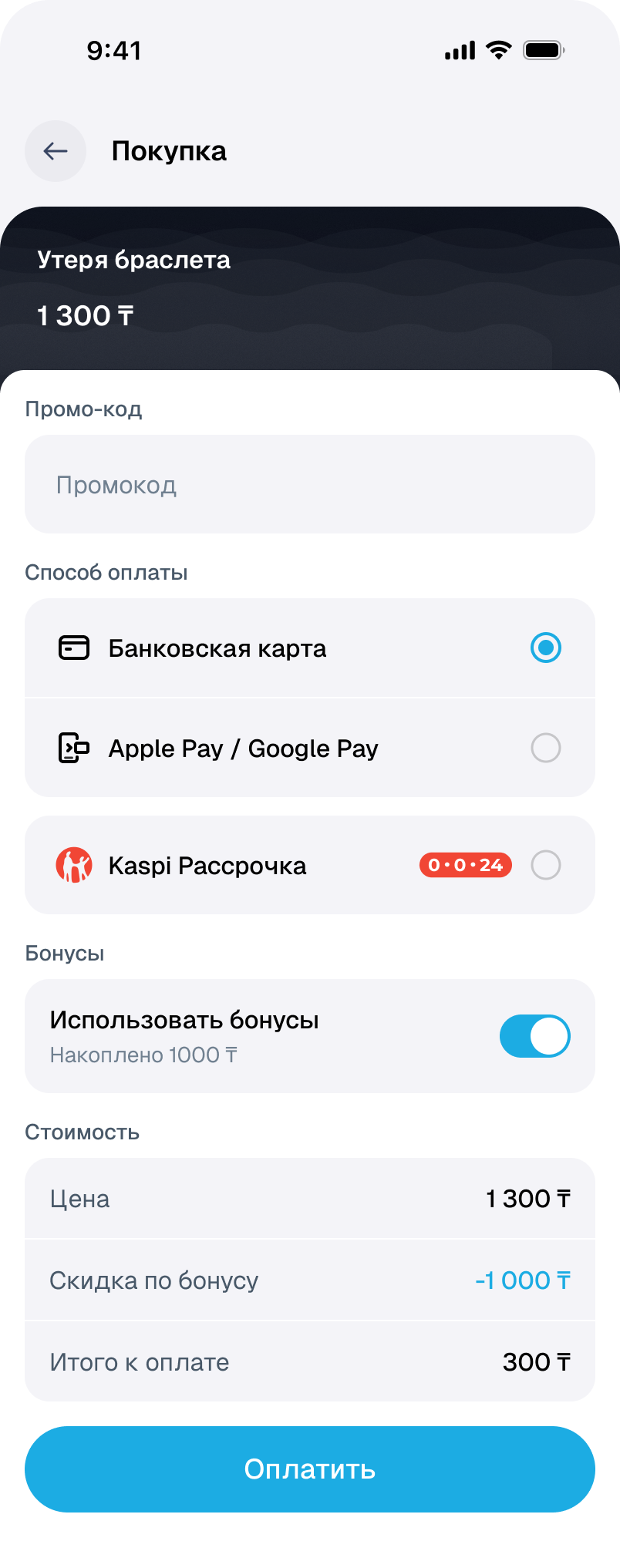
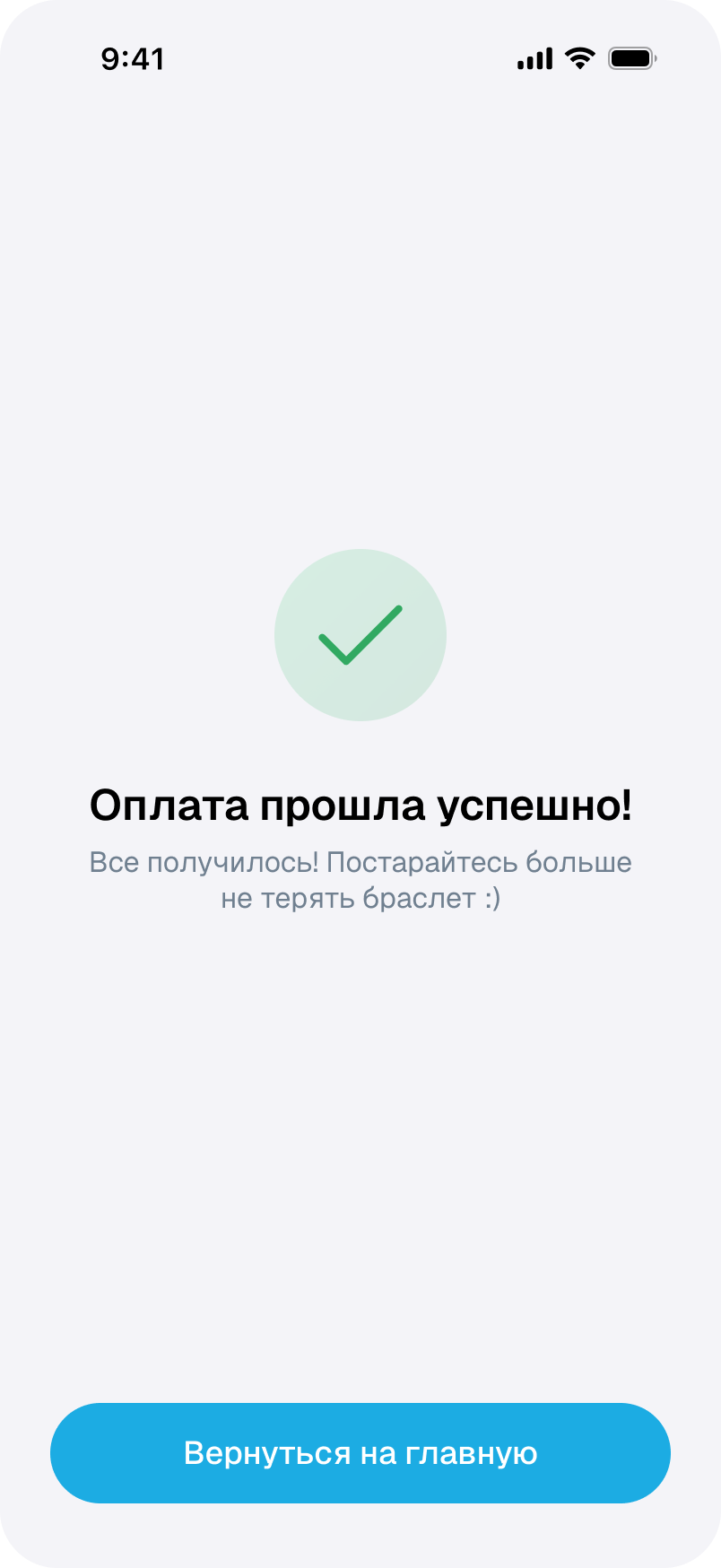
If a wristband is lost.
Replacement is purchased as a separate service. Applied rewards and the amount due appear in one calculation.
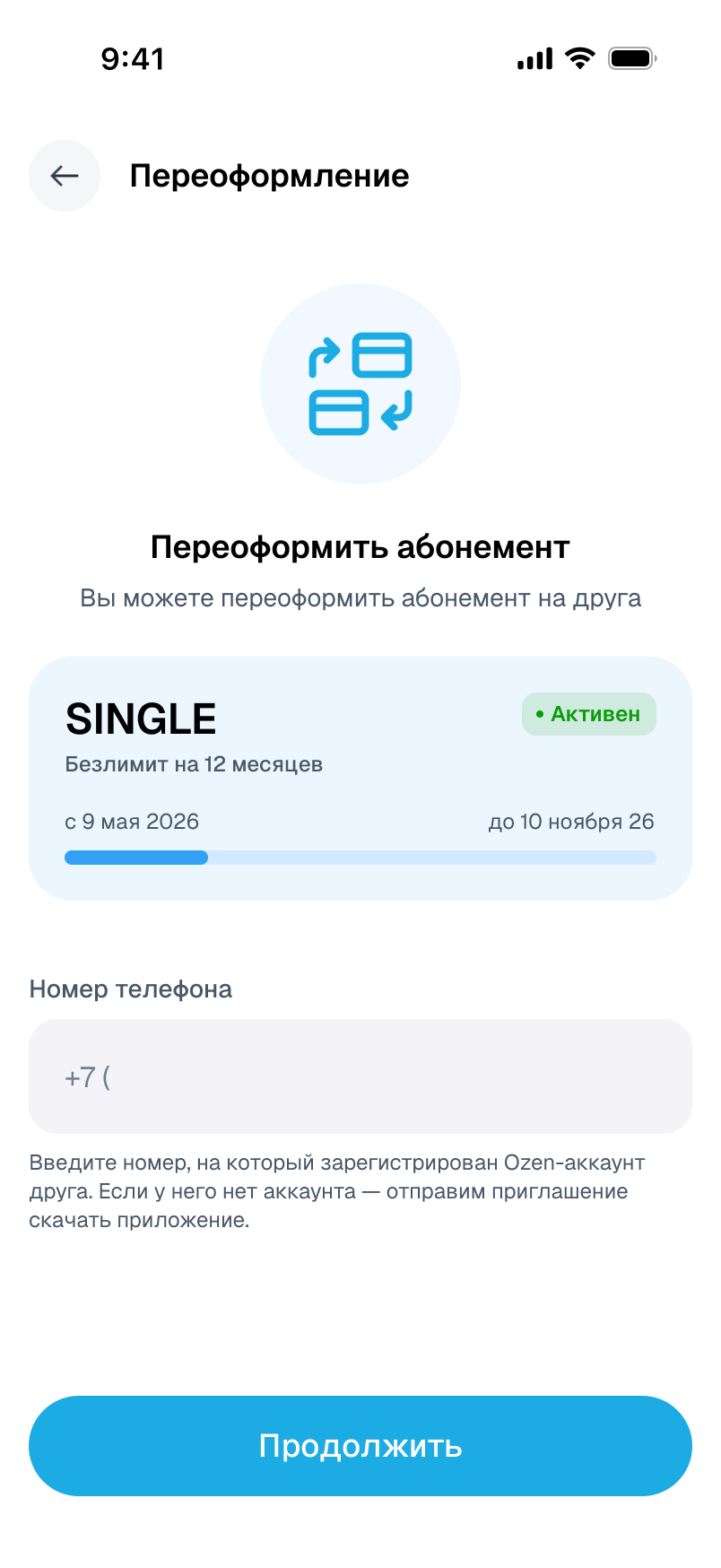
Transfer a membership.
A transfer requires the recipient’s account. After payment, the interface explains what happens next with notification and access.
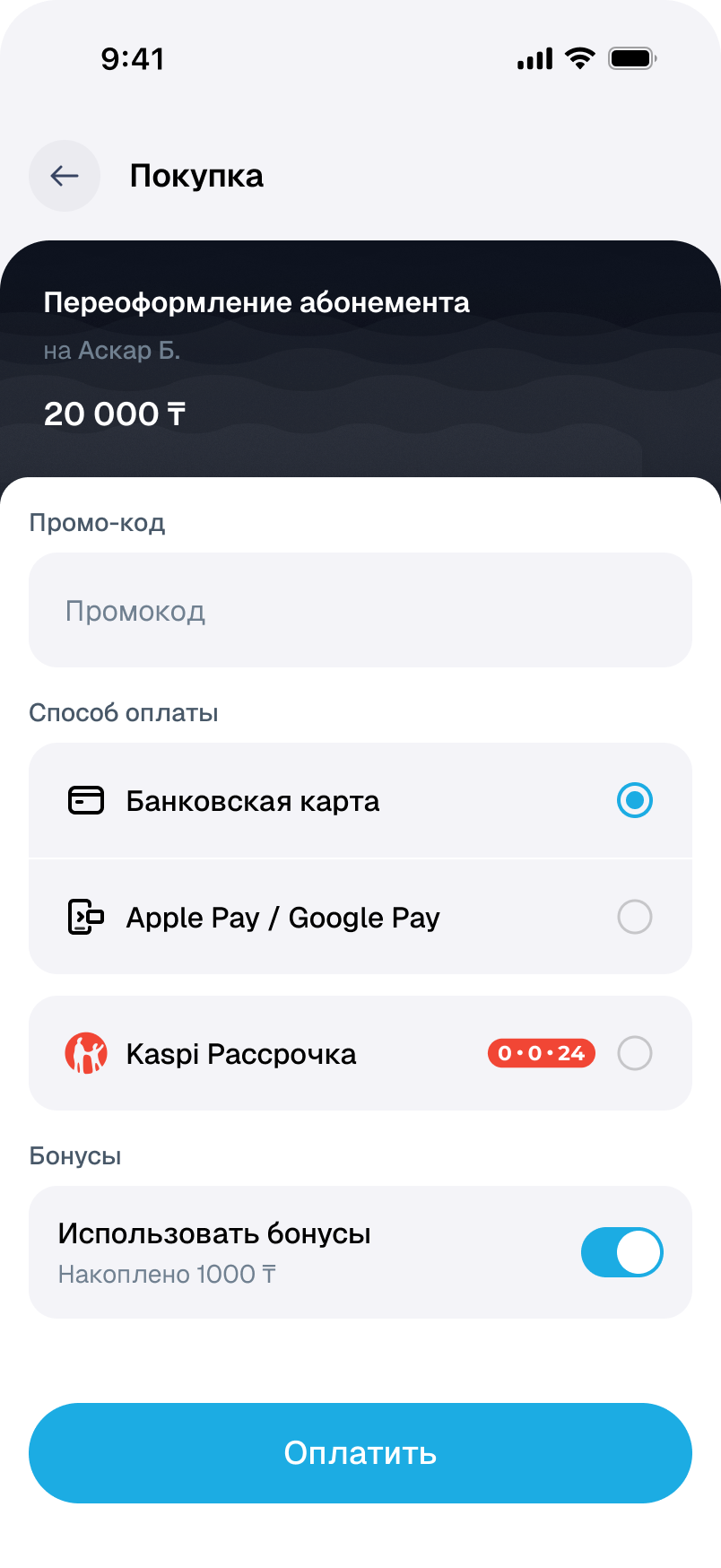
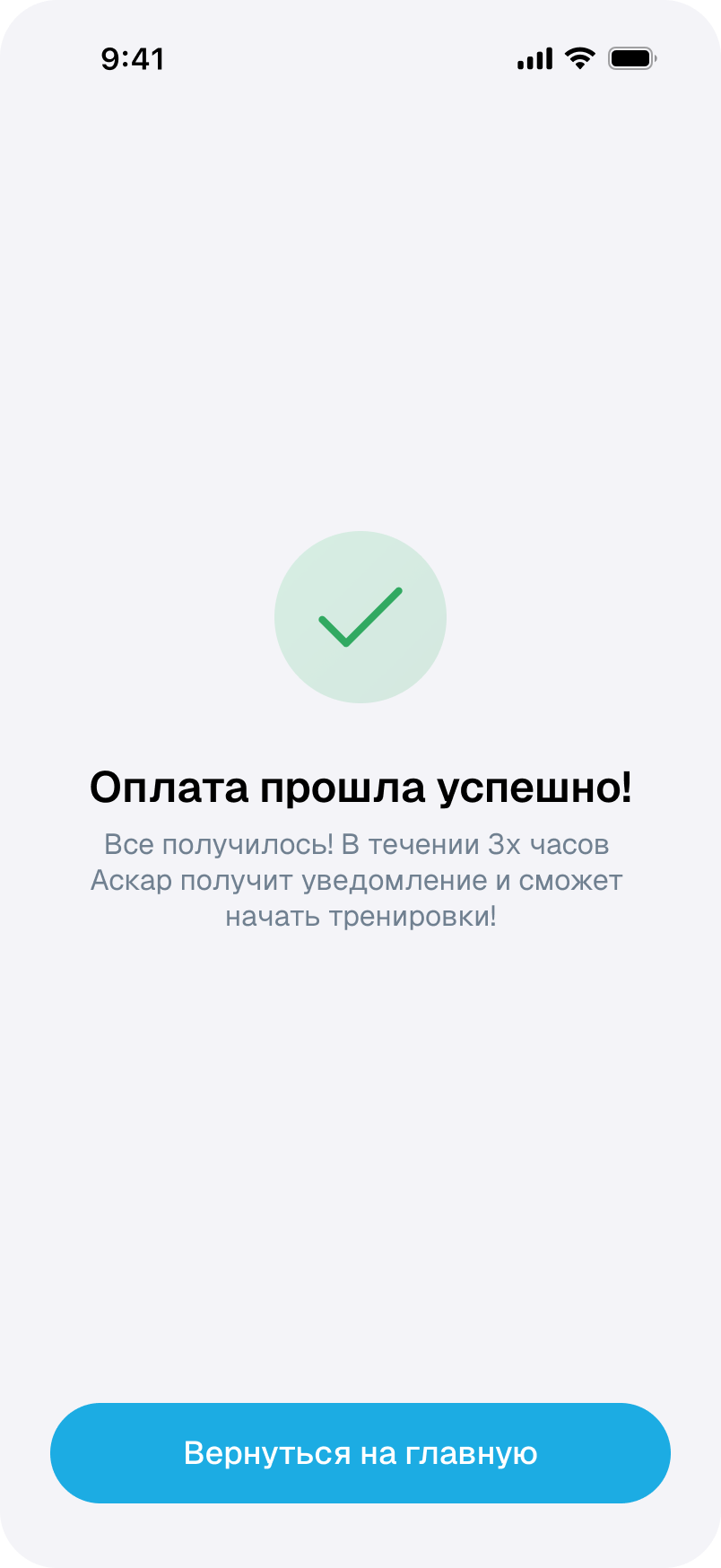
When the freeze allowance runs out.
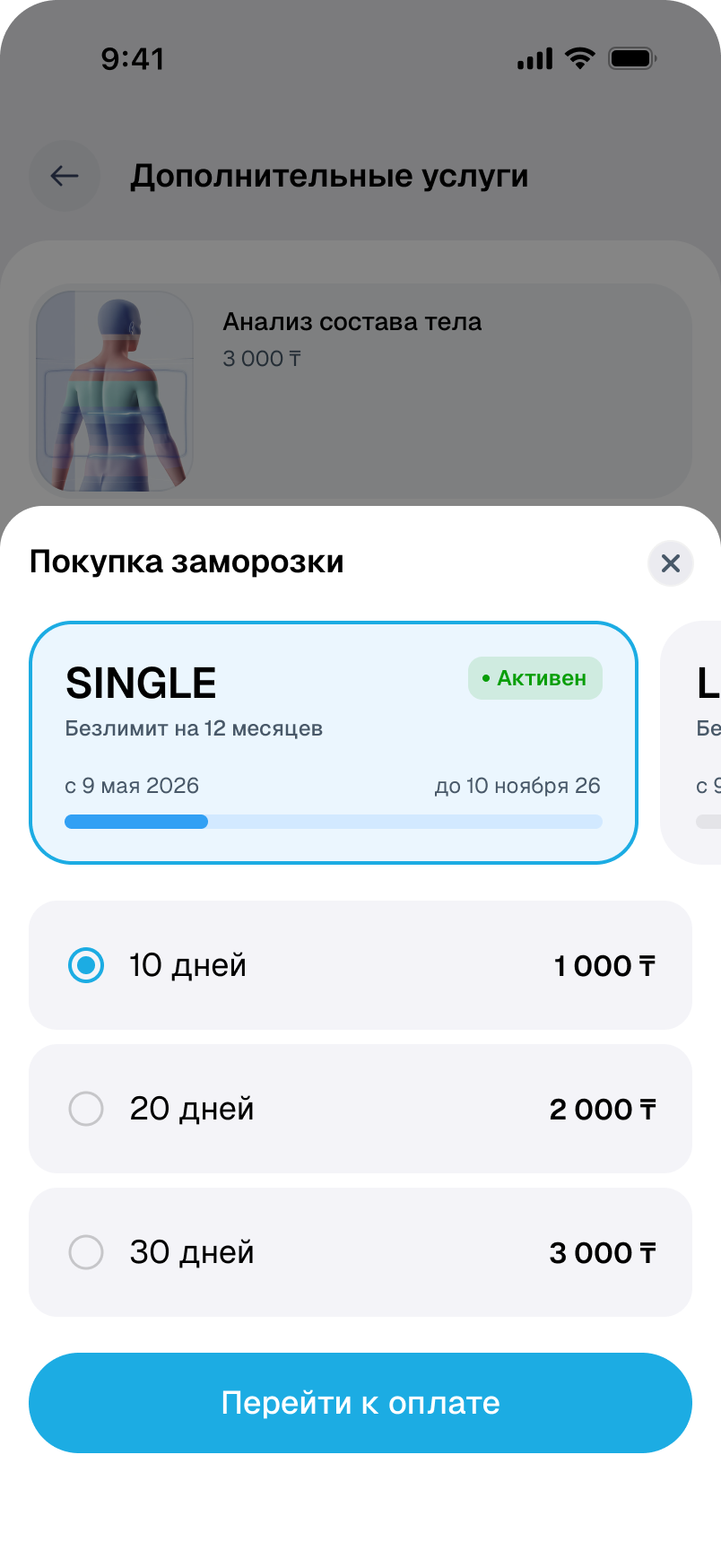
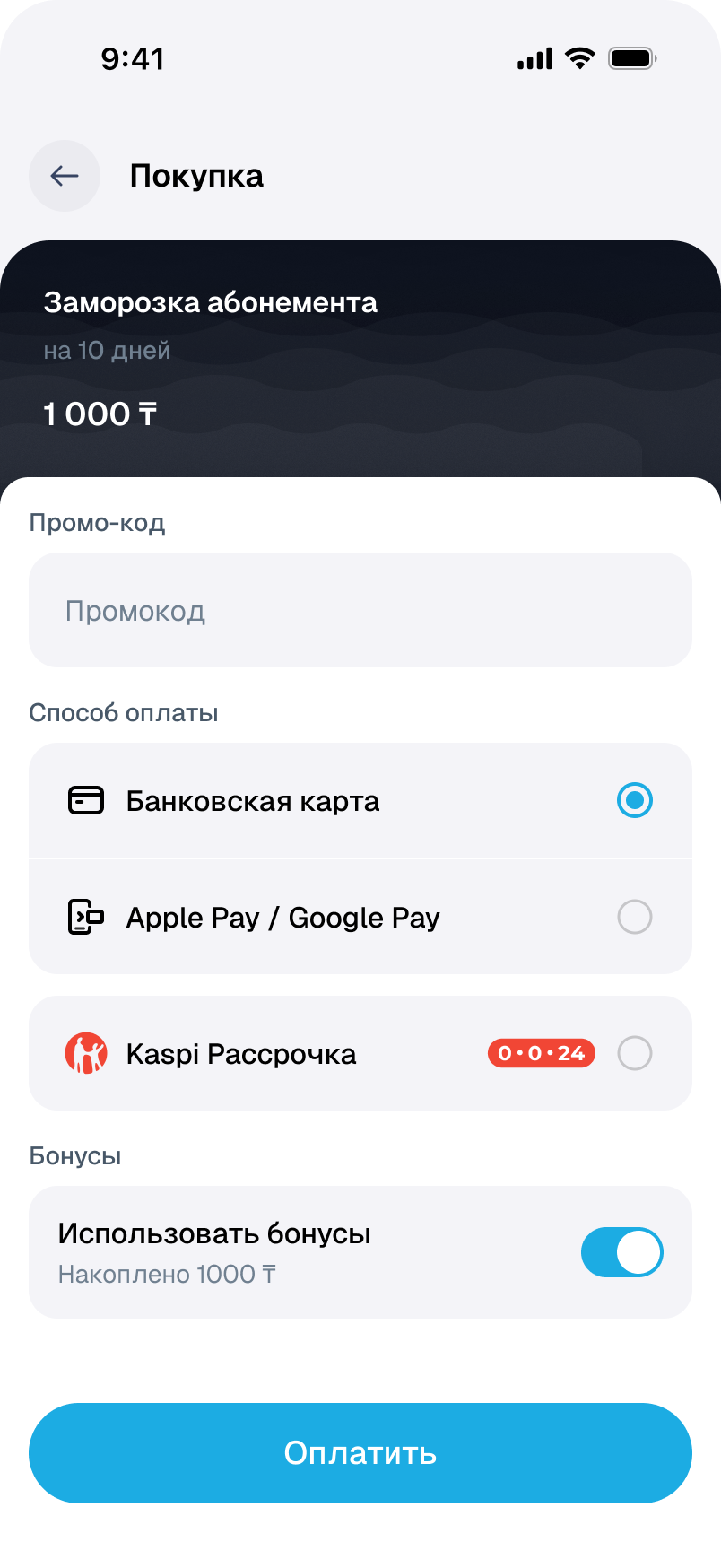
Extra freeze days can be bought for the selected membership. Payment and use are separate: the result directs the member to the membership details.
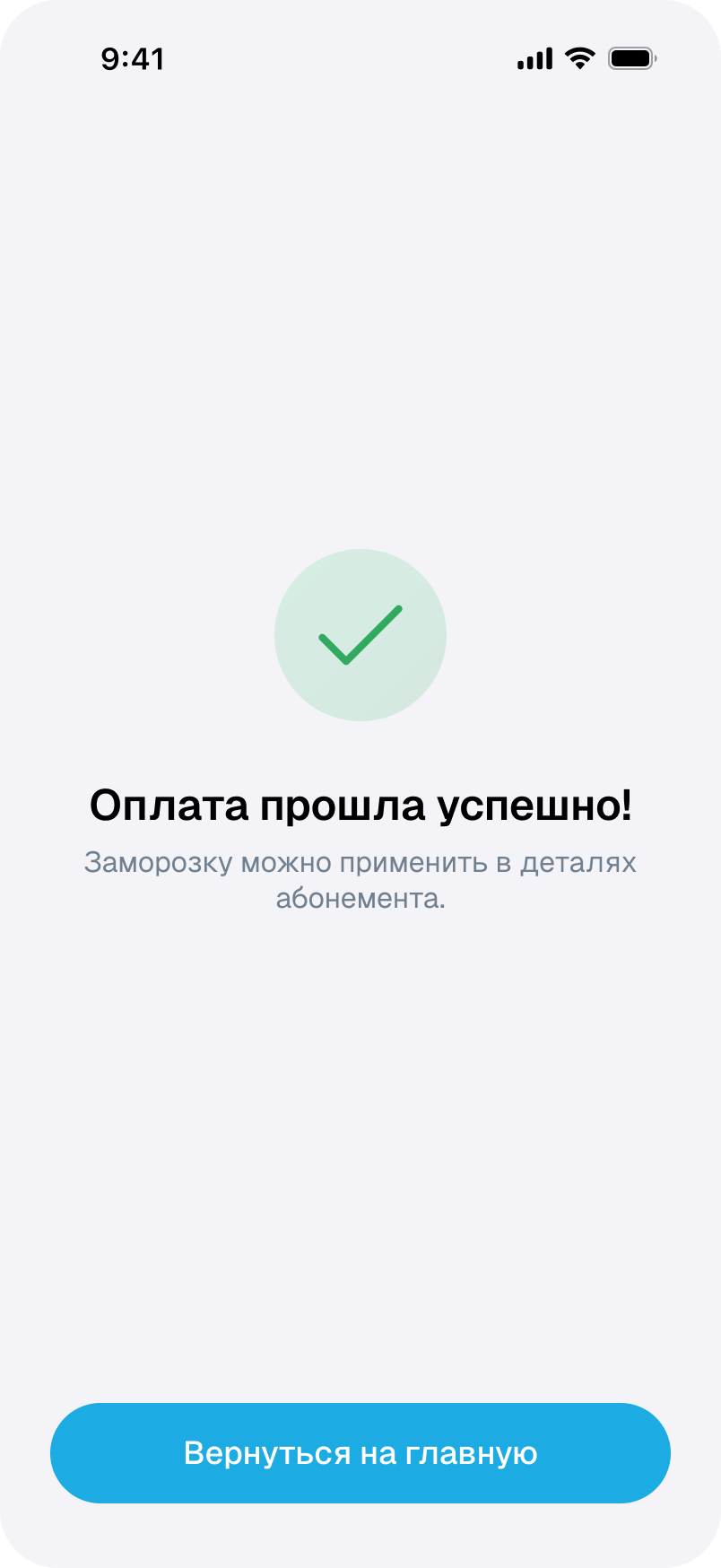
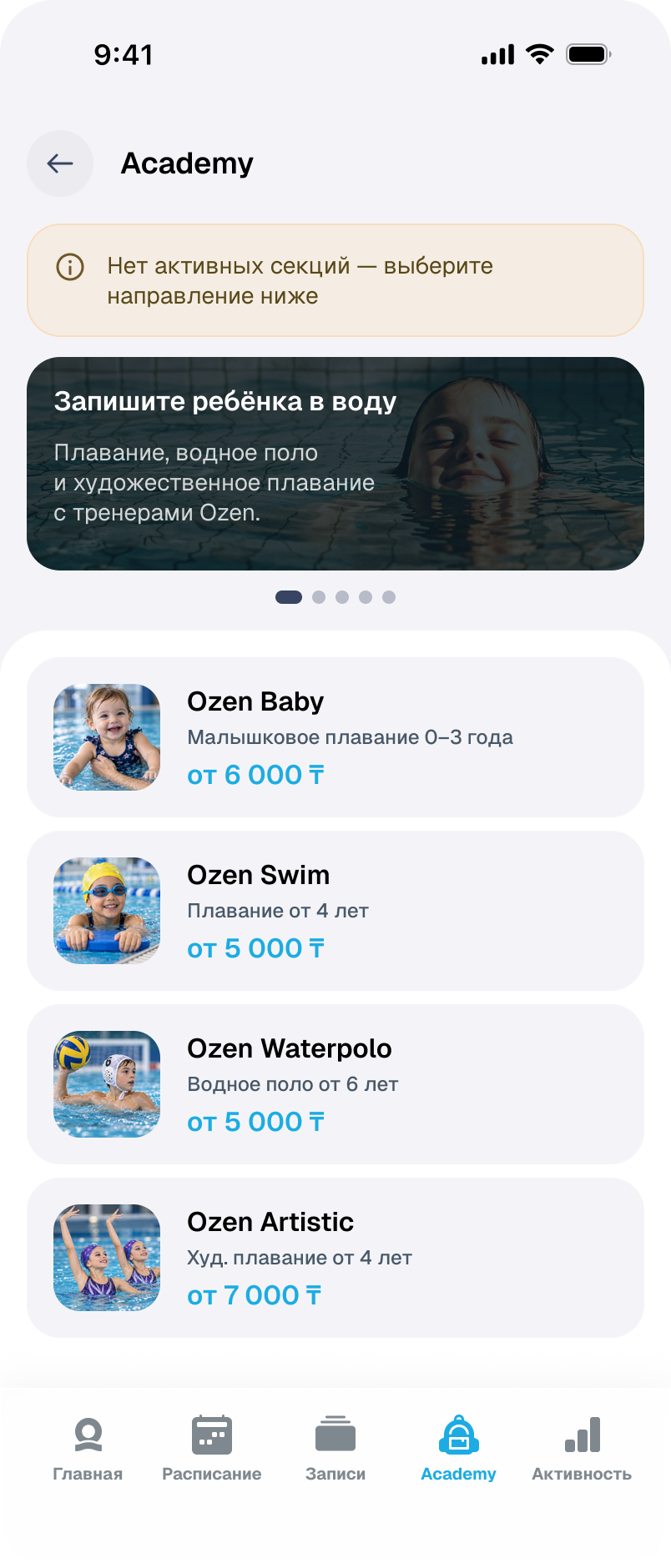
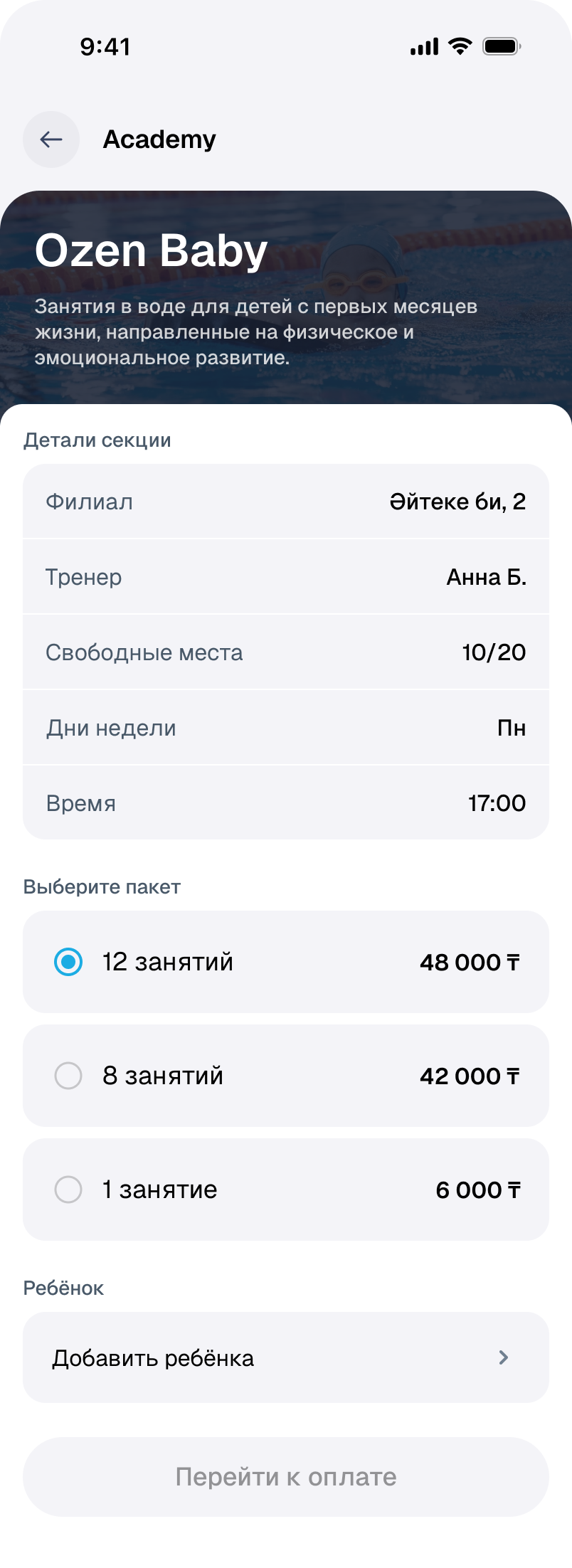
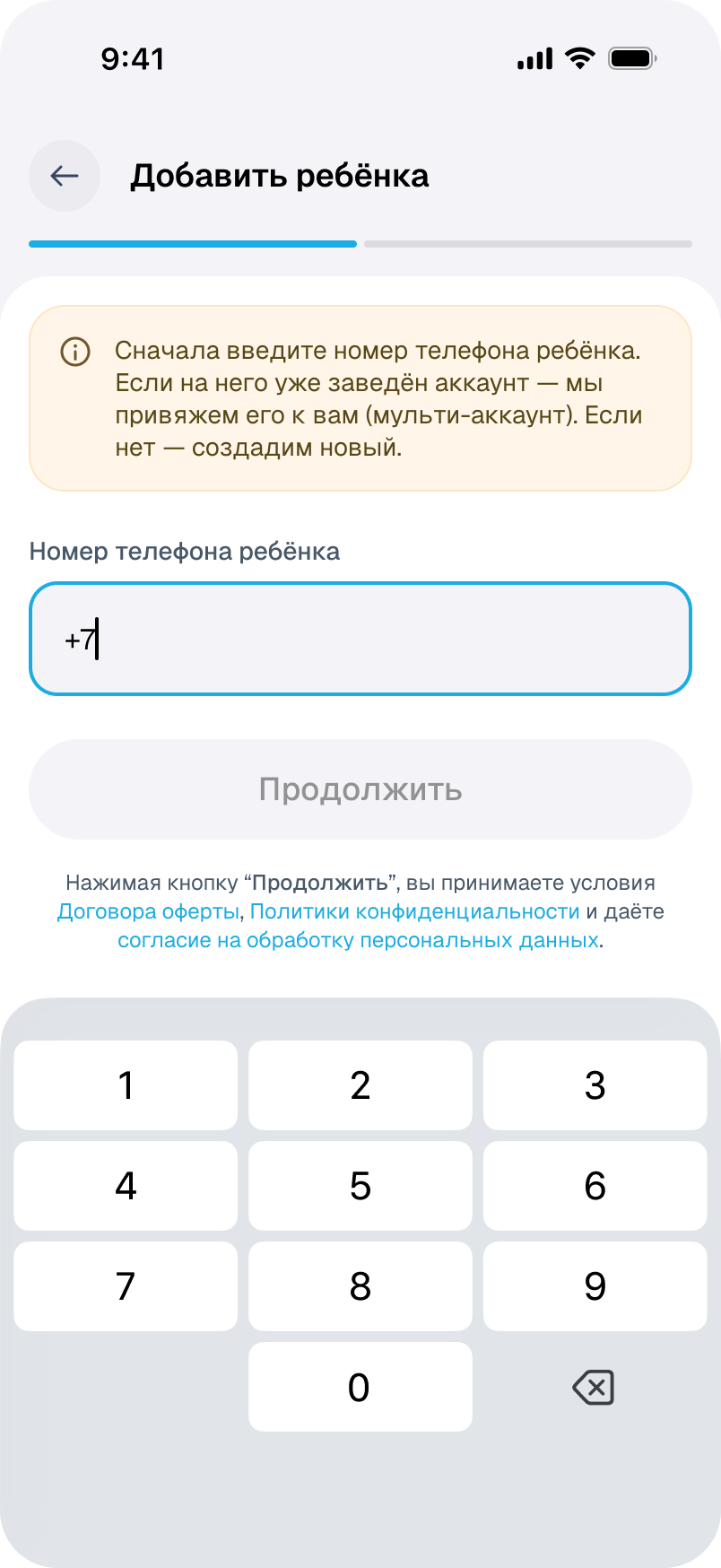
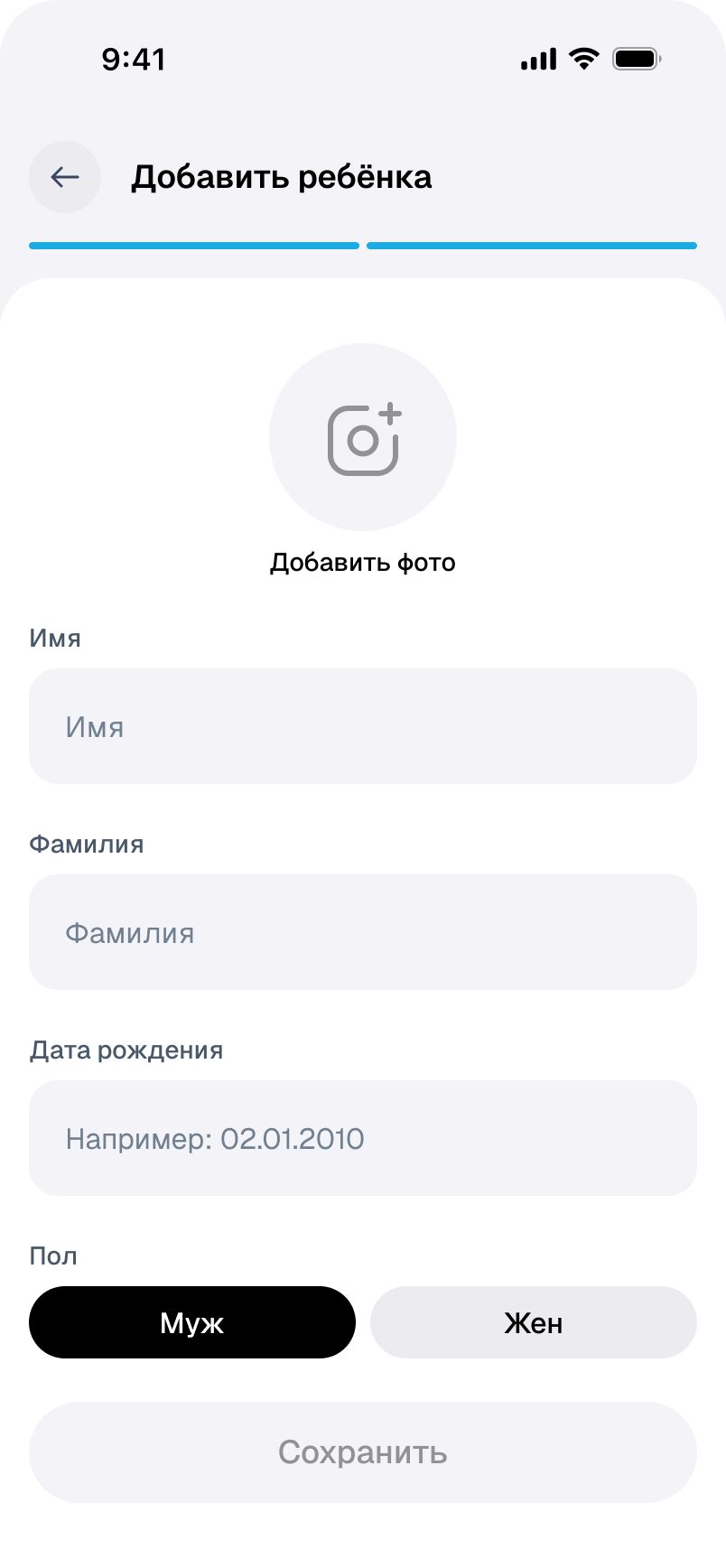
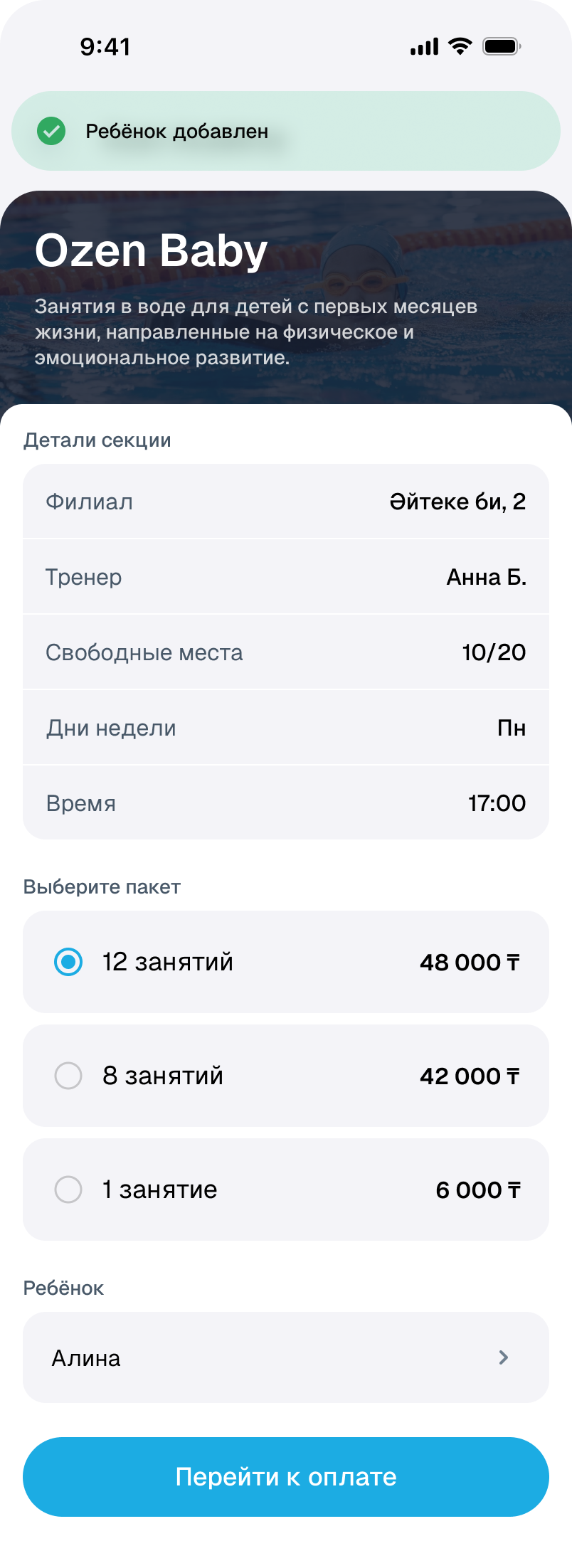
The parent chooses the activity.
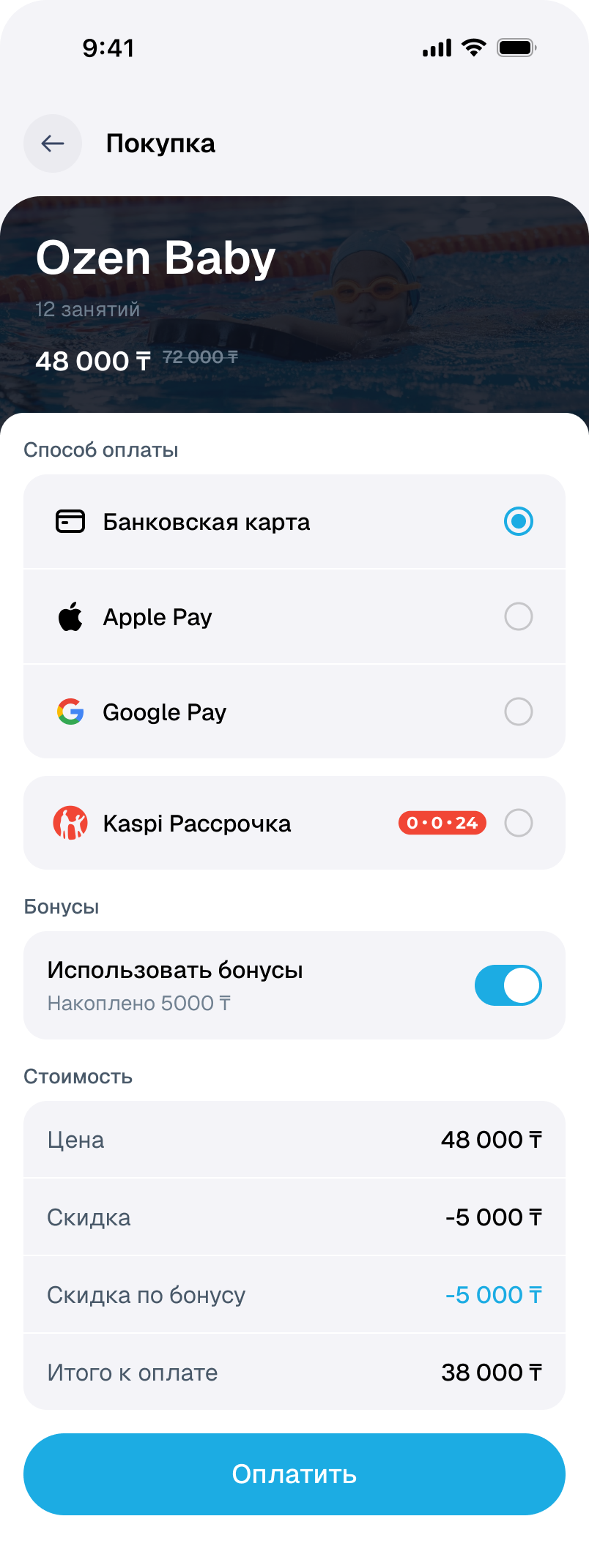
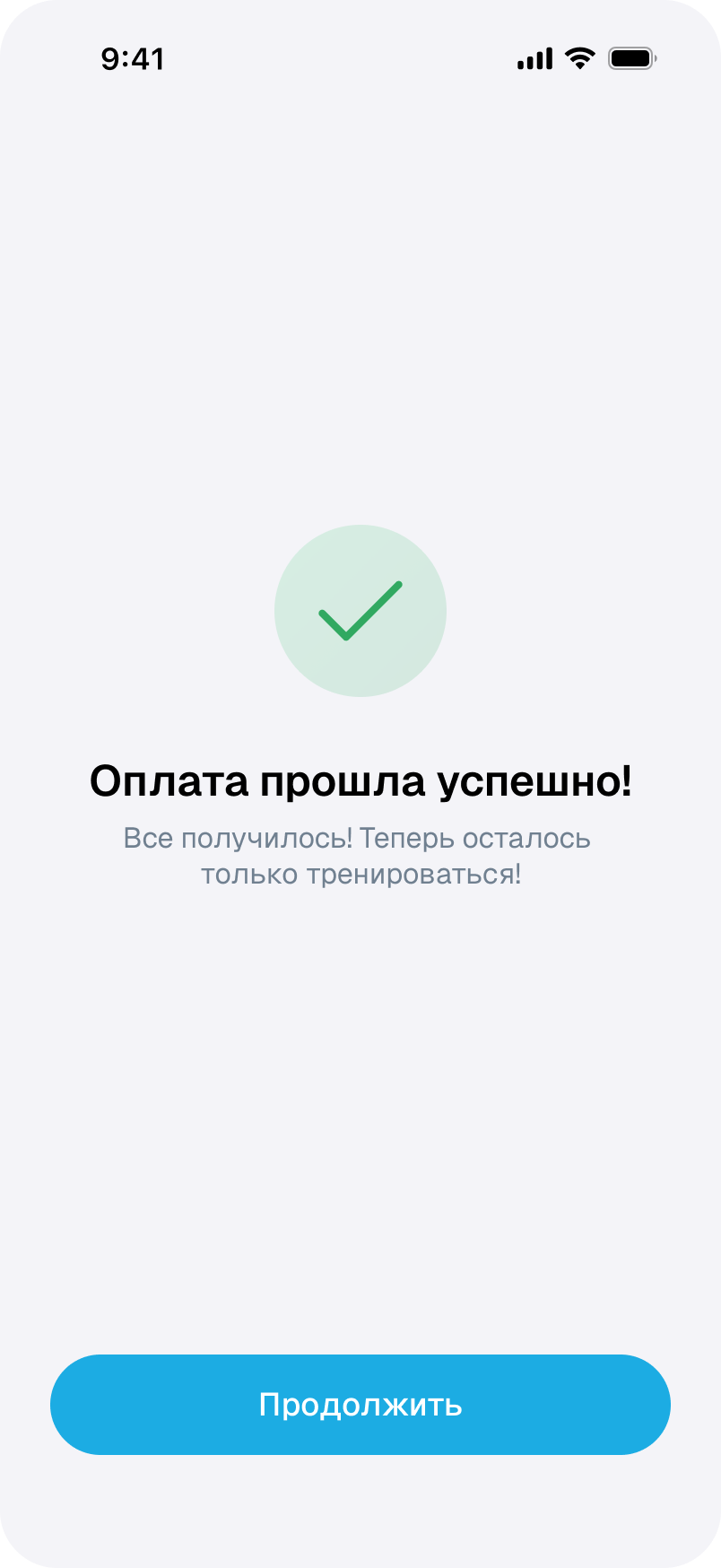
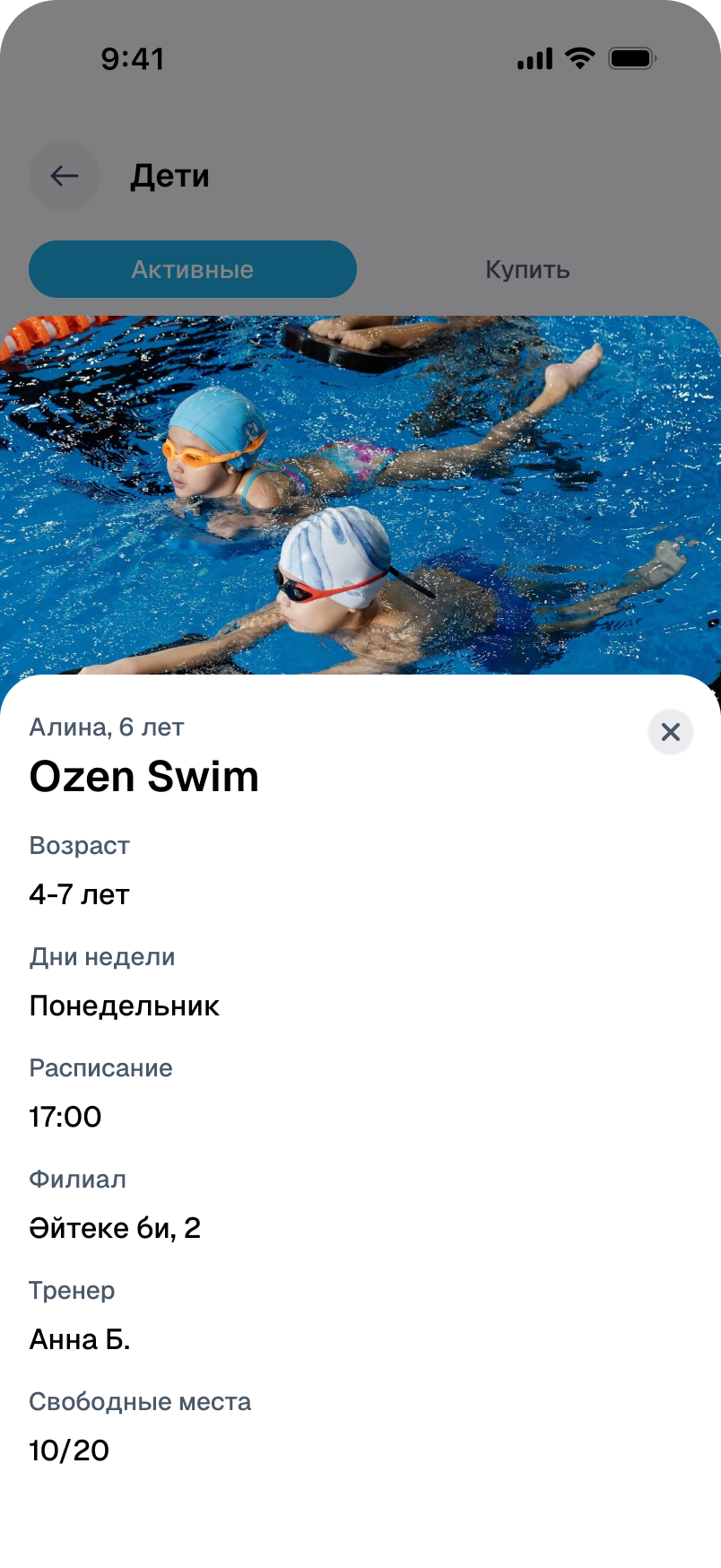
Age, branch, trainer and time are shown before purchase. Payment requires a child to be selected; an existing account can be linked to the parent’s.
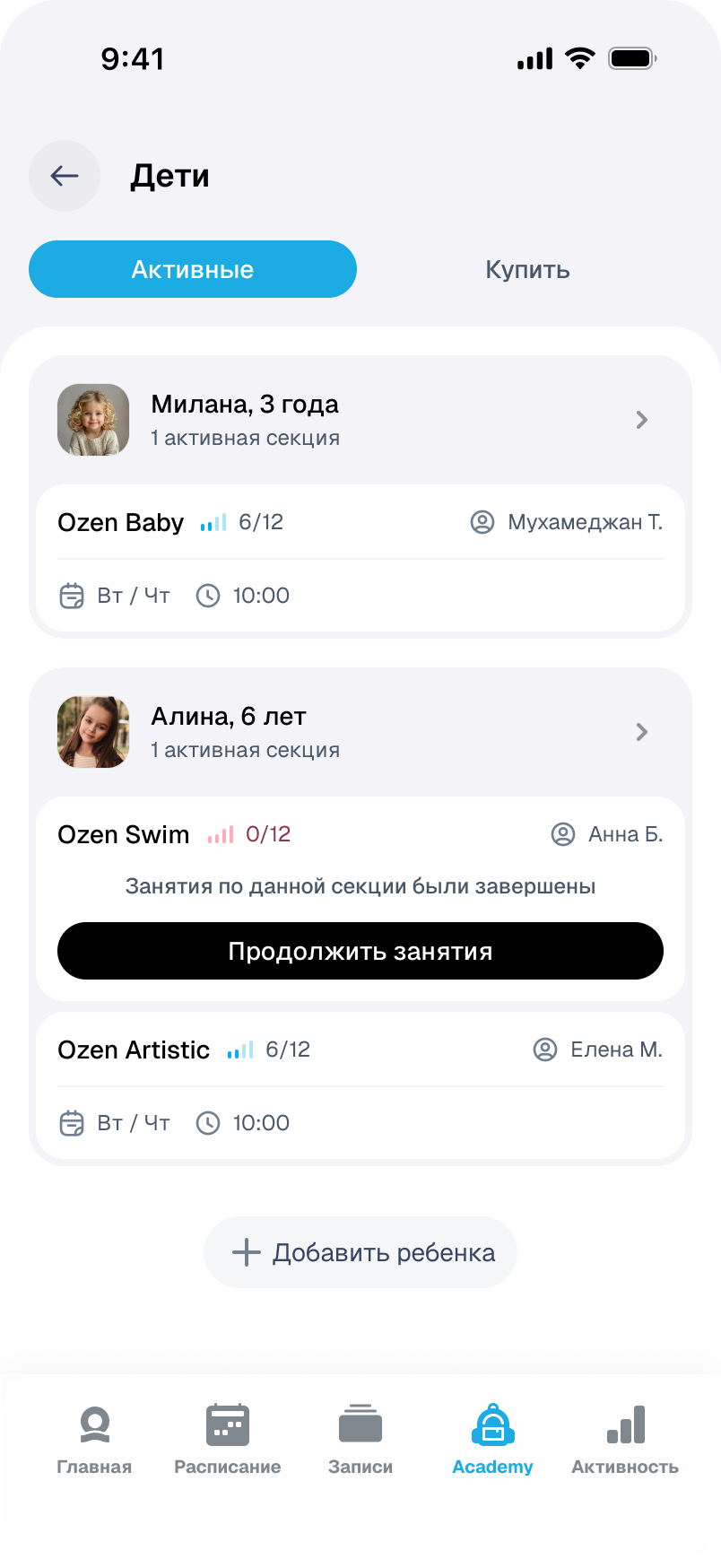
Several children. One overview.
Each child has their own activities and remaining classes. Renewing a completed course, viewing its schedule and checking achievements are available in the parent’s view.
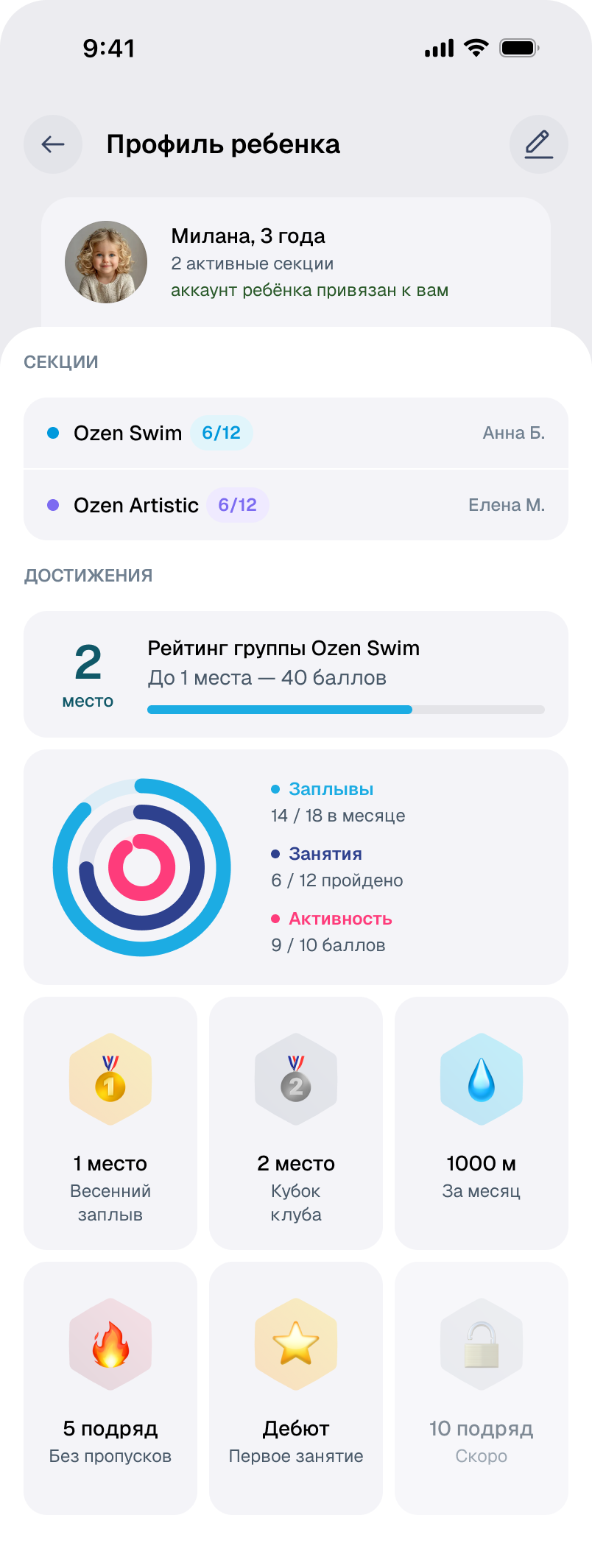
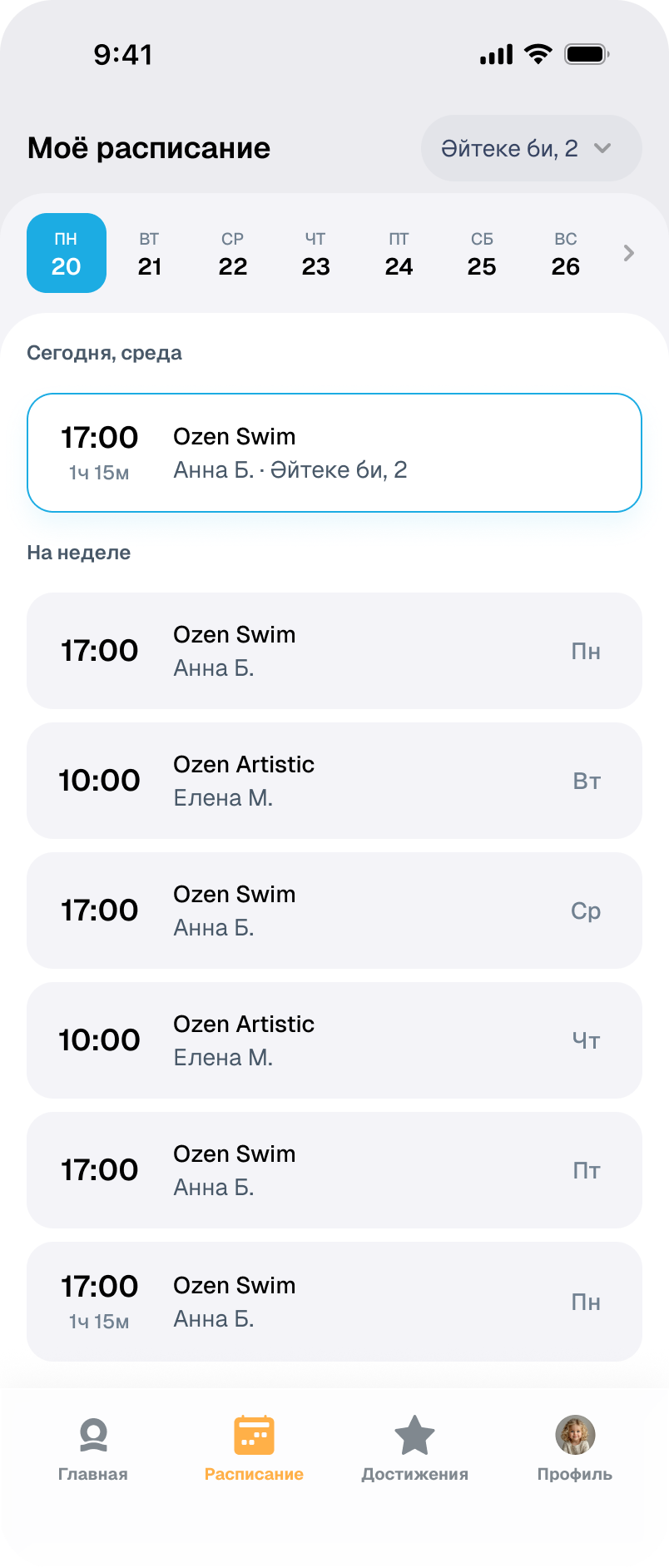
Children have their own tasks.
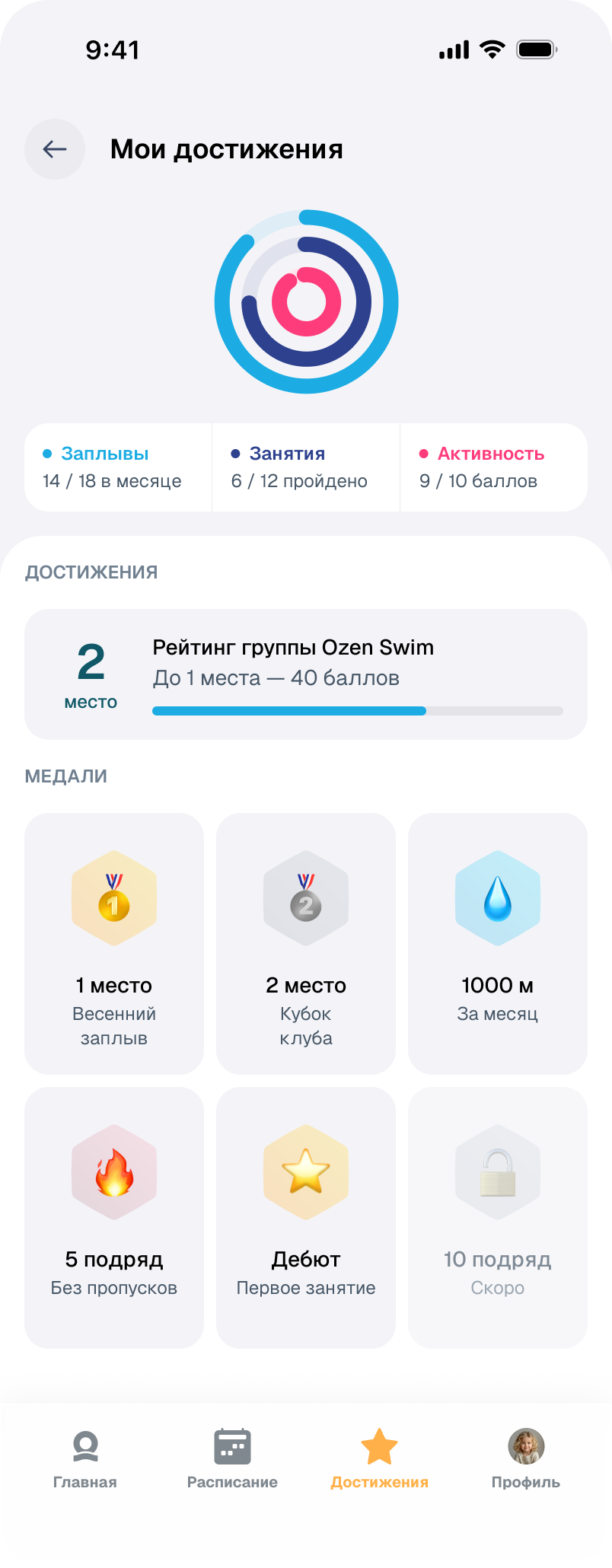
The child’s interface puts the schedule and achievements first. The weekly plan, ranking and medals do not require going through the activity purchase flow.
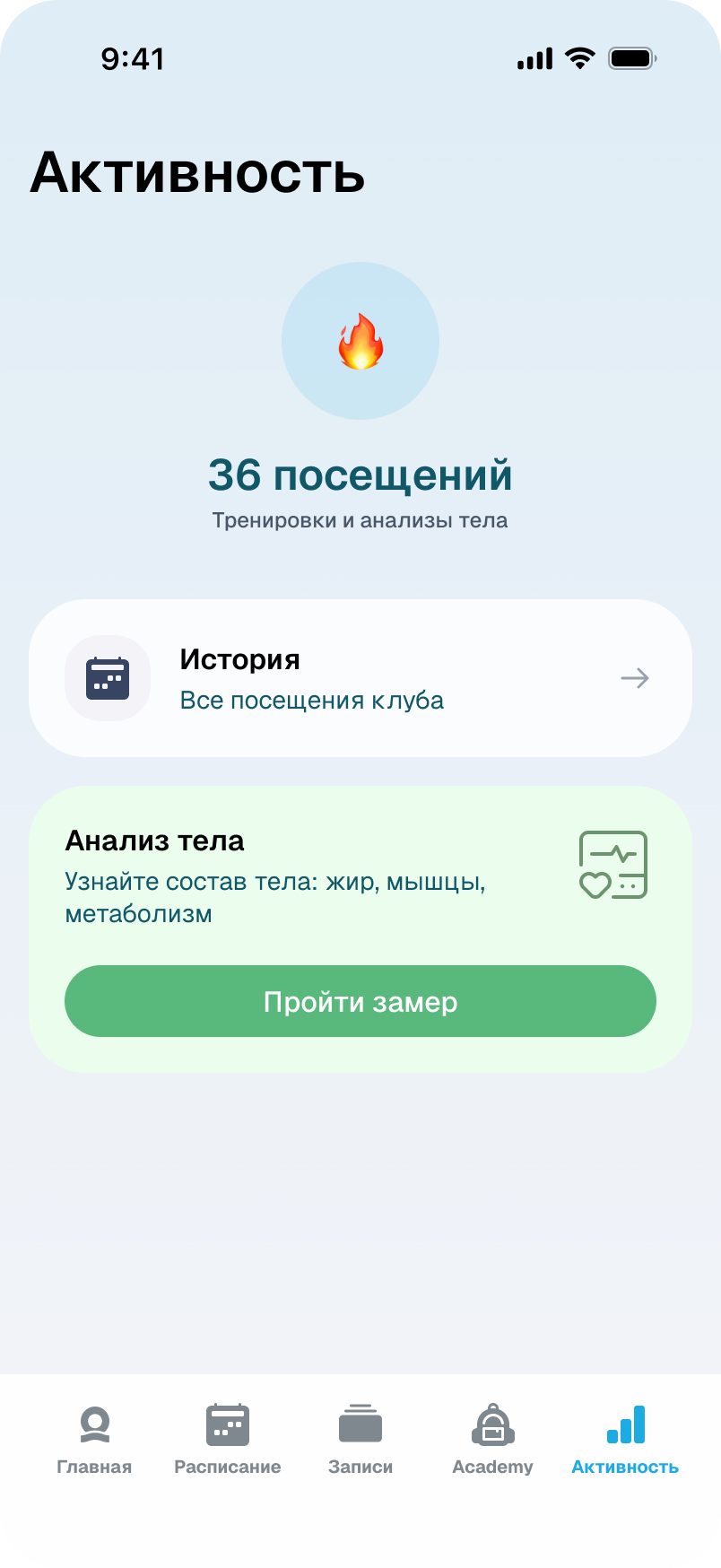
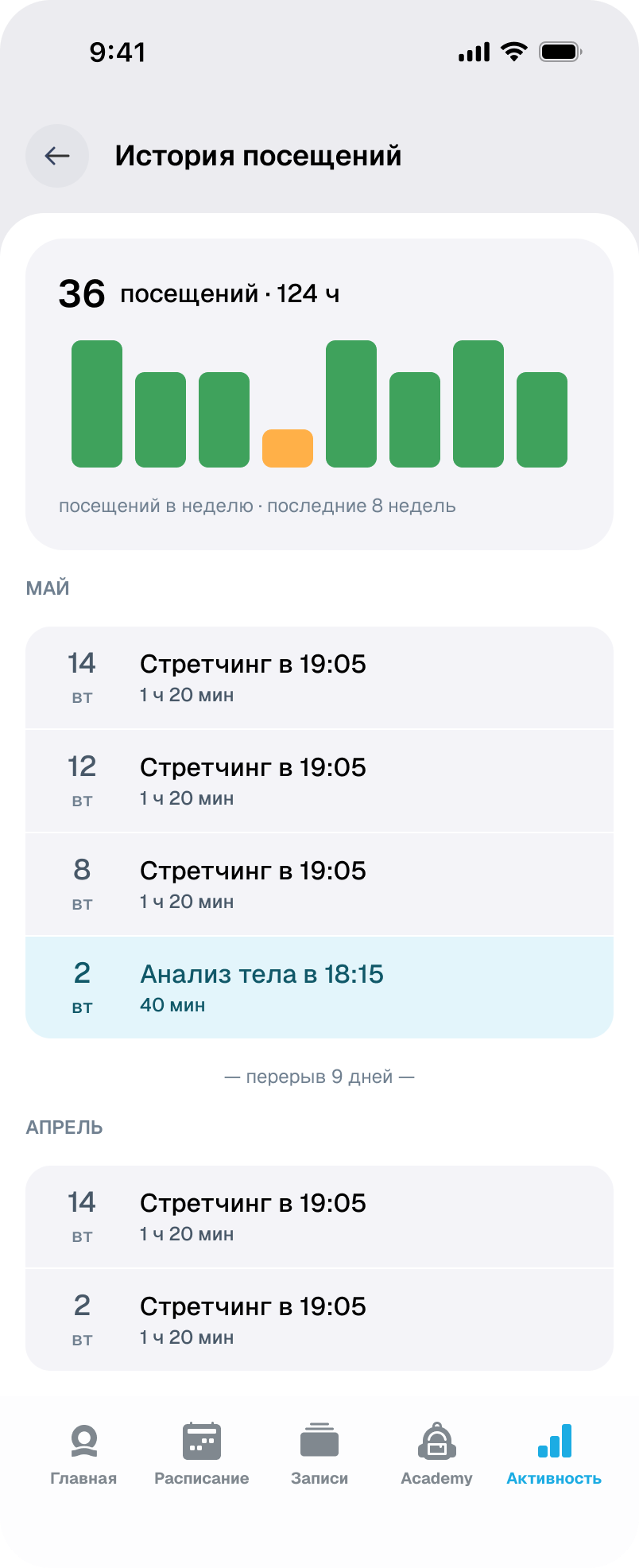
Visit history.
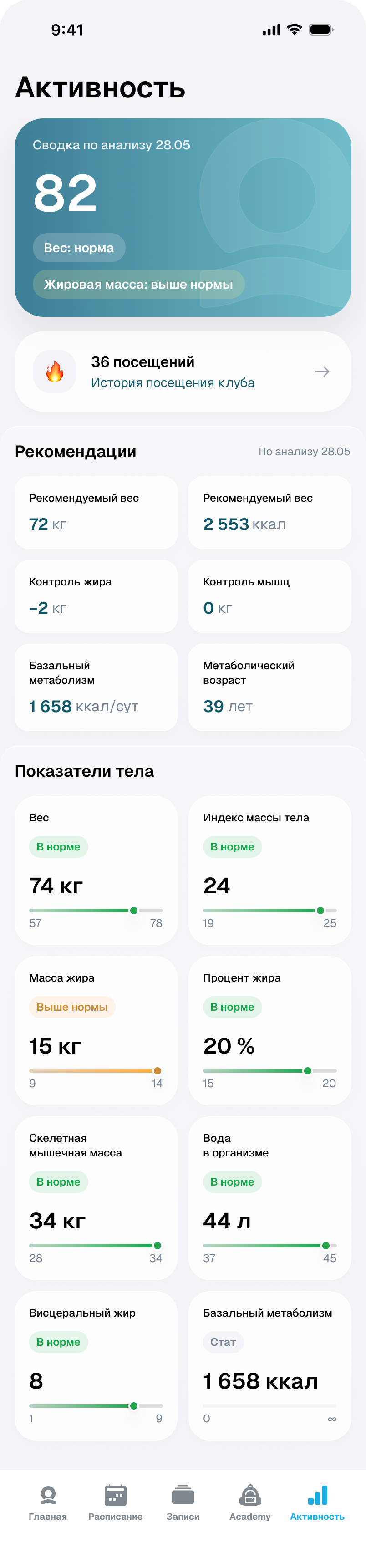
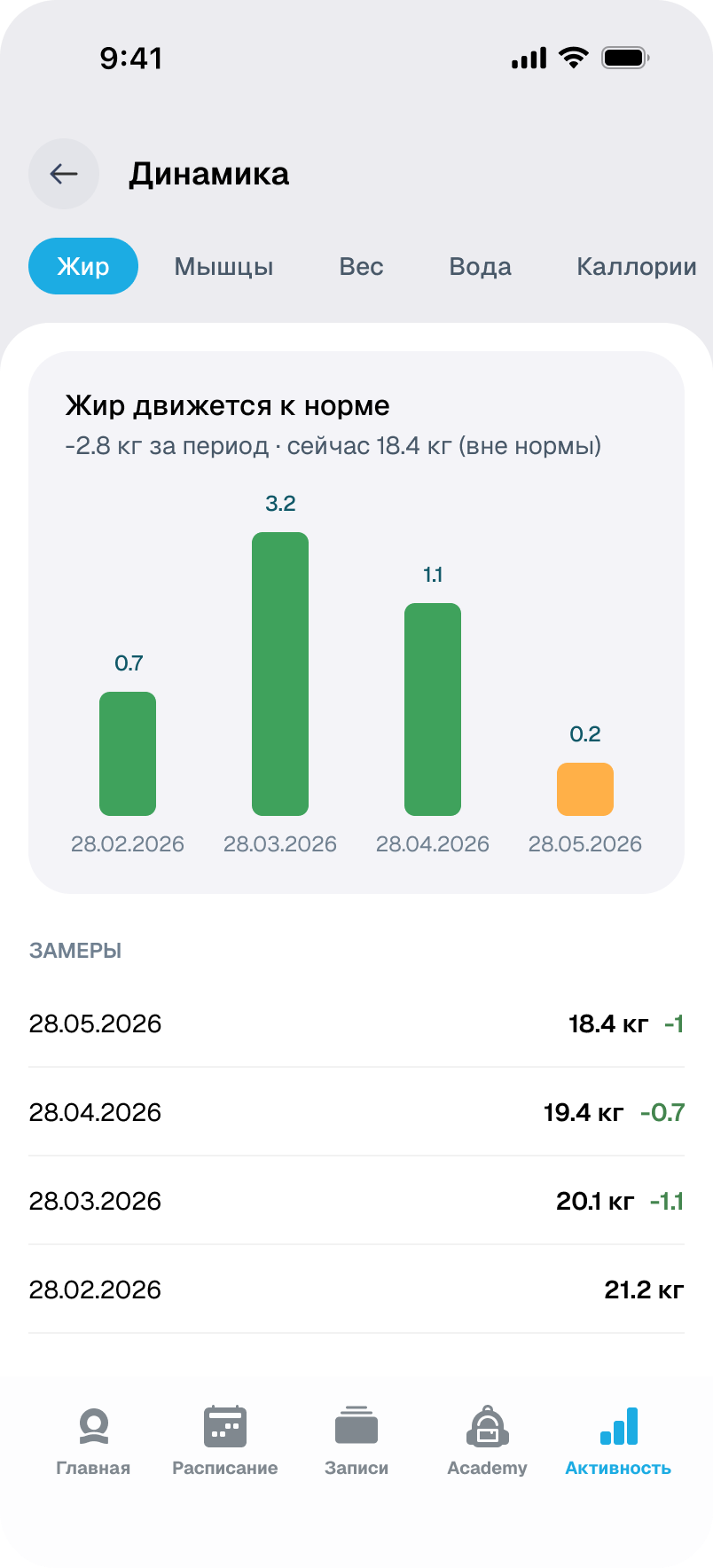
Visits build a workout history; measurements add indicators and changes over time.
Understand your balance.
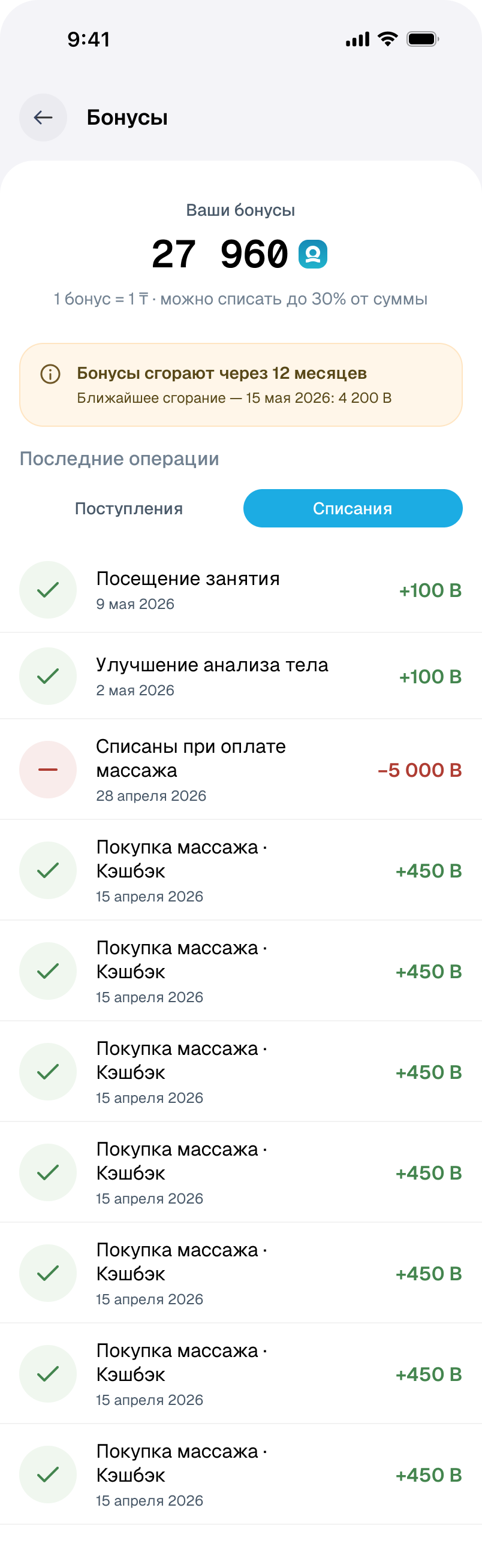
With a zero balance, the app explains how rewards are earned. Once they accumulate, transactions and the expiry warning take priority.

Key decisions
Conditions alongside the choice
Price, validity and package contents are shown before payment. The purchase confirmation leads to booking or activation.
Restrictions before confirmation
Available places, membership access and cancellation rules are visible in the booking flow.
Separate parent and child roles
The parent chooses a class and pays for sessions. The child sees their own schedule and achievements.