
Categories, filters and listings
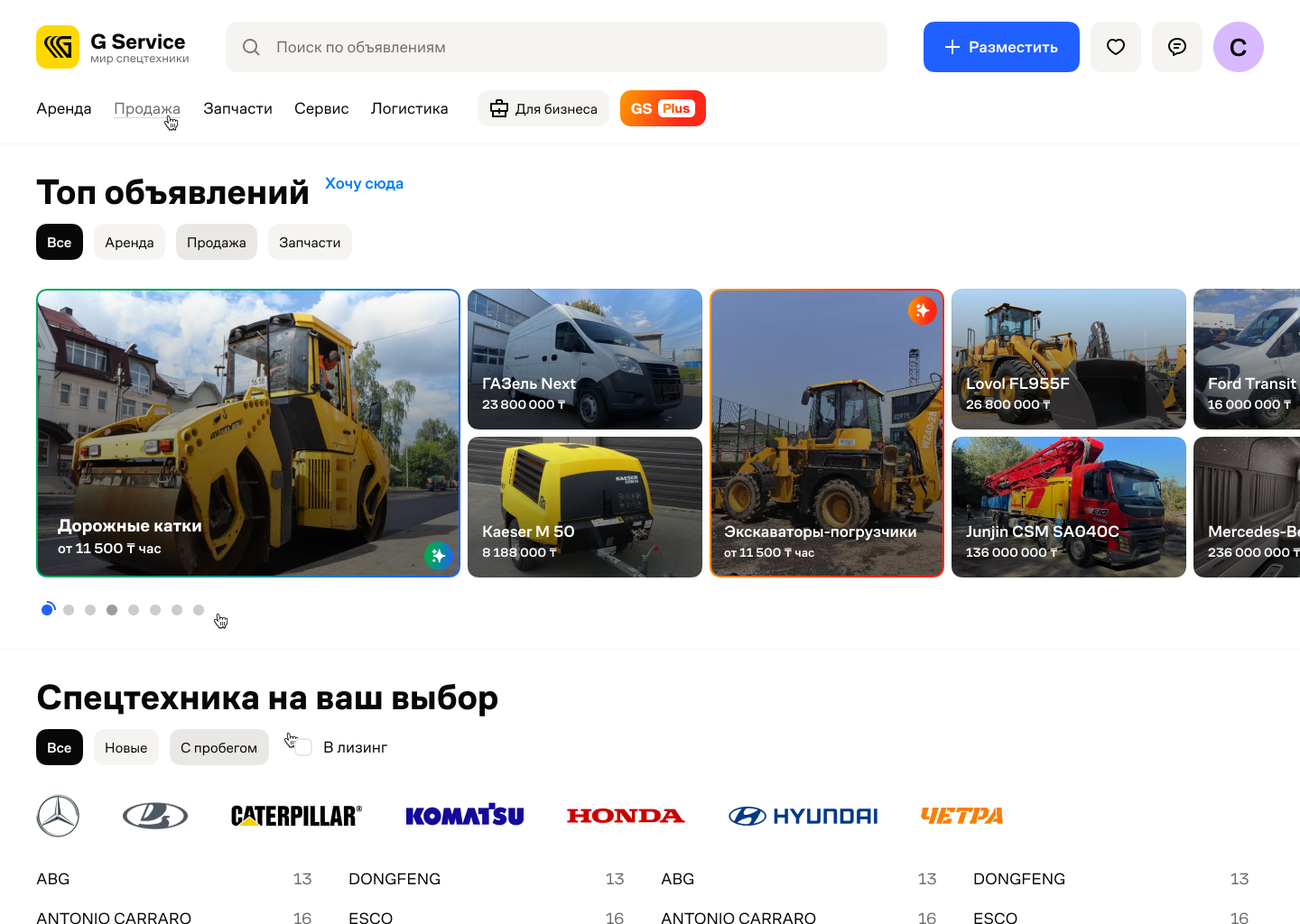
The market research covered Machineryline, Mascus, Drom, OLX and Avito. Machineryline starts with a detailed catalogue; Mascus opens with broad equipment groups. Drom combines listings, filters and makes. GService shows listings upfront, with filters for equipment type, make and model.
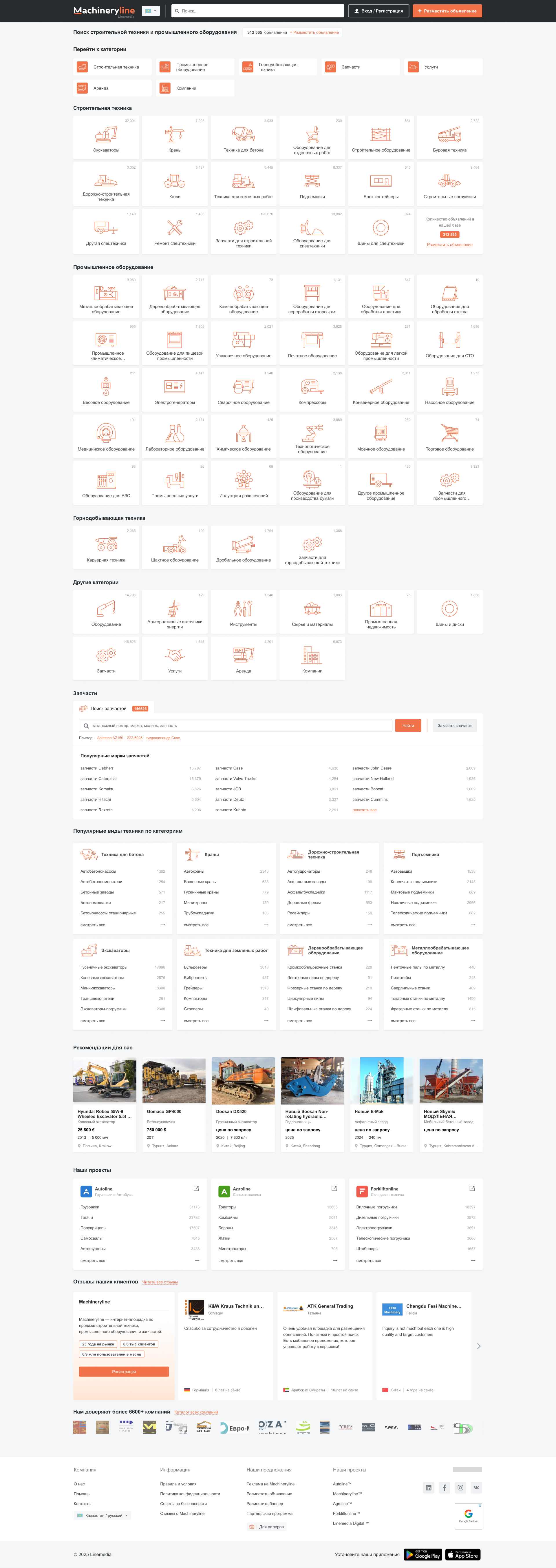
Machineryline. Detailed categories and listing counts show the range of equipment available.
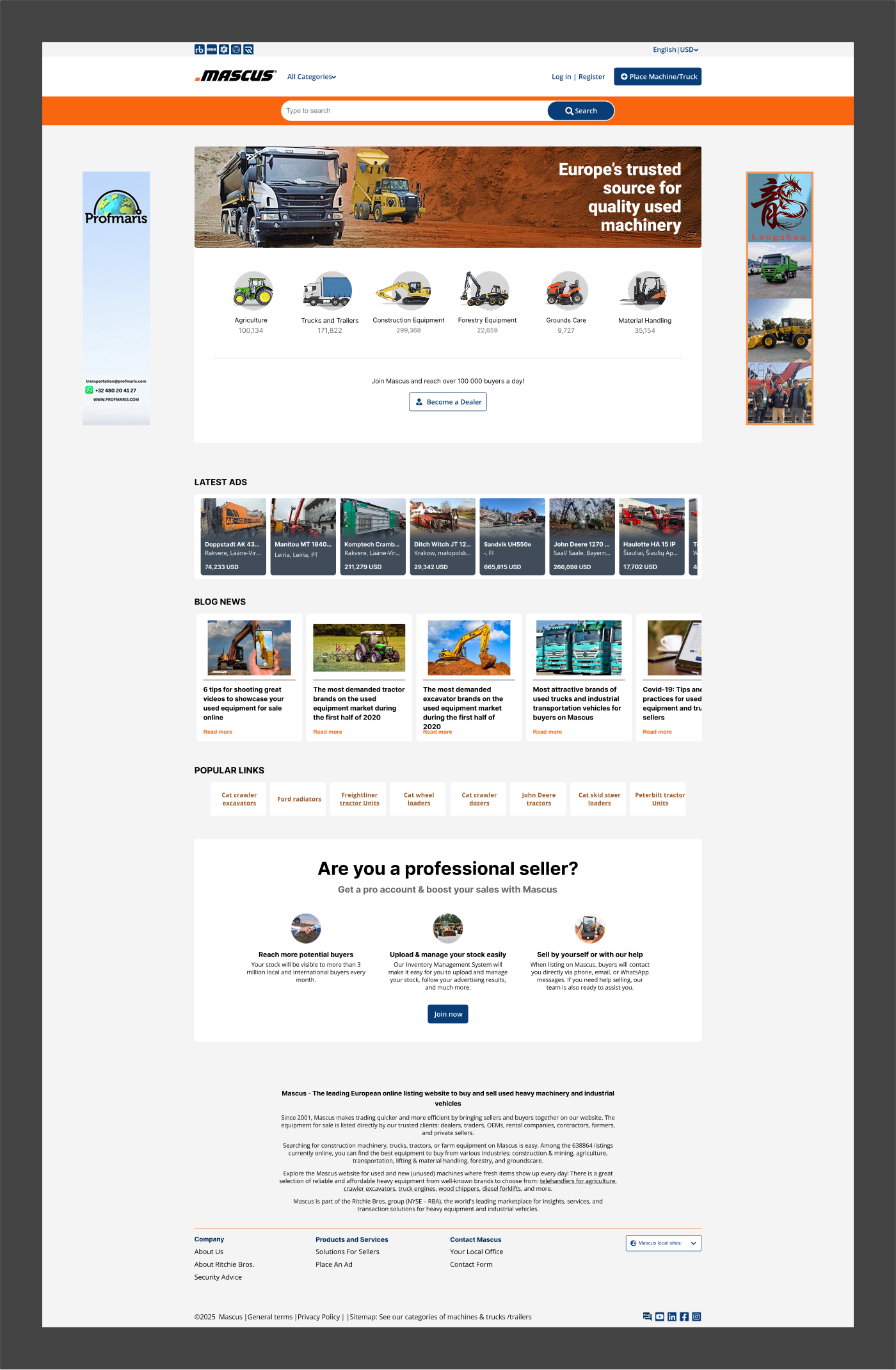
Mascus. Broad equipment groups provide the starting point for search.
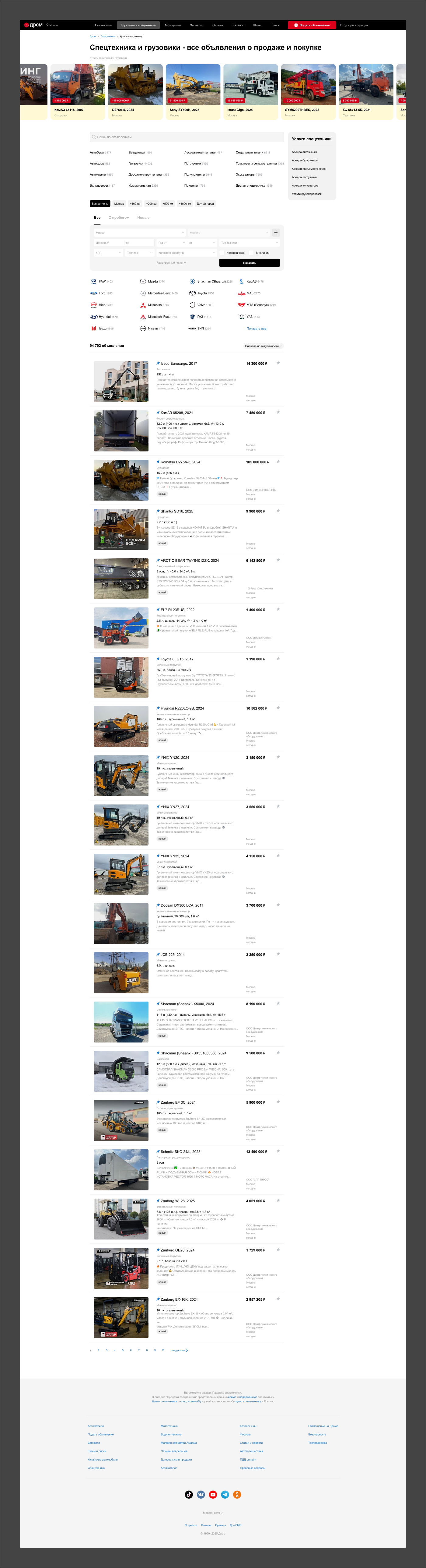
Drom. Brand and region lists complement the specification filters.
Different tasks need different details
Buying calls for the machine’s condition and operating hours. Renting adds hourly or shift rates, an operator and delivery. Parts need a part number; repairs need supported makes and a scope of work. Each catalogue brings those details into the listing.
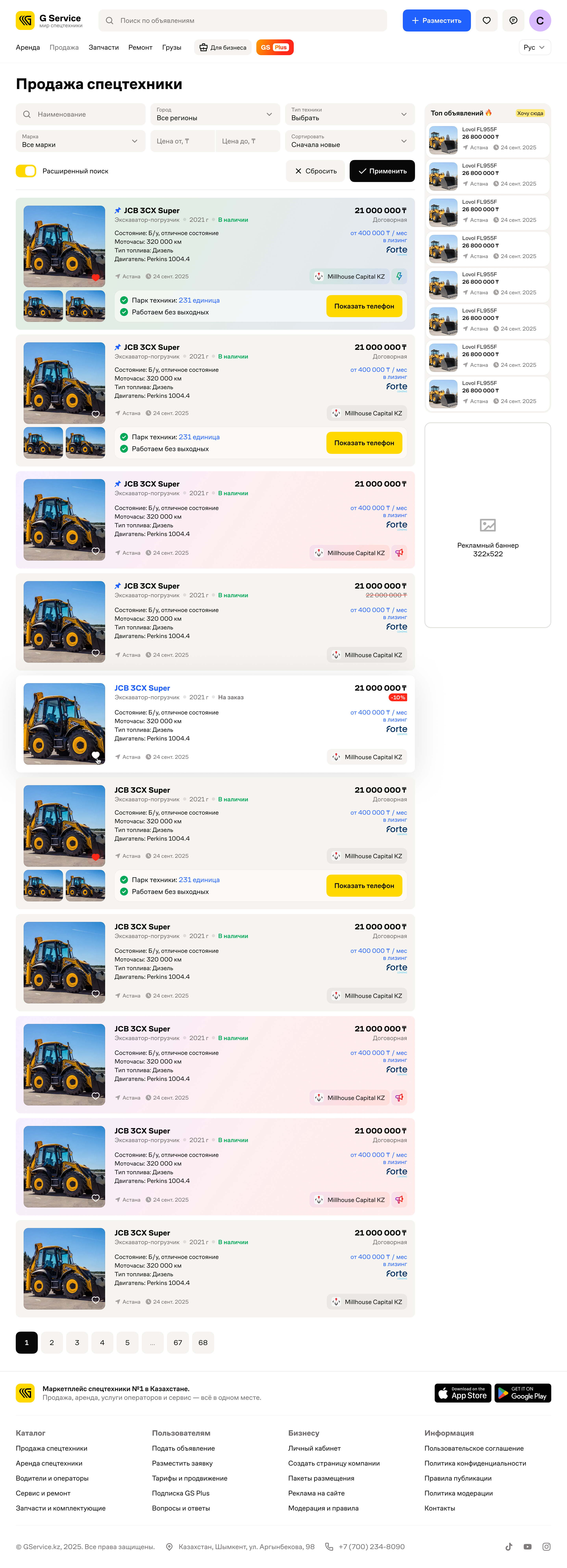
Sale. Condition and operating hours are visible before opening a listing.
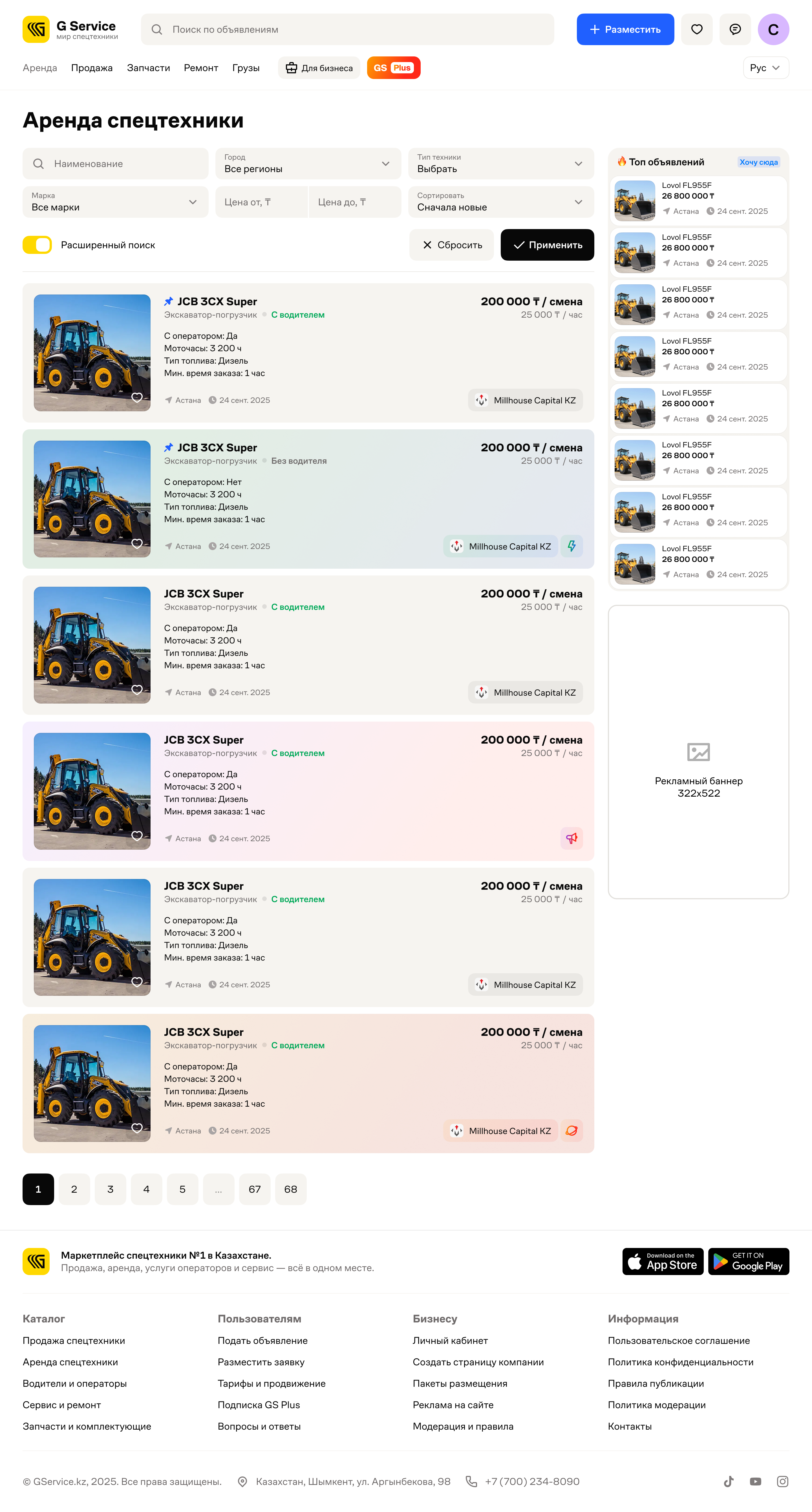
Rent. Hourly and shift rates can be compared directly in the list.
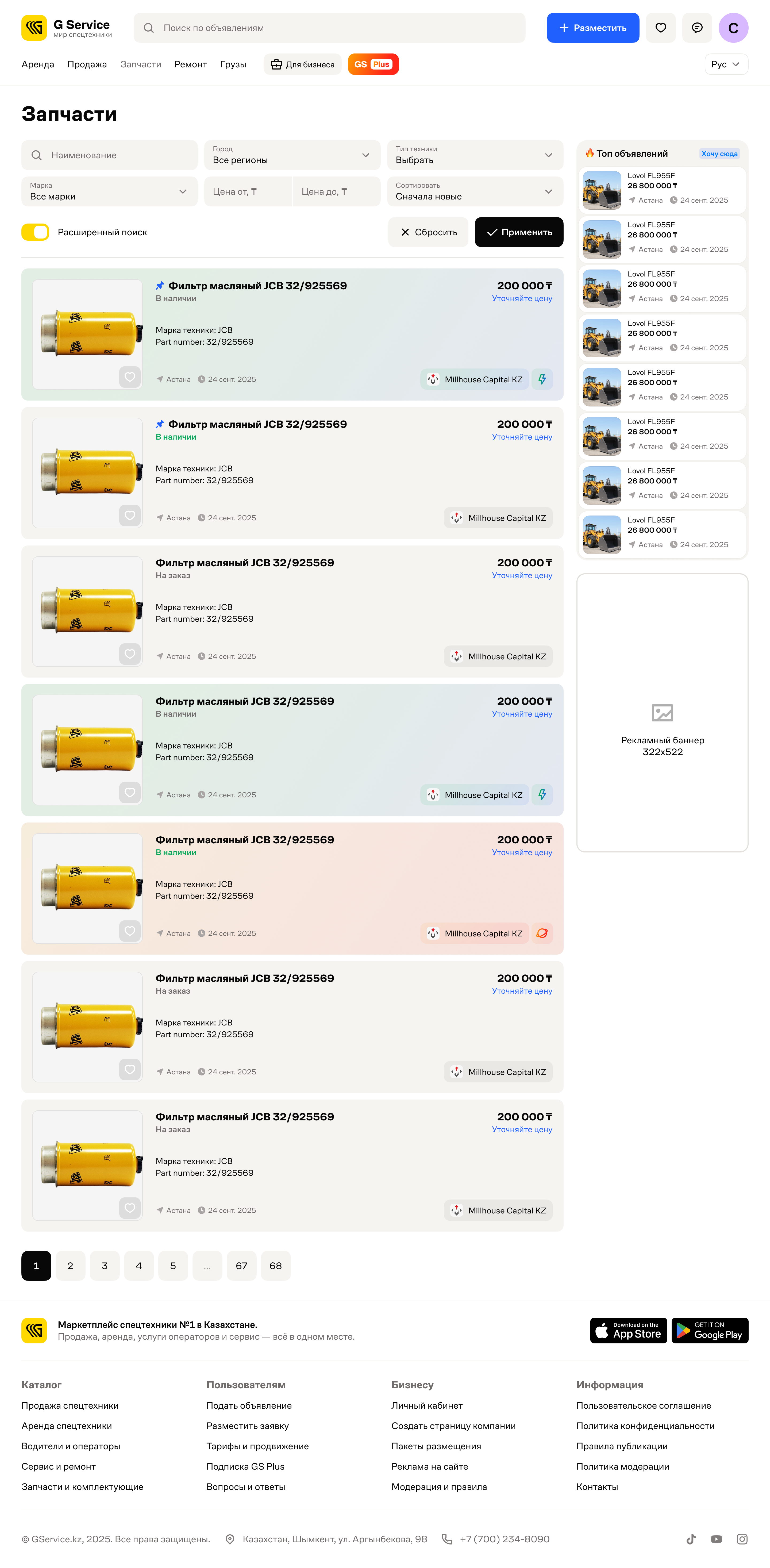
Spare parts. The part number appears beside the equipment brand.
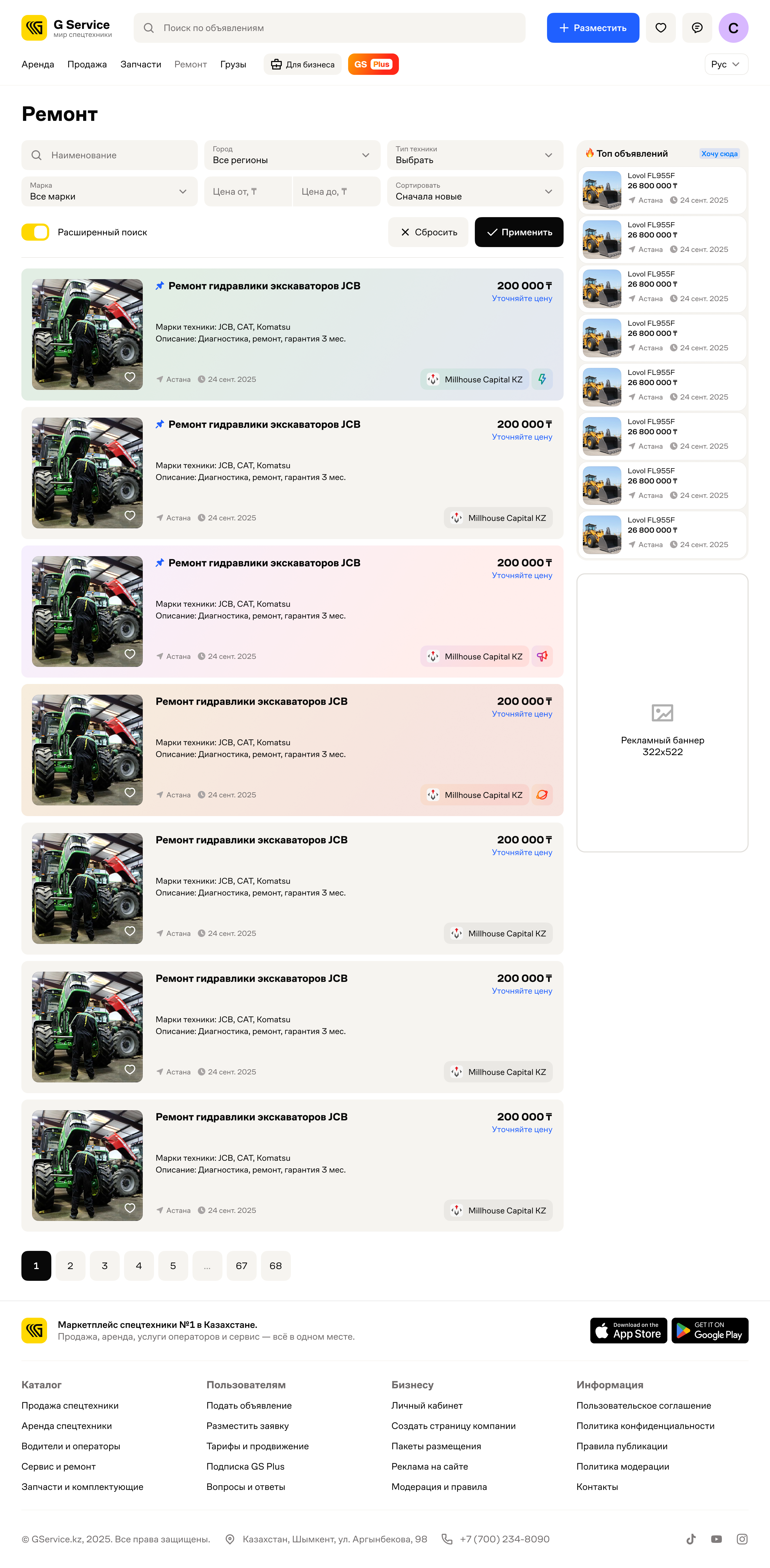
Repair. Offers specify equipment brands and types of work.
Find equipment for the job
Type, make and model describe the machine. Location, condition and deal terms determine whether a listing fits. Mobile search keeps these groups separate, with lists and text search for equipment types and locations.
Search filters
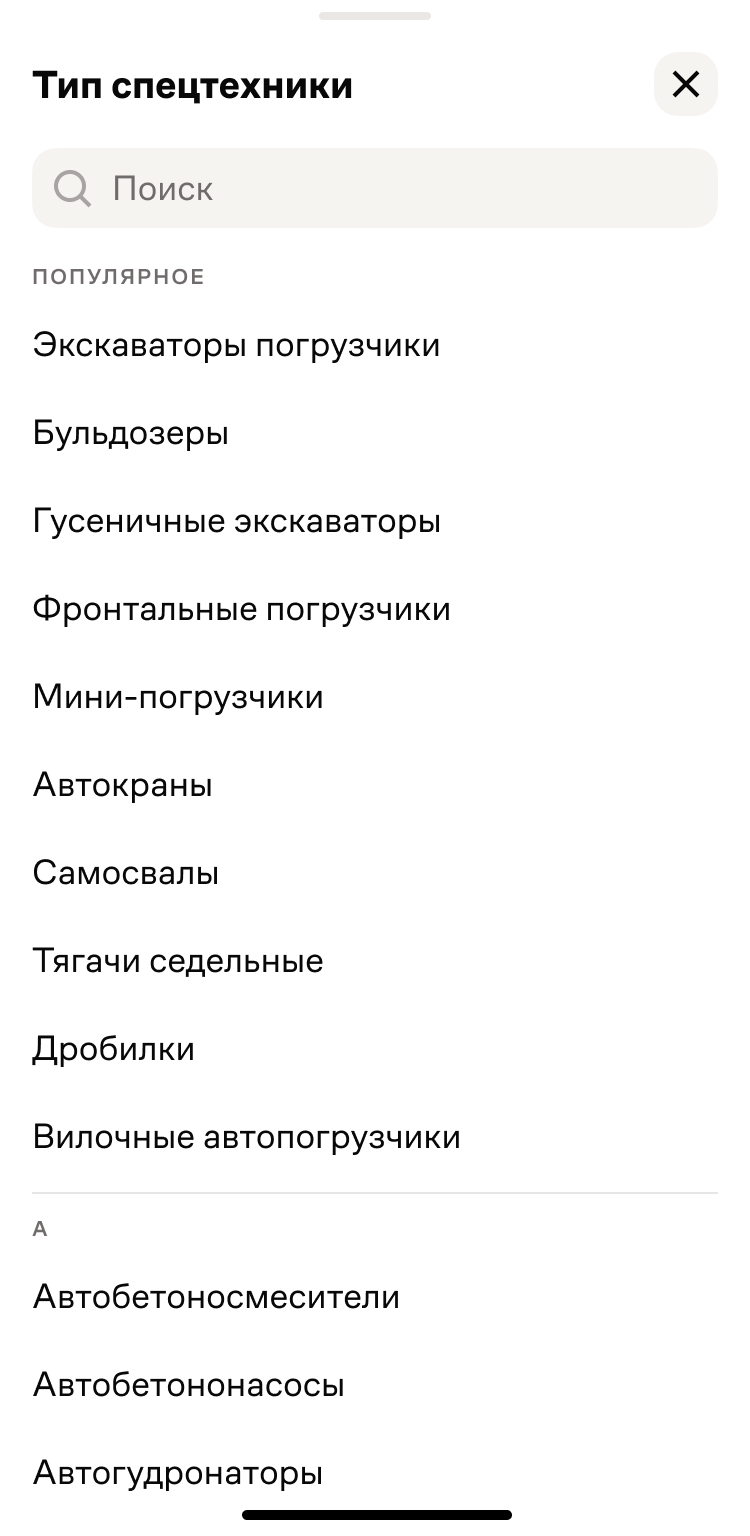
Equipment type
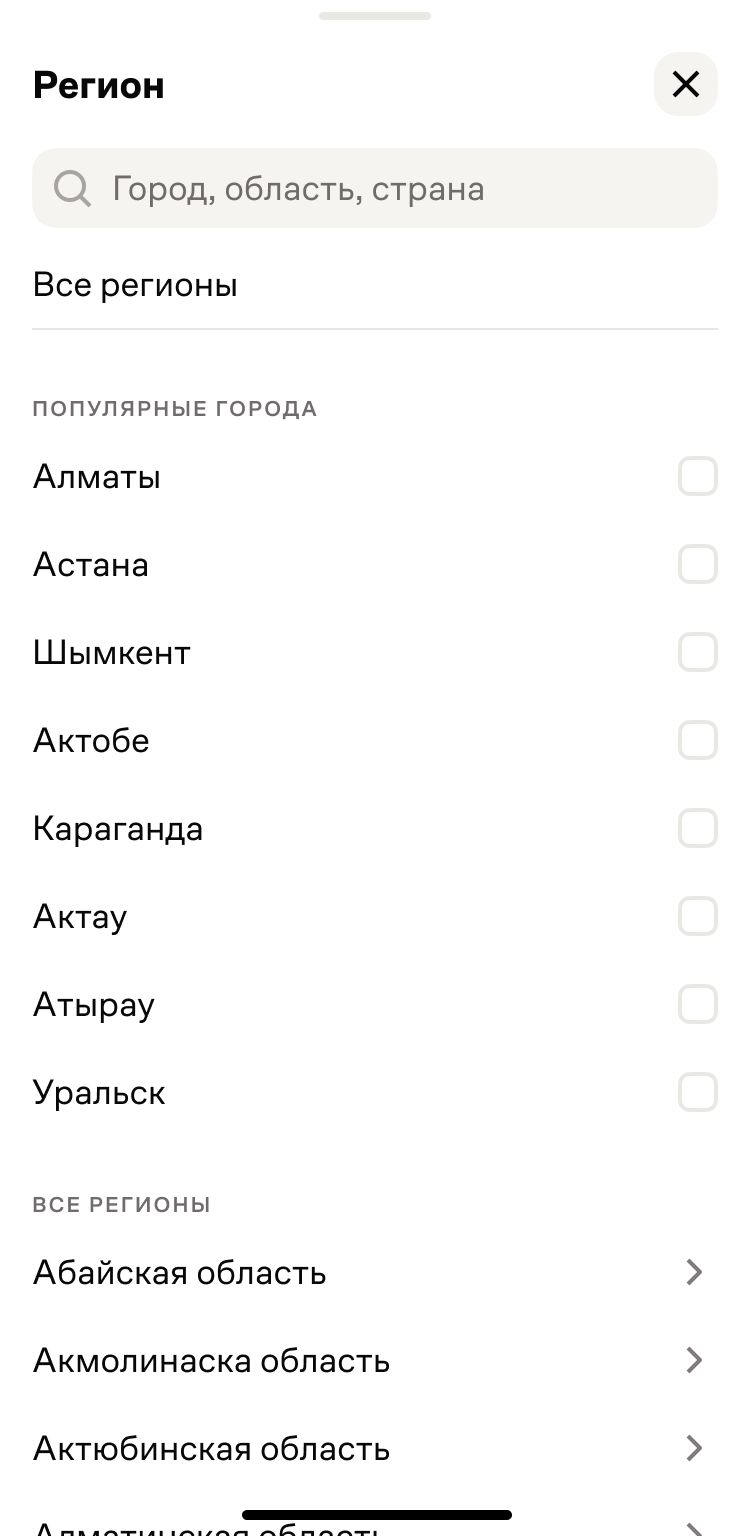
Location
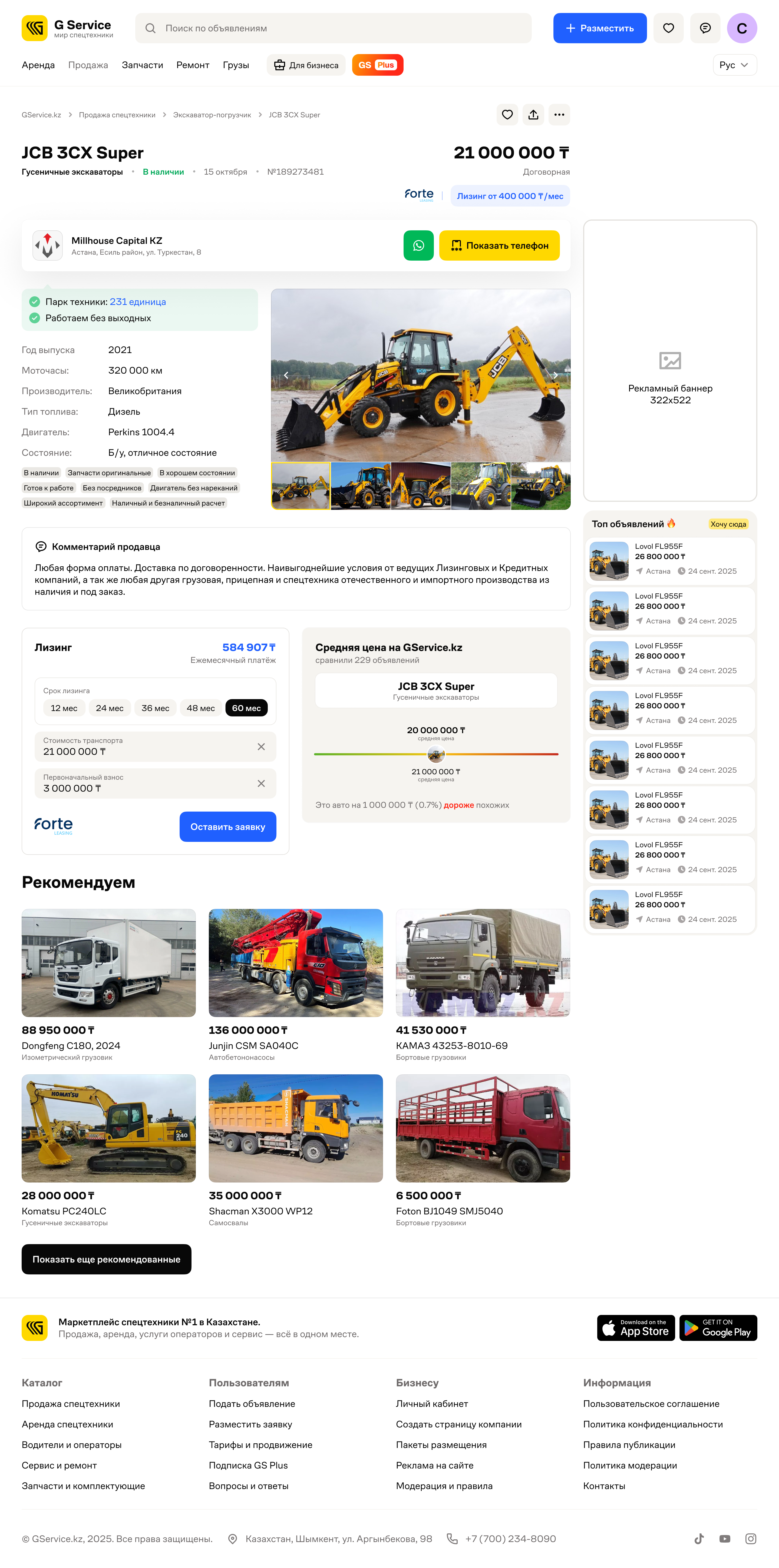
Understand the machine before calling
The equipment page brings together photos, specifications and the seller’s comments. It gives buyers the listing details and the owner’s contact information in one place.
Freight for carriers. Vehicles for shippers.
Both searches start with a route and date. The details then differ: weight and volume for freight; payload capacity, body dimensions and loading method for vehicles.
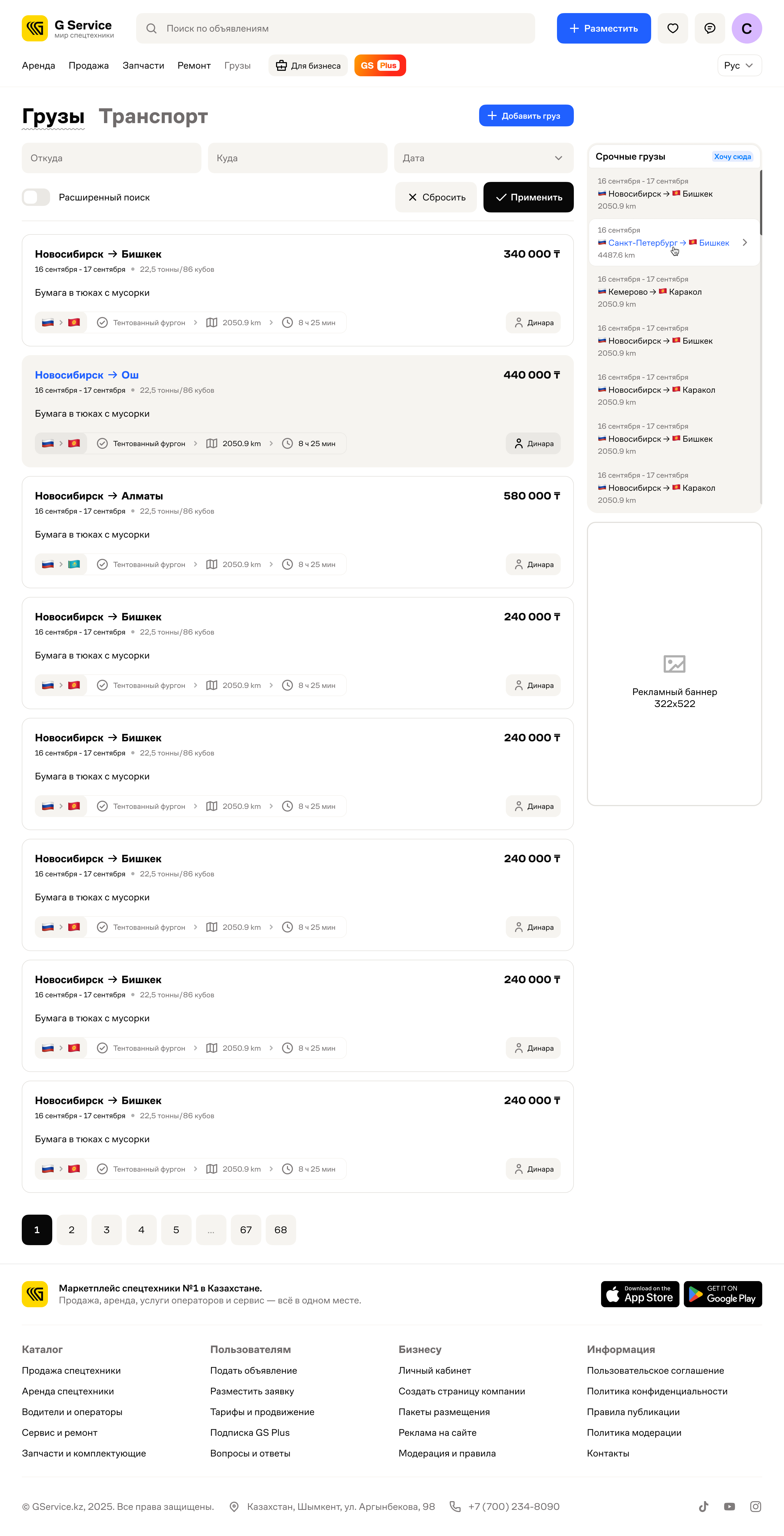
Freight
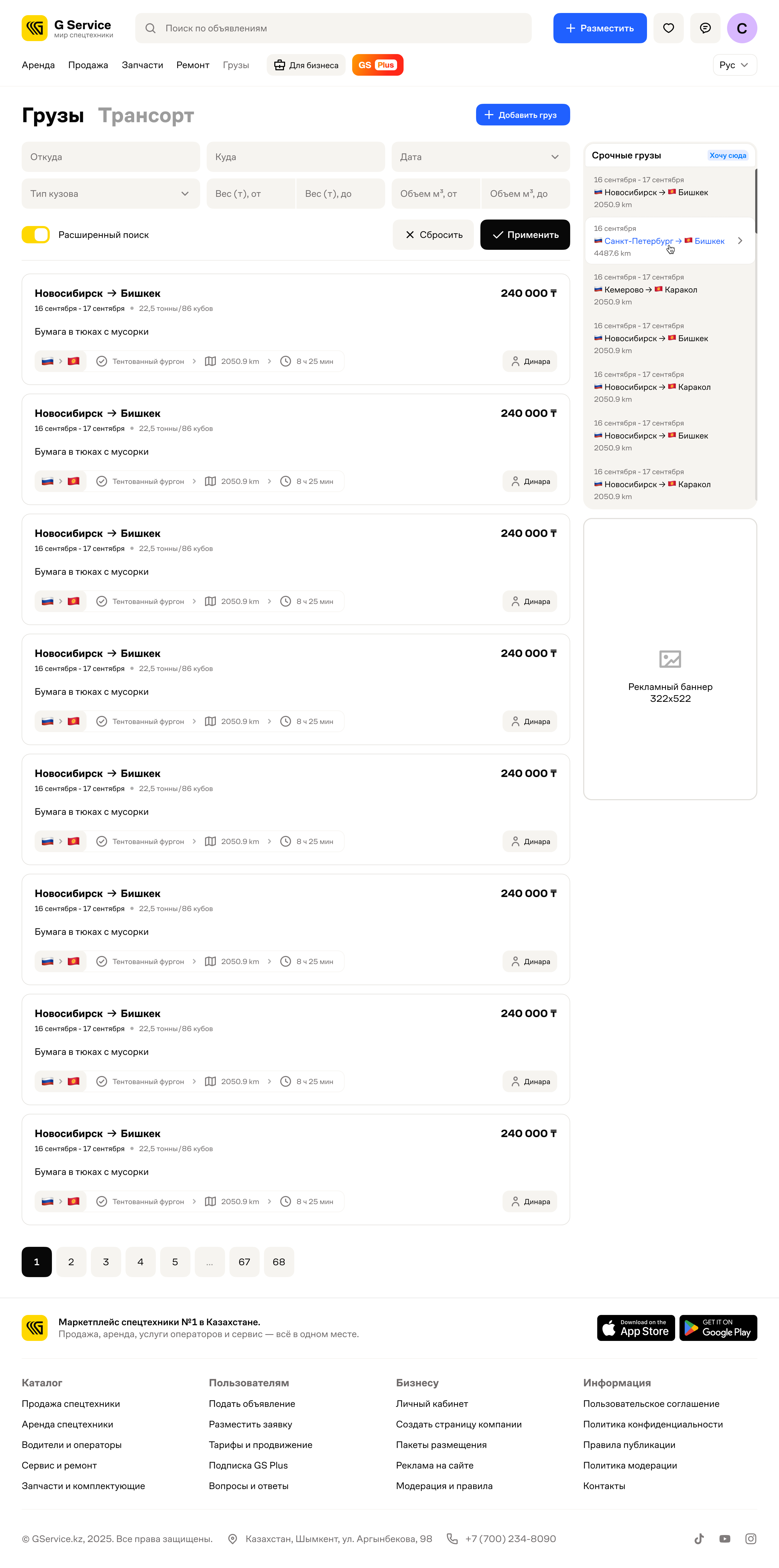
Freight filters
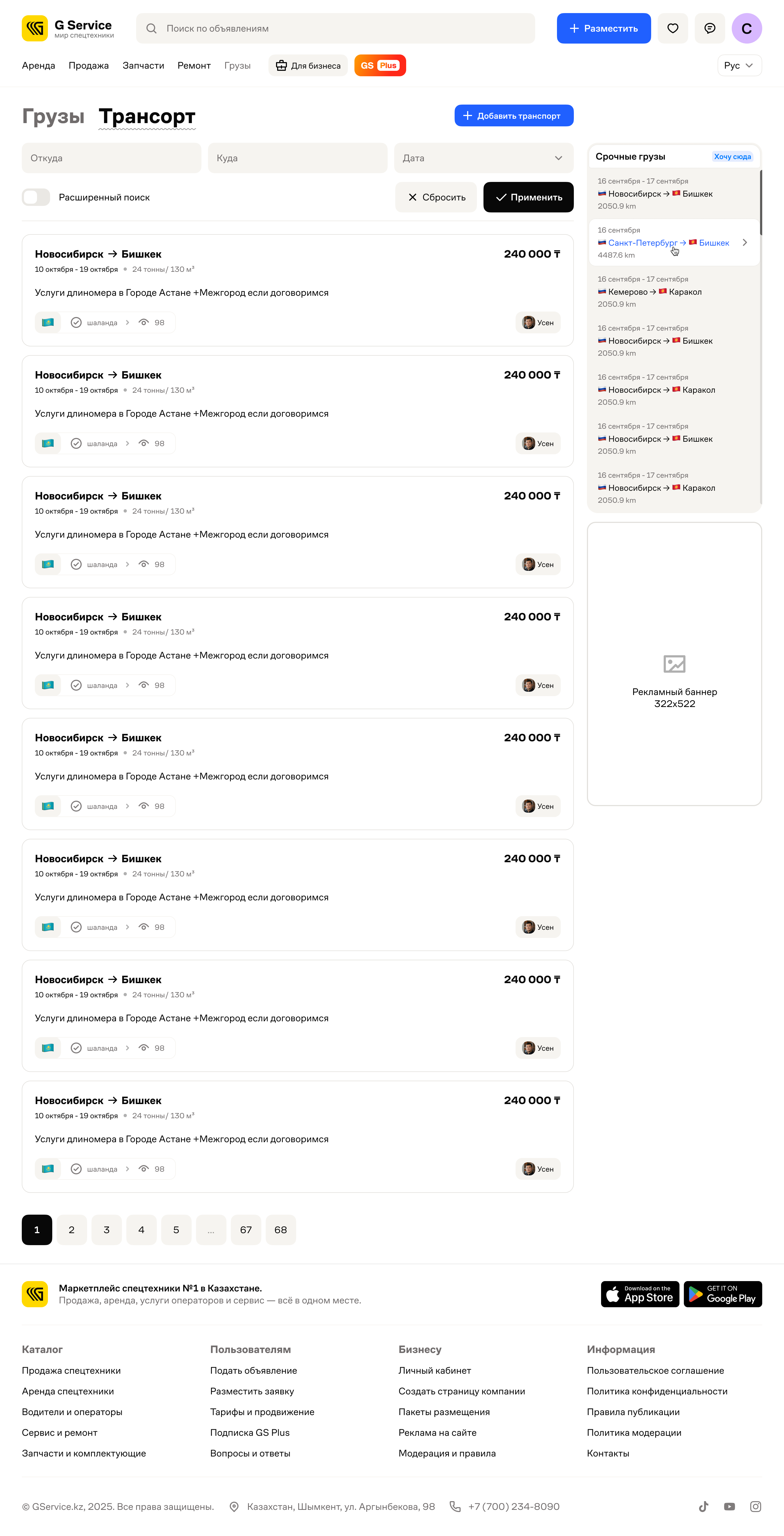
Vehicles
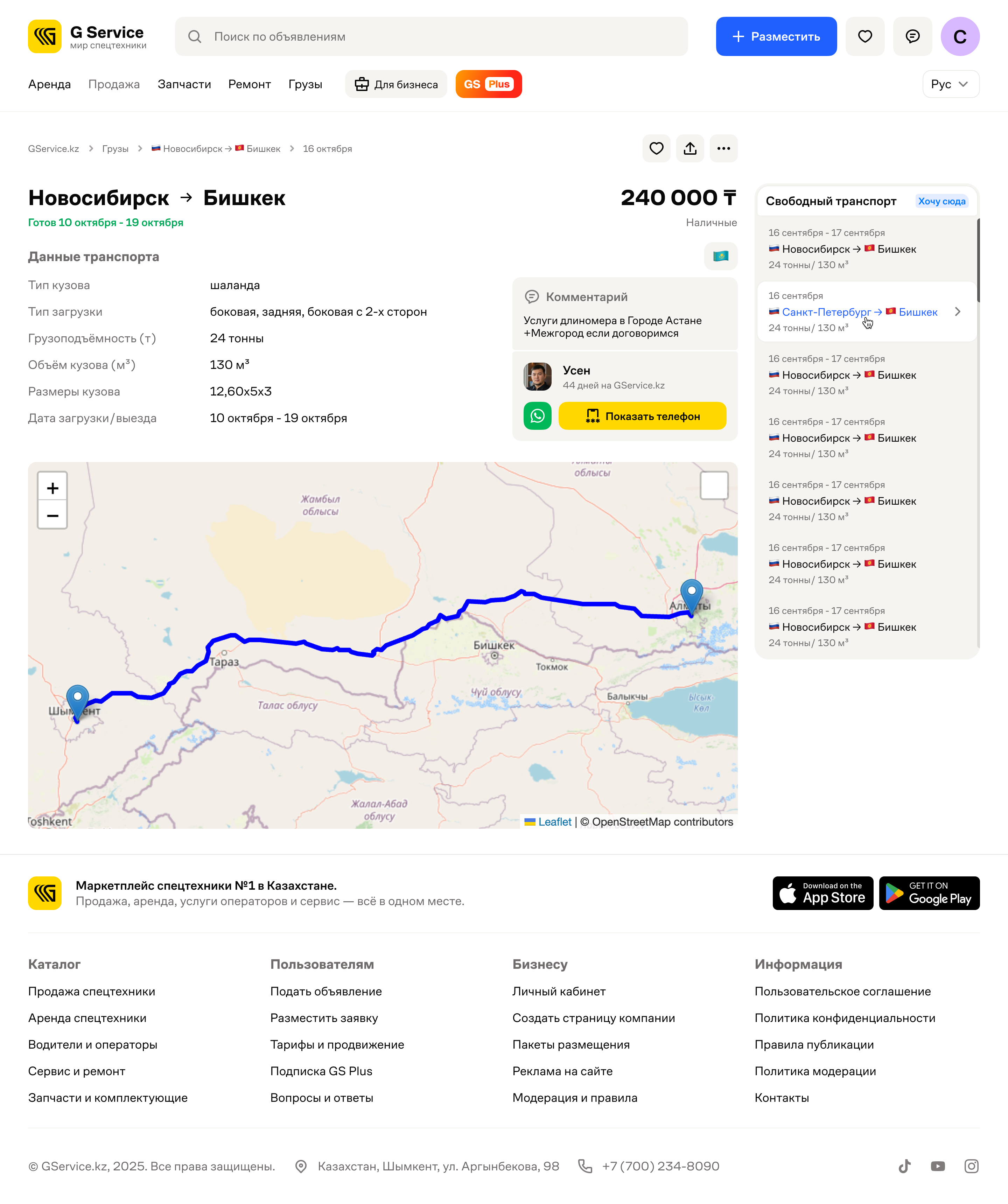
Vehicle details
Start with the offer, then add details
Listing starts with choosing what to offer. For equipment sales, the category and make lead to the model selection. Earlier choices stay above the form, keeping the context visible as the seller adds detail.
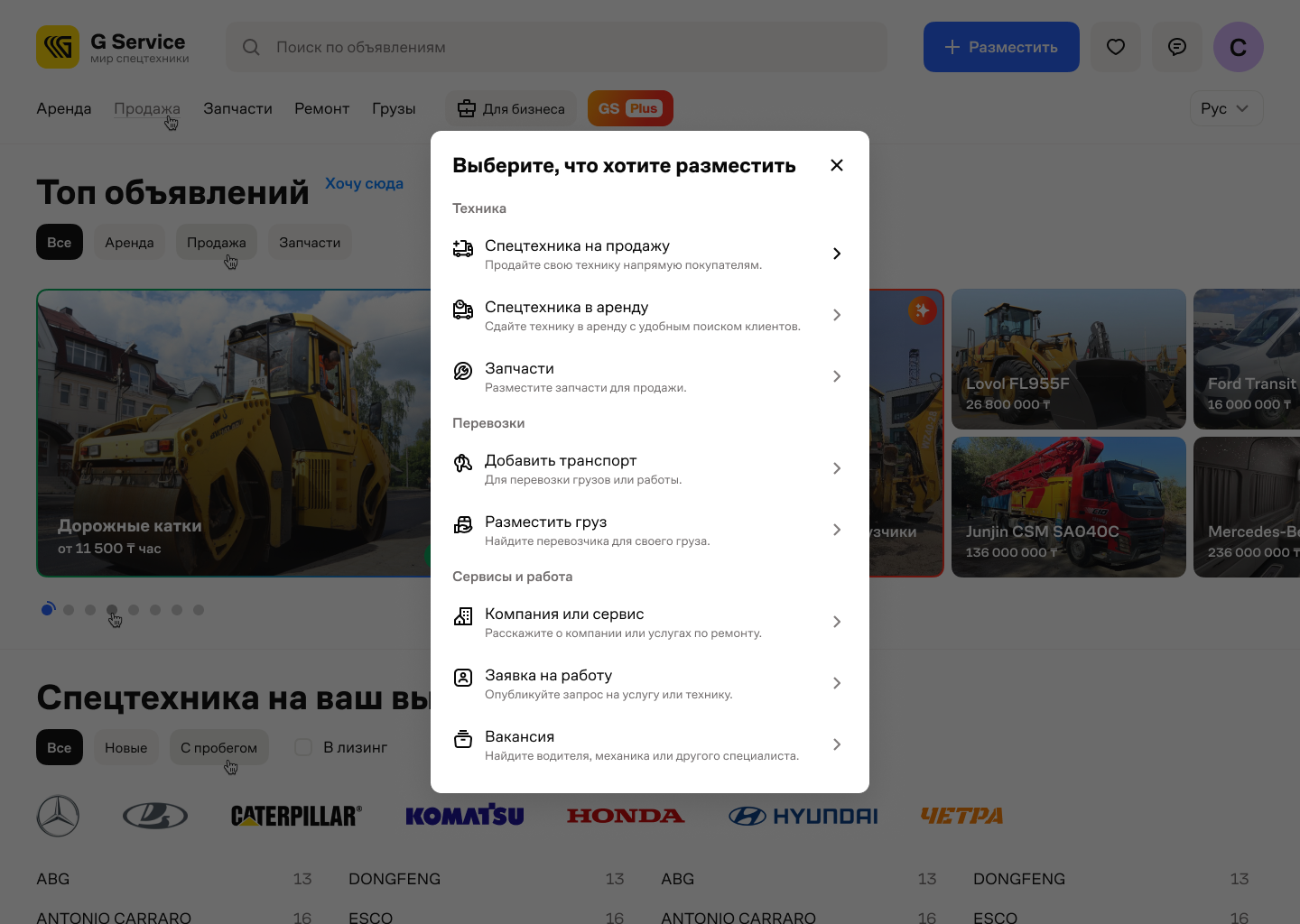
Listing type
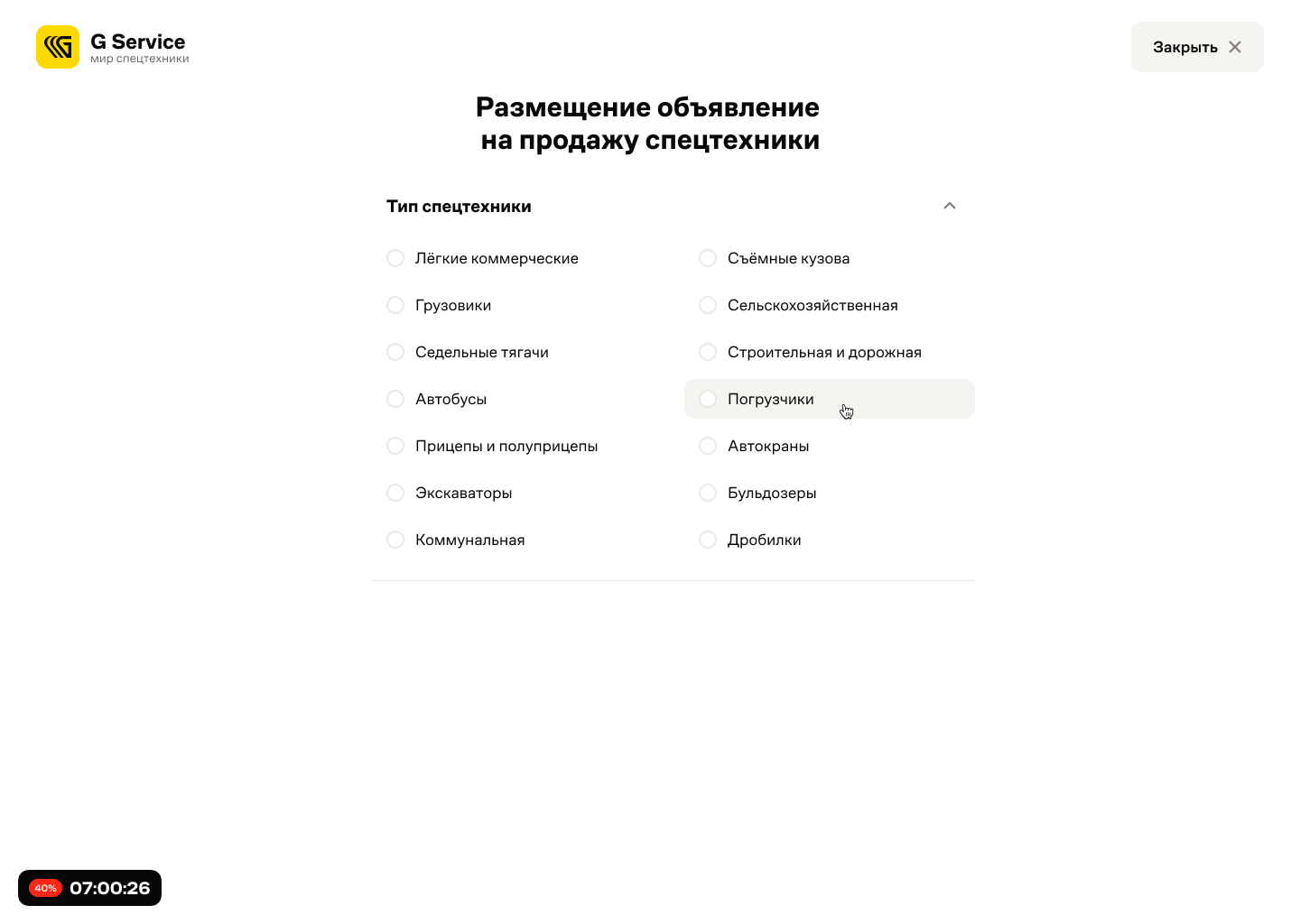
Category
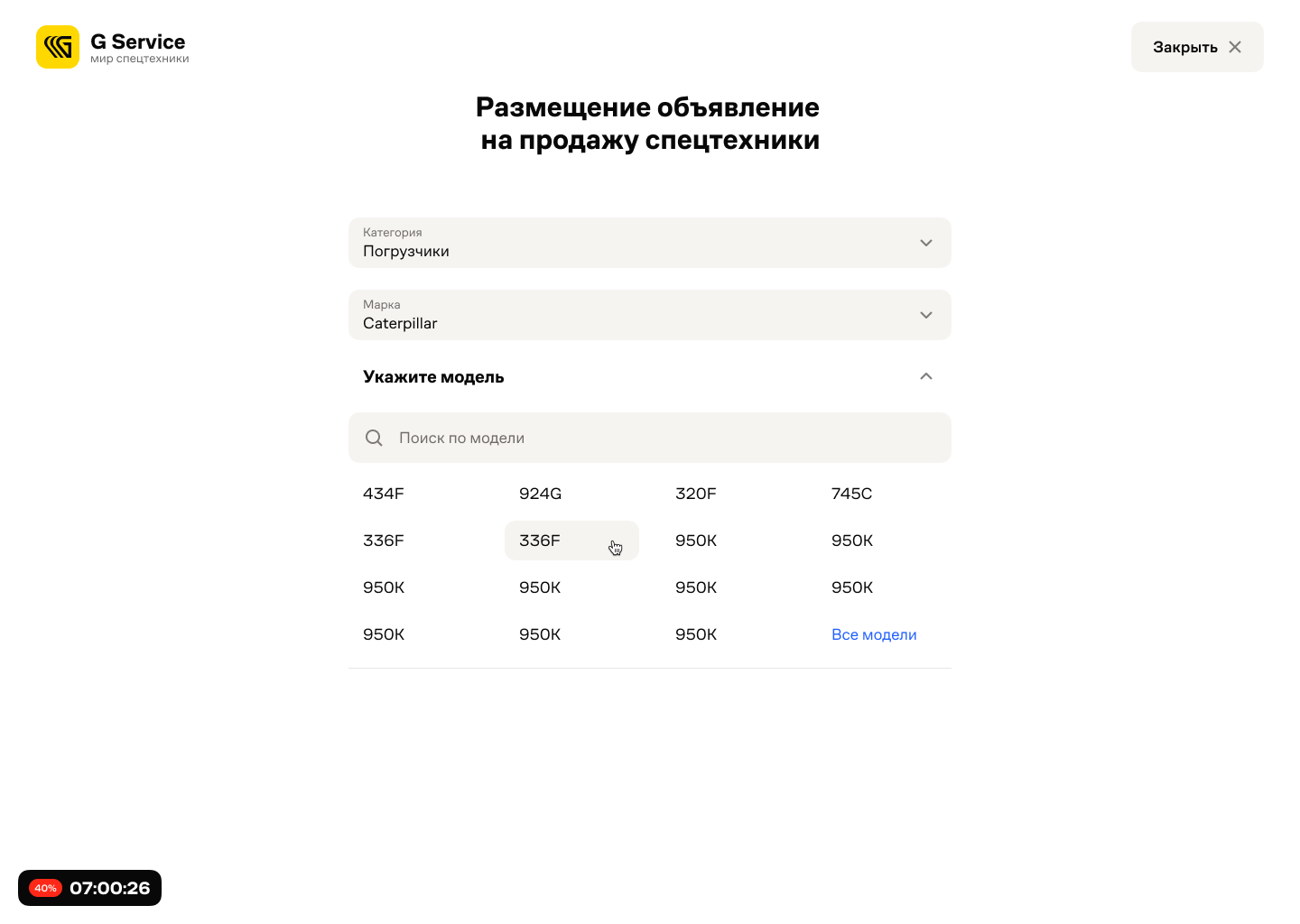
Model
Each status has its next step
A draft offers a way back into the form. A completed listing can be edited, promoted or deactivated. Equipment and location filters help sellers find the right entry in their own listings.
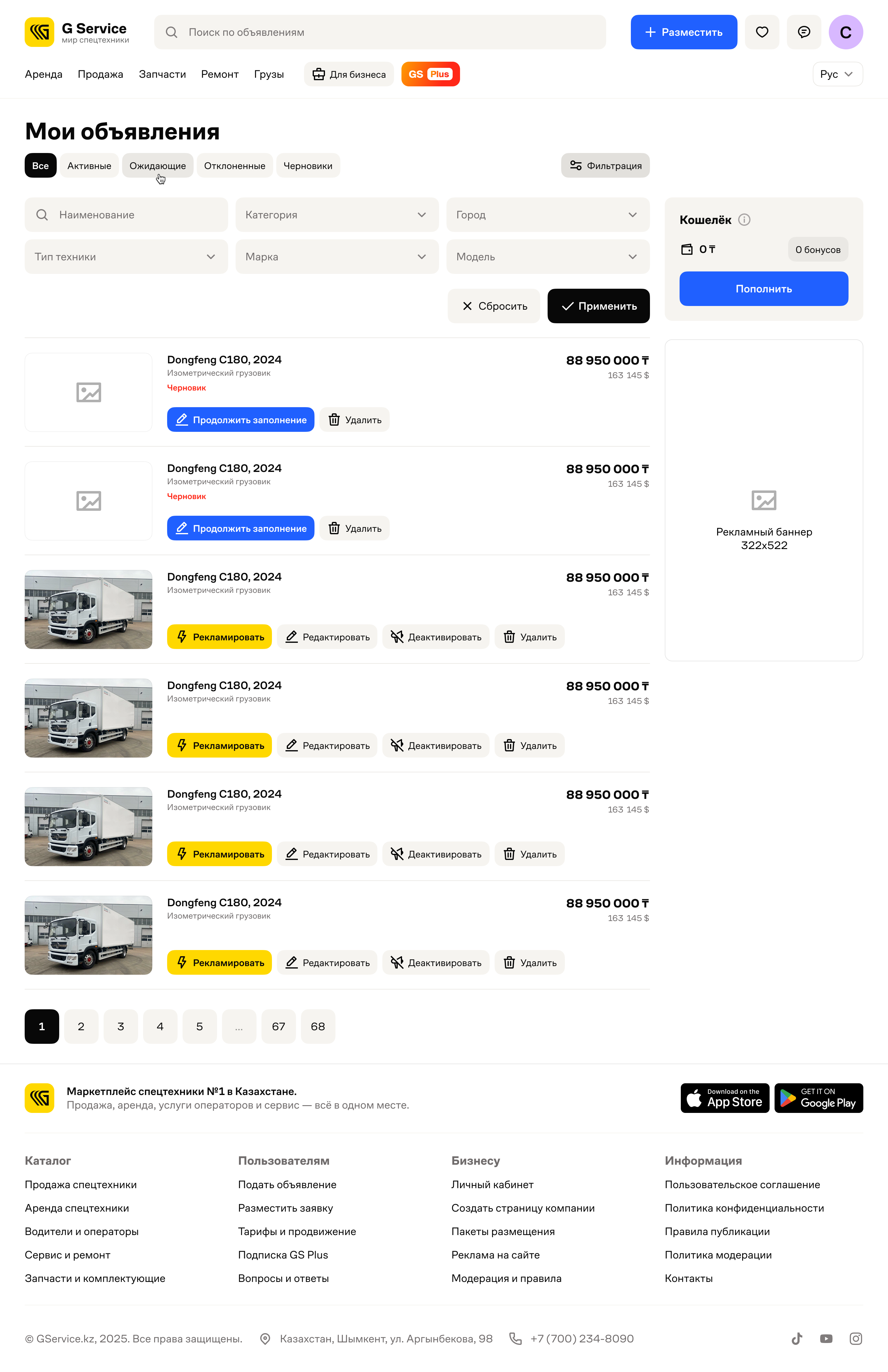
Filters
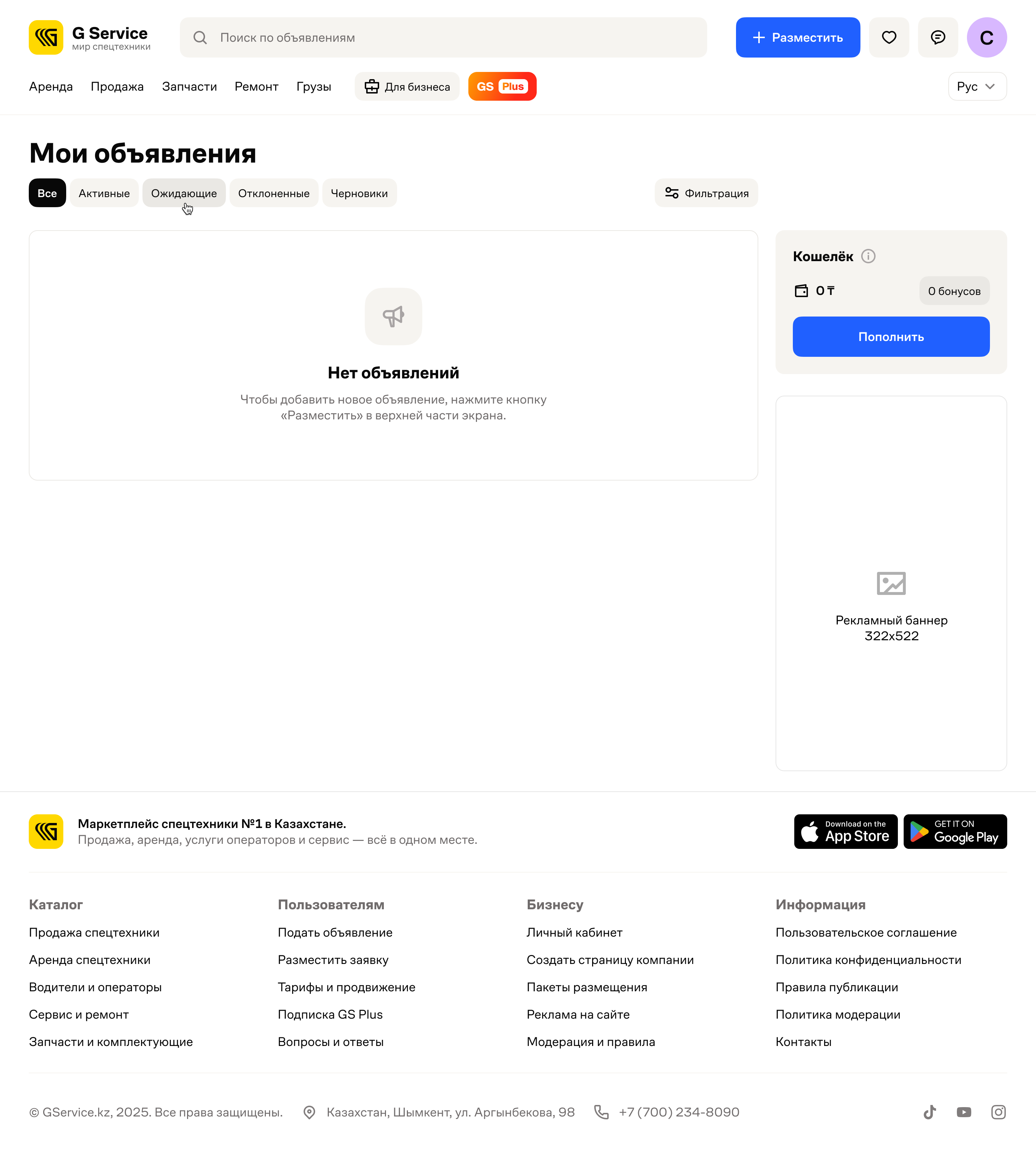
No listings yet
Manage listings and promotion
The business account brings together equipment requests, advertising periods and the balance. Statistics show interest in listings over time; the event feed shows individual visits from search, ads and direct links.
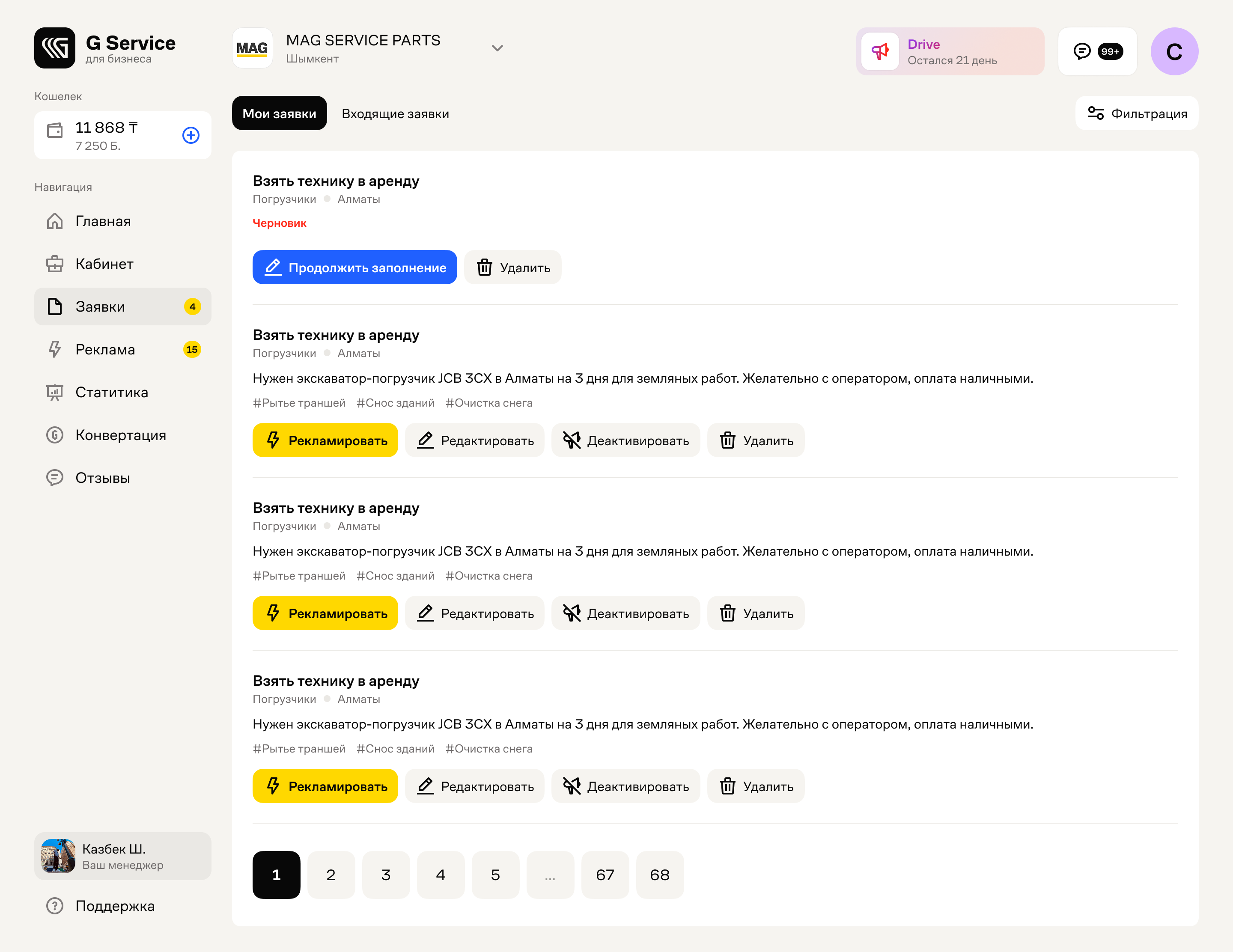
Requests
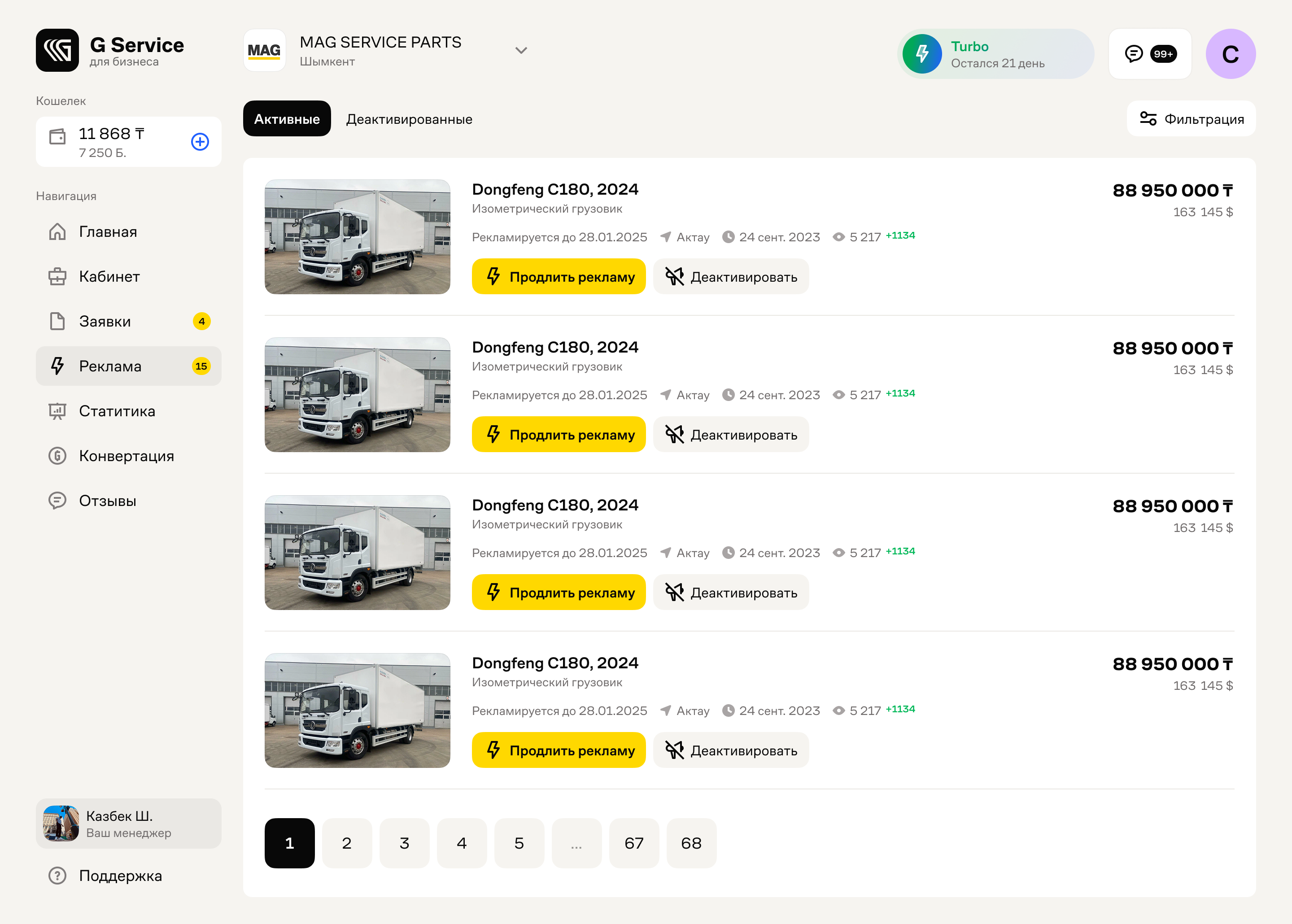
Advertising
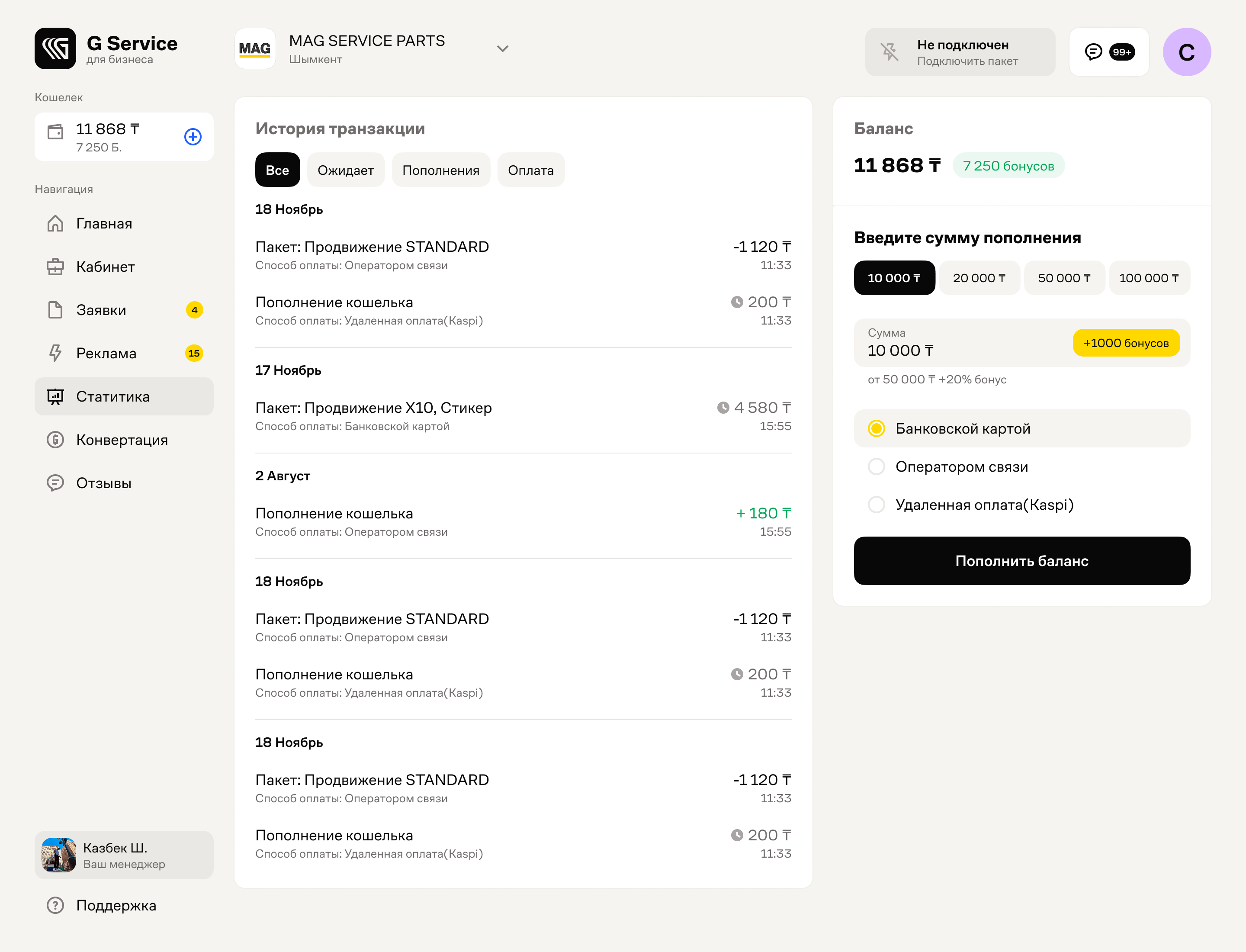
Amount selected
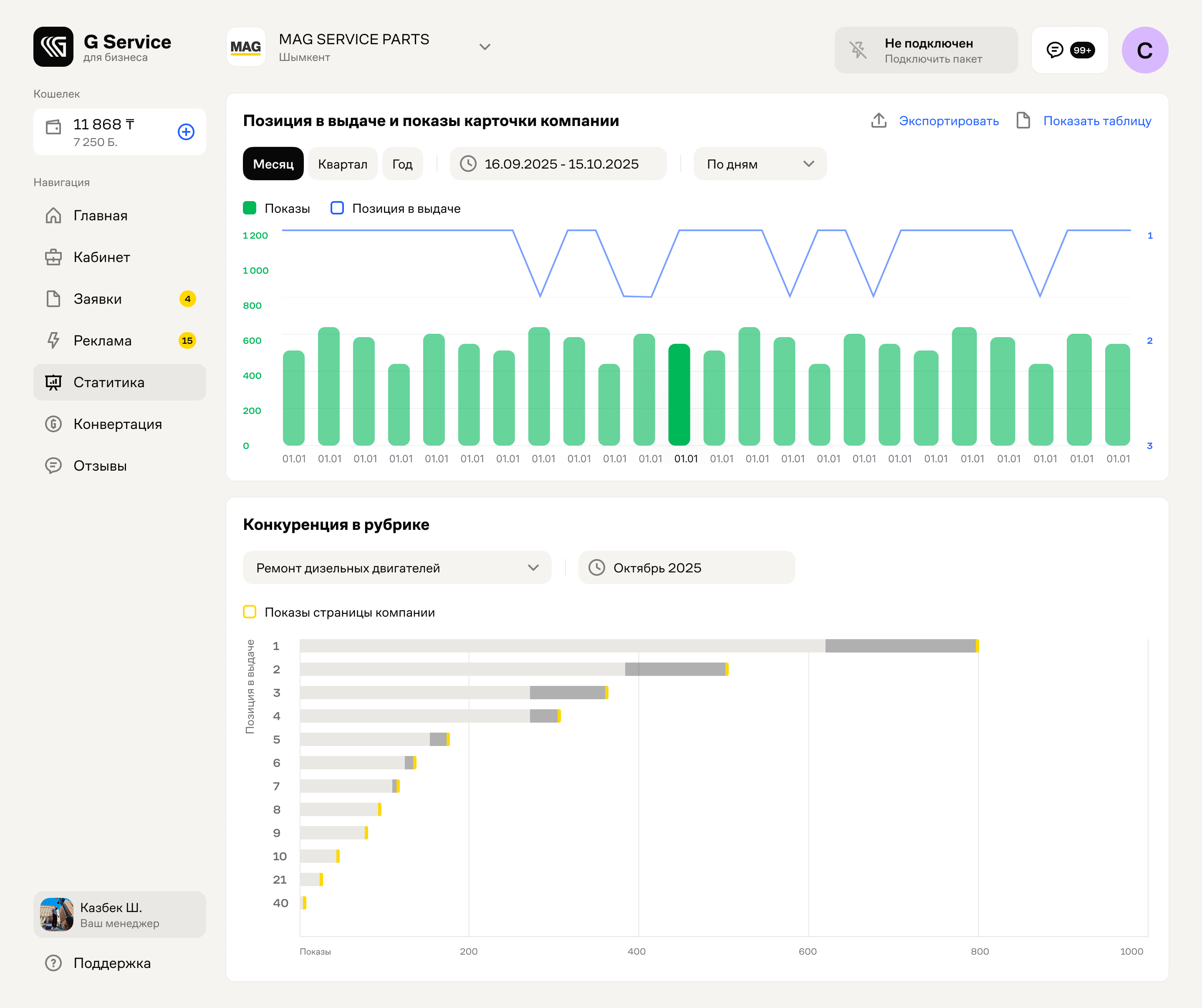
Statistics
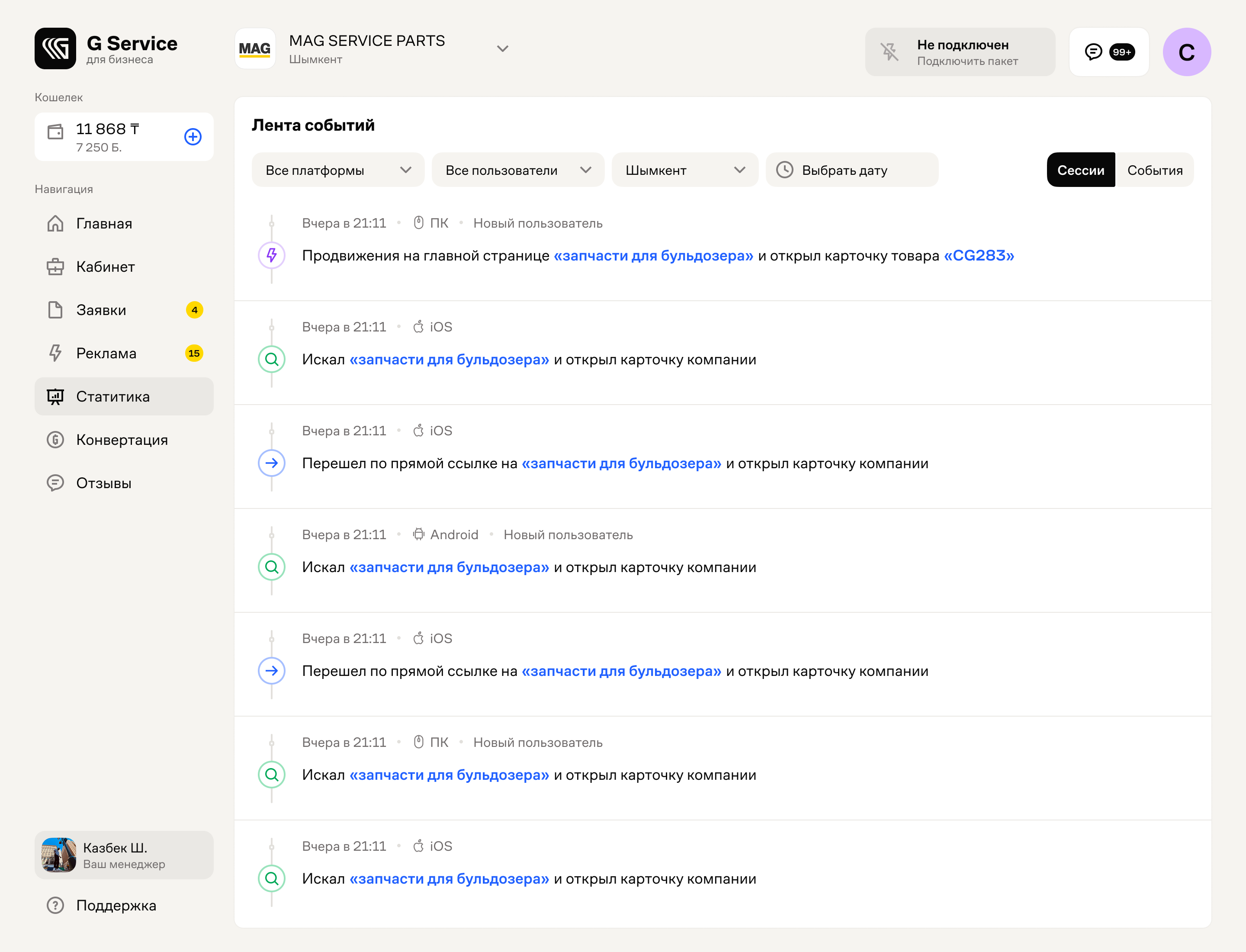
Events